
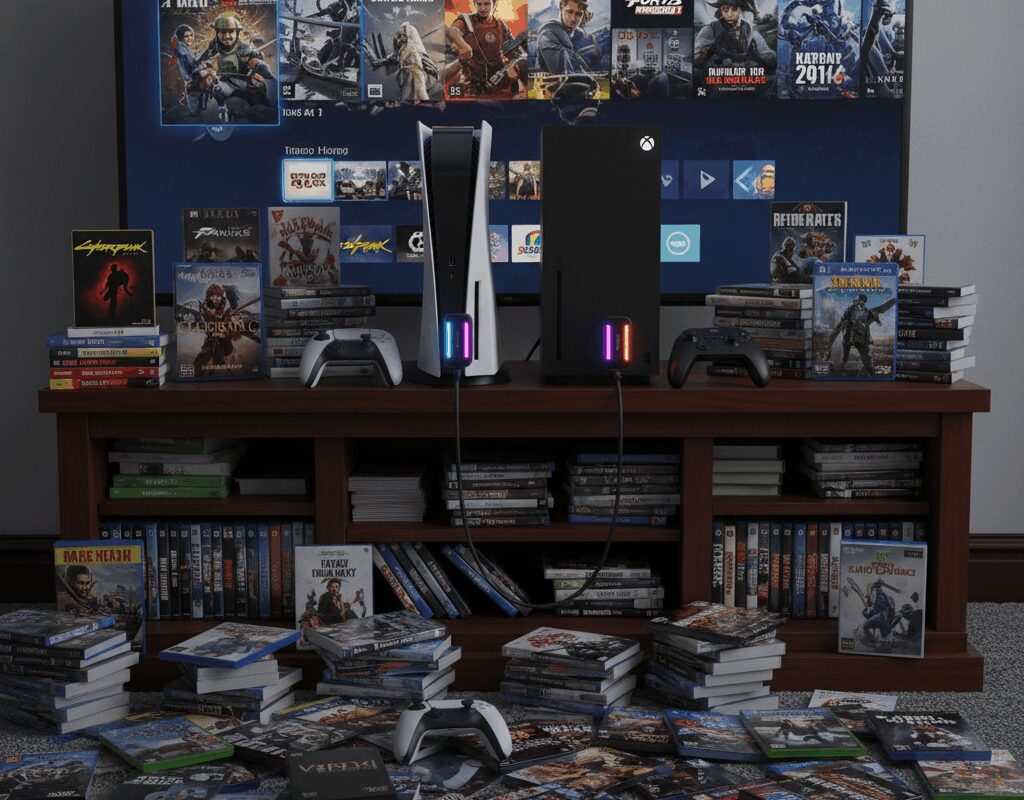
Every modern gamer hits the same wall: a 150GB update drops, your library is bloated with live-service titles, and your console or handheld politely tells you to start deleting your favorites. In 2025, the real flex isn’t just having a big library—it’s having the right external SSD strategy for your platform so you never have to choose between downloads again.
This guide breaks down platform-specific external SSD game plans for PS5, Xbox Series X|S, gaming PC/laptop, and handheld PCs like Steam Deck and ROG Ally. You’ll see which drives are best for running games vs pure cold storage, what’s actually compatible, and how to get maximum capacity without wasting money.
First, Know What Your Platform Will (and Won’t) Do
Before picking a drive, you need one core concept: not every platform lets you run native current‑gen games directly from external USB SSDs.
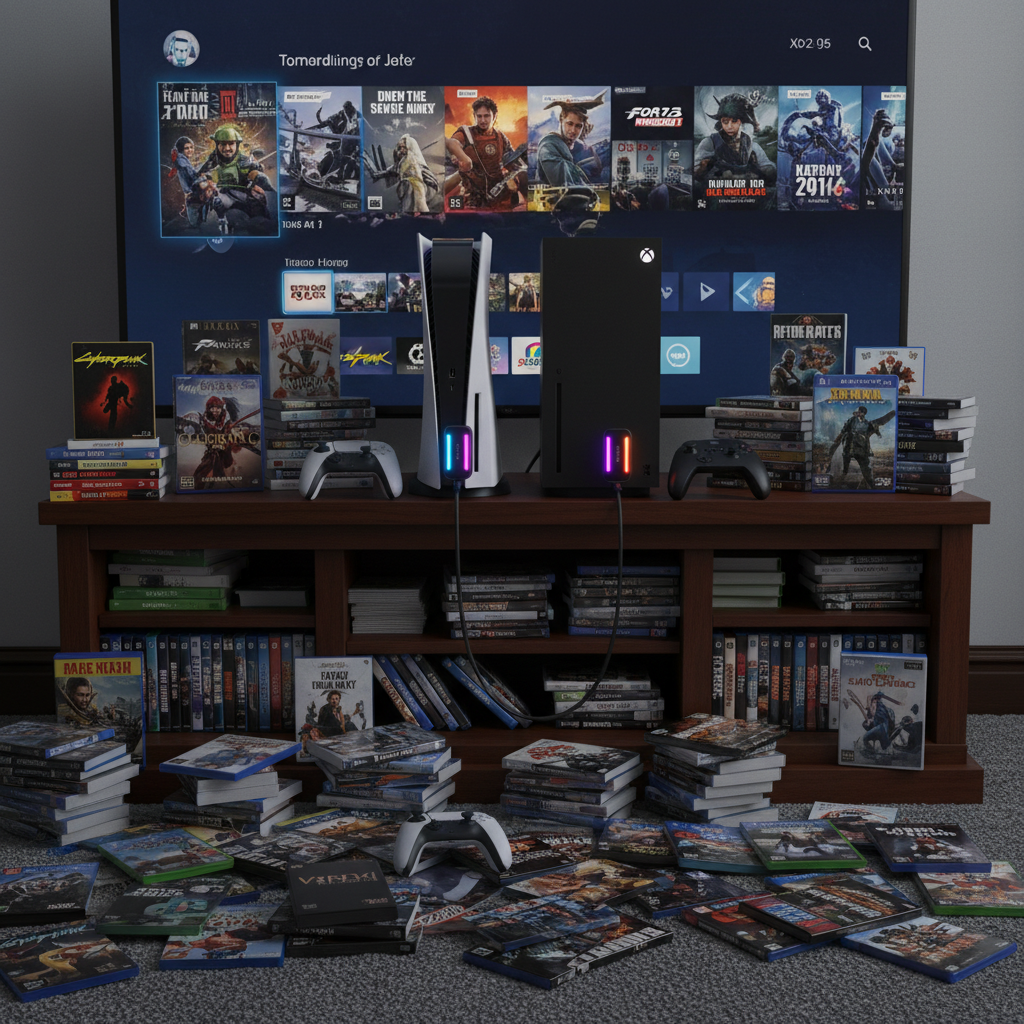
- PS5: Can run PS4 games from USB SSD/HDD, but PS5 titles must live on the internal NVMe or M.2 SSD. External SSDs are ideal for cold storage and for playing PS4 titles.
- Xbox Series X|S: Only the official expansion cards (Seagate/WD) behave like internal storage for native Series X|S games.[1][5] USB SSDs can run Xbox One/360/OG titles and store, but not run, Series games.
- PC & gaming laptops: You can generally run games directly from fast USB 3.2 or Thunderbolt SSDs with negligible difference from internal NVMe for most players.
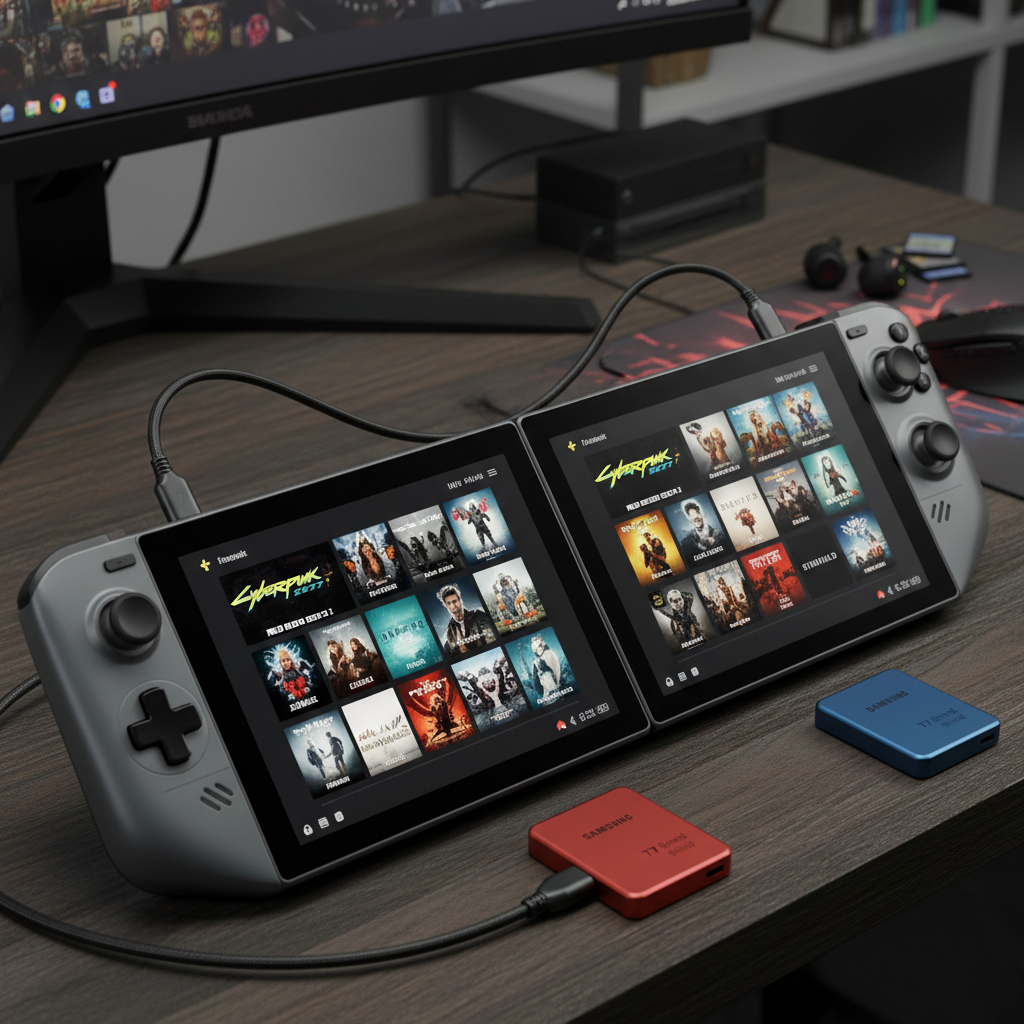
- Steam Deck / ROG Ally / handheld PCs: You can both run and store games on external SSDs, but you must balance speed, power draw, and portability.
Once you know the rules, you can buy the right SSD for each system instead of overspending on speed you can’t use—or worse, on a drive your system can’t leverage.
PS5: External SSDs as Library Vaults (and PS4 Performance Boosters)
Best role for external SSD on PS5
On PS5, think of a USB SSD as a high-speed vault for:
- Offloading huge PS5 titles you’re not actively playing (for fast copy back to internal)
- Running PS4 games with much faster loads than a hard drive
Recommended external SSDs for PS5 in 2025
Based on current testing and coverage of top PS5 external drives, these are standout picks:[3]
- WD Black P40 Game Drive SSD – Often called one of the best PS5 external drives thanks to its rugged shell, RGB strip, and very fast USB 3.2 Gen 2 performance (up to around 2,000 MB/s). Typical pricing: about $120–$130 for 1TB, $180–$190 for 2TB, with higher capacities creeping above $250.[1][3]
- Samsung T7 Shield – A durable, rubberized SSD that delivers up to about 1,050 MB/s read and 1,000 MB/s write, roughly double the old T5’s speed.[3] Current prices hover around $90–$110 for 1TB and $150–$190 for 2TB depending on sales.[3]
If your PS5 library is exploding with 200GB+ titles like Call of Duty, also pair an internal M.2 like a WD Black SN850X 2TB–4TB or Samsung 990 Pro in the expansion slot for main PS5 installs, then use the external SSD strictly as a shuttle/cold-storage drive.[2]
PS5 action steps
- Use an internal NVMe (e.g., SN850X or 990 Pro) for active PS5 games.[2]
- Use a WD P40 or T7 Shield as your “overflow” drive: archive big PS5 titles and run PS4 games from it.[3]
- Keep at least 100GB free internally to avoid constant shuffling and performance warnings.[2]
Xbox Series X|S: Expansion Card vs External SSD (Know the Difference)
When you need the official expansion card
For true next‑gen Xbox titles with the Velocity Architecture, you need storage that behaves like the internal SSD. That’s what the Seagate and WD expansion cards are for.[1][5]
- Seagate Storage Expansion Card for Xbox Series X|S – Official, fully compatible NVMe card that slots into the rear expansion port.[1][5] TechRadar still calls it the best overall SSD upgrade due to its speed and seamless behavior.[1] Typical street prices: around $90–$100 for 512GB, $120–$140 for 1TB, $200–$230 for 2TB depending on sales and retailer.[5]
- WD Black C50 Expansion Card – A competing expansion card focused on better value vs Seagate while still offering full performance parity with internal storage.[1] Pricing usually lands slightly below Seagate at the same capacity, making it attractive when on sale.[1]
These are your choices if you want to run Series X|S games from expanded storage. Anything on USB is for older-gen titles or cold storage only.
External SSDs for Xbox “backwards-compatible + archive” duty
For massive libraries of Xbox One, 360, and OG Xbox titles—plus parking Series games—USB SSDs shine.[1]
- WD Black P40 Game Drive SSD – Again, a standout as the best external SSD for Xbox in 2025, with fast transfers and rugged build.[1] Ideal to cold-store Series games and run older-gen titles.
- Budget alternative: a decent SATA-based portable SSD (older Samsung T5, WD My Passport SSD). Slower than the P40 but still miles ahead of HDDs, perfect if you’re mostly managing backlog rather than chasing every second of load time.
Xbox action steps
- If you regularly play multiple Series X|S titles, grab at least a 1TB expansion card (Seagate or WD C50).[1][5]
- Add a 2TB USB SSD like WD P40 as your “library tank” for older games and Series game archiving.[1]
- Use your expansion card + internal SSD as your live rotation and treat USB SSD as the bench.
Gaming PC & Laptops: External SSDs as Portable Game Launchpads
Why external SSDs make sense on PC
On PC, fast USB 3.2 and Thunderbolt SSDs are almost like having a swappable internal NVMe. For many users, loading games from a quality external SSD feels indistinguishable from internal drives.
You also gain:
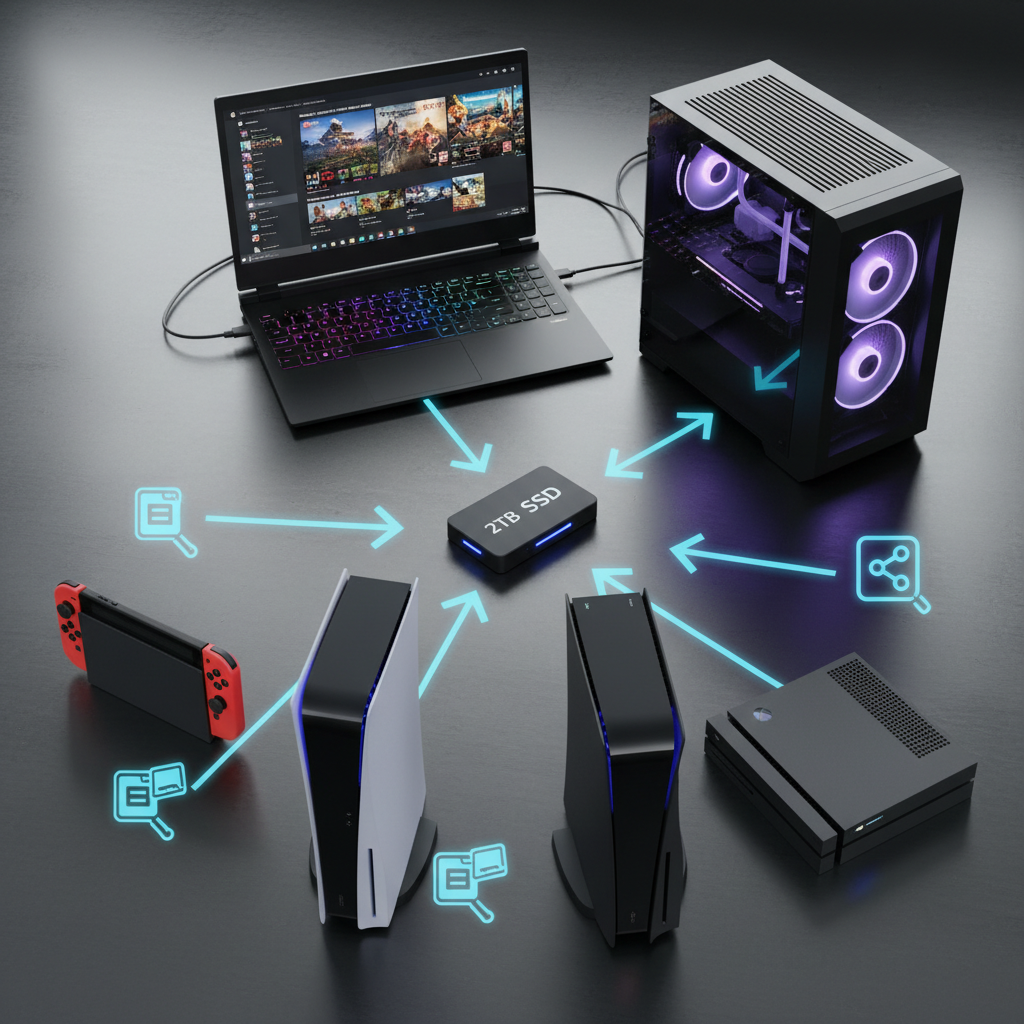
- One central game library shared between desktop and laptop
- An easy way to move 1TB+ of titles between rigs without re-downloading
- Less wear on internal NVMe if you grind a few specific live-service games
Suggested PC external SSD profiles
- Performance-focused portable: WD Black P40 or Samsung T7/T7 Shield. Around 1,000–2,000 MB/s is plenty for almost every game, including large open-world titles.[3]
- Max capacity for value: Look for 4TB USB 3.2 Gen 2 SSDs (often around $250–$300). Even if they’re not the fastest on paper, the real-world gains vs premium models are small for most gaming workloads.
PC action steps
- Install your OS and a couple of competitive titles (where every millisecond matters) on your internal NVMe.
- Install most of your big AAA and single‑player titles on a 2–4TB external SSD.
- If you have a gaming laptop, treat this drive as your “carry‑on library” between home PC and notebook.
Steam Deck, ROG Ally & Handheld PCs: Balancing Speed, Size, and Battery
How handhelds really use external SSDs
Unlike PS5 and Xbox, handheld PCs run full Windows or Linux, so they can run games directly from external SSDs. But you must juggle:
- Portability: You don’t want a giant 3.5-inch desktop drive dangling from your Deck.
- Power draw & heat: Faster isn’t always better if it hits battery life.
- Cable clutter: Short, angled USB-C cables and slim drives help.
Ideal external SSD types for handhelds
- Small USB-C NVMe enclosures + 2230/2280 SSD: Great for enthusiasts who want custom combos (e.g., pairing a 2TB NVMe like WD SN850X with a compact enclosure). Speeds often match 1,000–2,000 MB/s.
- Ready-made portables like Samsung T7 Shield or WD P40: Rugged, compact, and fast enough, with the bonus of shock resistance if you travel.[3]
Handheld action steps
- Prioritize compact, rubberized, or rugged designs (T7 Shield, P40) over bulky desktop drives.[3]
- Install smaller, frequently played indie/AA titles on internal storage; put 80–150GB AAA games on the external SSD.
- Use a super-short right‑angle USB-C cable to keep the setup travel‑friendly.
Price Psychology: How to Avoid Overpaying for Speed You Won’t Use
SSD prices have crept upward across 2024–2025 compared to previous lows, and high-end models can give you sticker shock.[2] To avoid overspending:
- Anchor your budget: Decide a maximum cost per TB (e.g., $70–$90/TB for externals). Compare every option against that anchor.
- Remember diminishing returns: Going from 500 MB/s (HDD replacement) to 1,000 MB/s feels huge; going from 1,000 to 2,000 MB/s is much less noticeable in day‑to‑day gaming.
- Exploit capacity sweet spots: Right now, 2TB and 4TB are often the best value for serious libraries.[2]
Putting It All Together: Your Platform-Specific SSD Playbook
Quick platform cheatsheet
- PS5: Internal NVMe (e.g., SN850X / 990 Pro) + external SSD (WD P40 or T7 Shield) for PS4 games and cold storage.[2][3]
- Xbox Series X|S: 1–2TB expansion card (Seagate or WD C50) + USB SSD for older-gen games and archiving Series titles.[1][5]
- PC/Laptop: 1TB internal NVMe for OS/esports + 2–4TB USB SSD for the rest.
- Steam Deck / ROG Ally: 1TB+ internal + 1–2TB compact rugged external SSD for your biggest AAA installs.
Next steps you can take today
- Make a list of your top 10 biggest games and total their size—this is your minimum external SSD target.
- Decide if you need to run new-gen console games from expanded storage (Xbox → expansion card) or just store them (PS5 & USB SSD).[1][2]
- Set a price-per‑TB ceiling and shortlist drives like the WD Black P40, Samsung T7 Shield, and Seagate/WD Xbox expansion cards against it.[1][3][5]
If you move now—before your next 120GB season update drops—you can build a storage setup that feels almost limitless. No more uninstall regret, no more download marathons; just a platform‑tuned external SSD strategy that keeps your entire gaming history one click away.

Unlock Full Article
Watch a quick video to get instant access.