Experiencing lag during a crucial gaming moment can be incredibly frustrating. While investing in a high-quality gaming router is essential, the placement of your router can significantly impact your gaming experience. Strategic placement can enhance signal strength, reduce latency, and ultimately improve your gaming performance. Here are some key strategies to optimize your gaming router’s placement.
Why Router Placement Matters
The location of your router affects the strength and reliability of the Wi-Fi signal throughout your home. A poorly placed router can lead to weak signals, dead zones, and increased latency, all of which can hinder your online gaming experience. Understanding how radio waves work and how they interact with physical objects in your home is crucial for maximizing your router’s potential.
Wi-Fi signals are similar to radio waves and can be obstructed by walls, furniture, and other household items. Materials like concrete, metal, and water can significantly weaken signals, whereas open spaces allow for better signal propagation. Therefore, thoughtful positioning of your router can help mitigate these barriers and ensure a strong, consistent connection.
Optimal Router Placement Tips
1. Centralize Your Router
Place your router in a central location to ensure that the Wi-Fi signal can reach all corners of your home. This is particularly important in multi-story homes or apartments with long hallways. Situating your router in a central spot helps minimize the distance that the signal needs to travel, reducing the chances of interference and weak spots.
2. Elevate the Router
Position your router as high as possible. Wi-Fi signals tend to move outward and downward, so placing your router on a high shelf or mounting it on a wall can help extend the coverage area. This also helps avoid obstructions that might be present at ground level, such as furniture or other electronics.
3. Avoid Physical Obstructions
Avoid placing your router near large metal objects, thick walls, or microwaves, as these can interfere with Wi-Fi signals. Keeping the router away from electronic devices that emit electromagnetic waves, like cordless phones or baby monitors, can also reduce signal interference.
Advanced Tips for Gamers
1. Use a Wired Connection When Possible
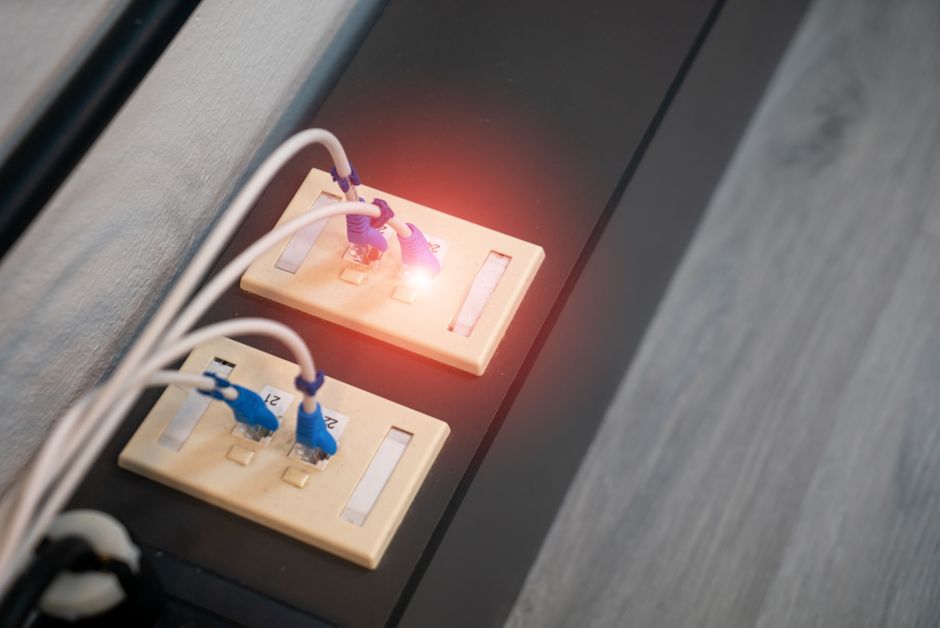
For serious gamers, a wired connection is often preferable to Wi-Fi. Ethernet cables provide a stable, high-speed internet connection that is less susceptible to interference and latency issues. If possible, connect your gaming console or PC directly to the router via an Ethernet cable to ensure the best performance.
2. Consider a Mesh Network
If you experience persistent dead zones or connectivity issues, consider setting up a mesh Wi-Fi network. Mesh networks consist of a main router and additional nodes placed throughout your home, creating a seamless Wi-Fi blanket. These nodes communicate with each other to ensure consistent coverage and reduce latency.
Common Mistakes to Avoid
A common mistake is placing the router near a window, assuming it will help the signal reach outside areas. However, this can lead to signals being lost outside instead of concentrating within your home. Similarly, placing the router in a corner or a closed space like a cabinet can dampen the signal strength significantly.
Troubleshooting Connection Issues
If you continue to experience issues despite optimizing placement, consider updating your router’s firmware, changing the Wi-Fi channel to avoid congestion, or checking for any external factors like new electronic devices that could be causing interference.
Conclusion
Optimizing your gaming router’s placement can make a notable difference in your online gaming performance. By centralizing and elevating your router, avoiding obstructions, and considering advanced setups like wired connections or mesh networks, you can enhance your gaming experience without incurring additional costs. Experiment with these strategies to find the ideal setup for your home environment.

Unlock Full Article
Watch a quick video to get instant access.