For PC gamers, precision and accuracy can make the difference between victory and defeat. As such, understanding the sensor technology in gaming mice is crucial for selecting the best tool for your gaming arsenal. Whether you’re a casual player or an esports professional, knowing how sensors impact performance can enhance your gaming experience.
Understanding Sensor Technology
Modern gaming mice primarily utilize two types of sensors: optical and laser. Each has its advantages and specific use cases. Optical sensors use LED light to track movement and offer excellent accuracy on non-glossy surfaces. Laser sensors, on the other hand, utilize a laser beam, allowing them to track on a wider range of surfaces, including glossy ones.
The sensor’s DPI (dots per inch) is a crucial specification. It measures the sensitivity of the mouse; the higher the DPI, the more sensitive the mouse is. High DPI settings can be beneficial for fast-paced gaming where swift movements are necessary. However, too high a DPI can lead to instability, which is why many pro gamers prefer moderate settings that balance speed and control.
Optical vs. Laser: Which Is Better?
The choice between optical and laser sensors often depends on personal preference and gaming style. Optical sensors are generally favored for their precision and smoother tracking on standard gaming surfaces. They tend to offer more natural and stable movements, which can be an advantage in competitive gaming.
Conversely, laser sensors are versatile, functioning well on various surfaces including glass. This makes them a go-to choice for gamers who need flexibility. However, laser sensors can be overly sensitive to surface imperfections, potentially causing jitter at high-speed movements.
The Role of Polling Rate
While DPI is important, the polling rate is another critical factor in gaming mouse performance. Measured in hertz (Hz), the polling rate indicates how often the mouse reports its position to the computer. A higher polling rate means more frequent updates, leading to smoother and more accurate tracking.
Common polling rate options range from 125Hz to 1000Hz. For most gaming scenarios, a polling rate of 500Hz to 1000Hz provides an excellent balance between performance and resource demand on your system.
Advanced Sensor Features
Today’s gaming mice often include advanced features that enhance sensor performance. For instance, some models offer adjustable lift-off distance, allowing gamers to specify how far the mouse can be lifted off the surface before stopping tracking. This is particularly useful for FPS players who need to reposition their mouse without affecting in-game actions.
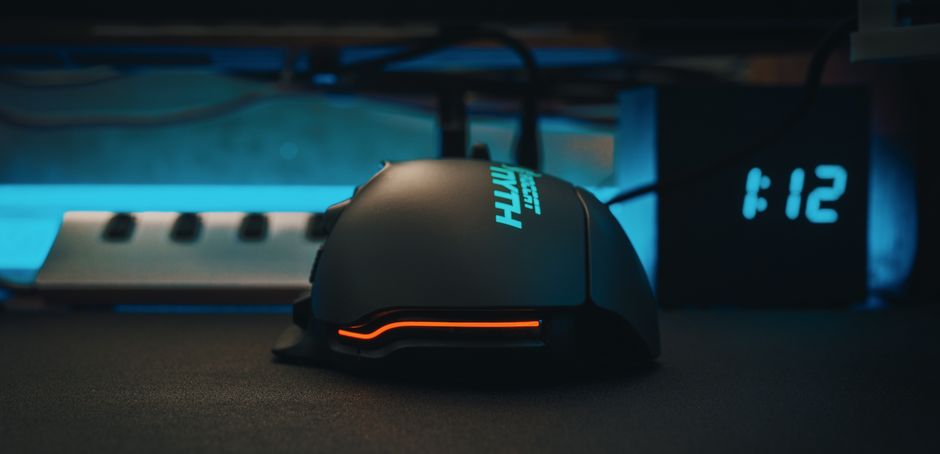
Another feature is surface calibration, which allows the mouse to adapt its sensor performance based on the surface it’s being used on. This can lead to more reliable tracking and improved accuracy, especially on non-standard surfaces.
Acceleration and Prediction
Acceleration and prediction are two sensor characteristics that can impact gaming performance. Acceleration refers to how the cursor speed changes in response to quick movements. While some players may prefer acceleration for rapid movements, others find it disrupts precision. Many modern gaming mice allow for acceleration to be turned off or adjusted.
Prediction, also known as angle snapping, attempts to smooth out mouse movements by predicting the path. For tasks requiring pixel-perfect accuracy, such as sniping in FPS games, this feature might be undesirable. Most high-end gaming mice provide the option to disable prediction for precise control.
Practical Tips for Choosing the Right Sensor
When selecting a gaming mouse, consider your gaming style and typical play surfaces. If you primarily play FPS games on a mousepad, an optical sensor with moderate DPI settings may suit you best. For those who require flexibility across various surfaces, a laser sensor could be more advantageous.
Test out different models when possible to get a feel for how each sensor type responds to your movements. This hands-on experience is invaluable, as personal preference plays a significant role in the final choice.
Common Mistakes to Avoid
- Choosing a mouse based solely on DPI: Higher DPI isn’t always better. Consider how controllable and comfortable the mouse feels at different settings.
- Ignoring surface compatibility: Ensure the sensor type matches well with your usual gaming surface to avoid inconsistent performance.
- Overlooking ergonomics: Regardless of sensor technology, a comfortable design is essential for long gaming sessions without strain.
Conclusion
In conclusion, understanding sensor technology is key to selecting the best gaming mouse for your needs. By considering factors such as sensor type, DPI, polling rate, and advanced features, you can make an informed decision that enhances your gaming experience. Remember, the best gaming mouse is one that complements your style and provides the precision and control needed for the games you love.

Unlock Full Article
Watch a quick video to get instant access.