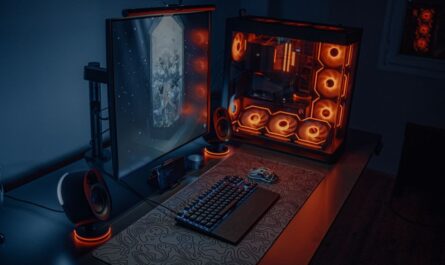
For gaming enthusiasts, maintaining optimal performance in a gaming PC is paramount. One key factor affecting performance is the cooling system. While liquid cooling has gained popularity, advanced air cooling remains a reliable and cost-effective option for many gamers. In this guide, we’ll explore sophisticated air cooling strategies to help keep your gaming rig cool under pressure.
Understanding the Basics: Why Air Cooling Matters
Effective cooling is crucial to prevent overheating, which can lead to performance throttling and hardware damage. Air cooling uses fans and heatsinks to dissipate heat, ensuring your components remain at safe operating temperatures. While basic setups are common, advanced air cooling techniques can significantly enhance performance and longevity.
Components of an Air Cooling System
An advanced air cooling system typically consists of several components: CPU coolers, case fans, and airflow management. Each component plays a vital role in ensuring that your system runs smoothly even under intense gaming sessions.
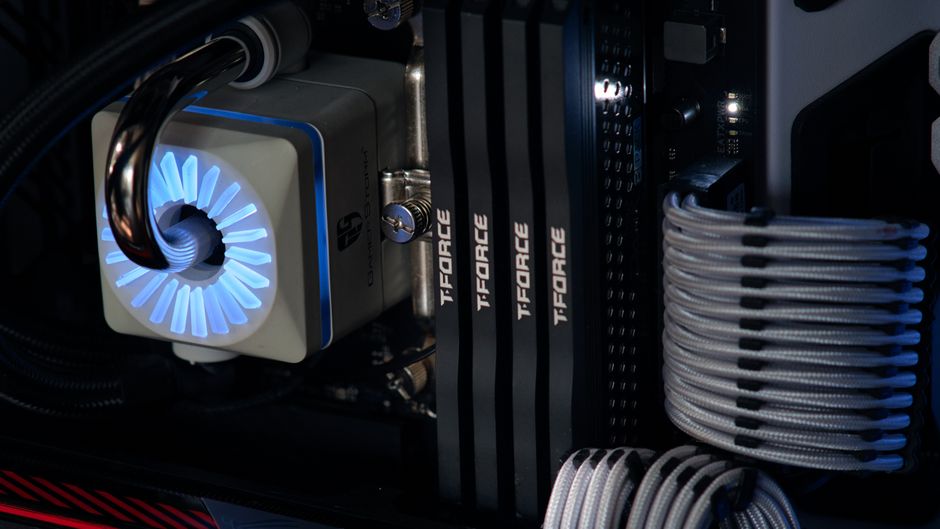
- CPU Coolers: These are essential to prevent the central processing unit from overheating. Options include tower coolers with extensive heatsinks and multiple fans for efficient heat dissipation.
- Case Fans: These improve airflow within the PC case, facilitating the removal of hot air and the intake of cool air.
- Airflow Management: Proper cable management and strategic fan placement enhance airflow efficiency.
Advanced Airflow Strategies
To maximize the effectiveness of air cooling, understanding and optimizing airflow is crucial. Here are some advanced strategies:
Creating a Positive Pressure Environment
Maintaining positive air pressure within your case can significantly improve cooling efficiency. This setup involves having more intake fans than exhaust fans, which helps to minimize dust accumulation and maintain a steady flow of cool air.
Strategic Fan Placement
Fan placement is vital for optimal airflow. Intake fans should be positioned at the front and bottom of the case, while exhaust fans are best placed at the top and rear. This configuration takes advantage of natural heat rise, expelling hot air efficiently.
Selecting the Right Fans for Your System
Choosing the right fans can make a substantial difference in your cooling setup. Consider factors such as size, speed, and noise level.
Size and Speed
Fans typically come in standard sizes such as 120mm and 140mm. Larger fans can move more air at lower speeds, reducing noise. Balancing fan speed with airflow needs is key for optimal cooling.
Noise Considerations
Noise is a significant consideration for many gamers. Look for fans with low-decibel ratings and anti-vibration mounts to minimize noise without sacrificing performance.
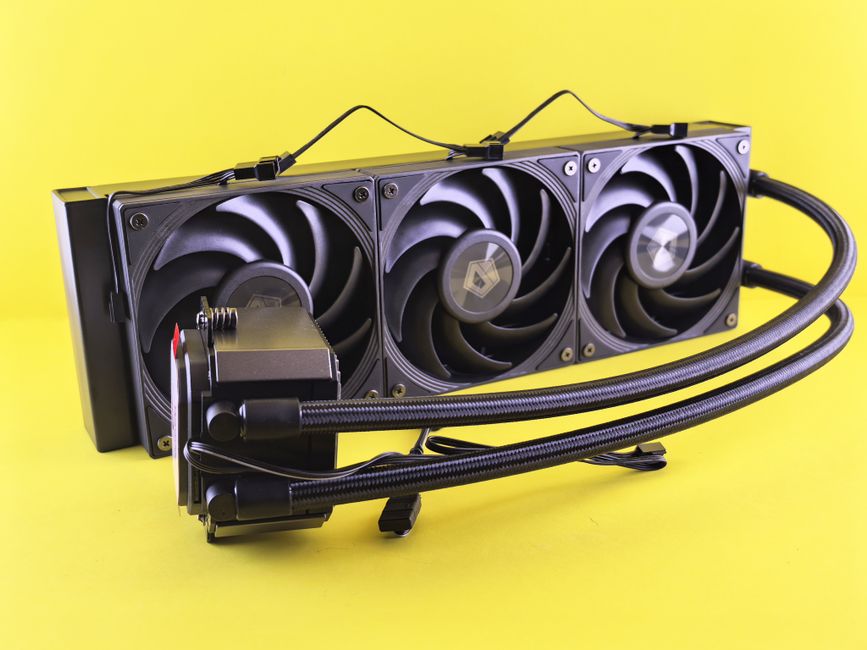
Avoiding Common Cooling Pitfalls
Despite the benefits of air cooling, there are common pitfalls to avoid to ensure maximum efficiency.
Neglecting Regular Maintenance
Dust accumulation is a common issue that can affect airflow. Regular cleaning of fans and filters is essential to maintain performance.
Ignoring Thermal Paste Application
Proper application of thermal paste is critical for effective CPU cooling. Ensure an even, thin layer to facilitate heat transfer to the cooler.
Real-World Examples and Case Studies
Consider examples of successful air cooling setups shared by the gaming community. Many gamers have achieved substantial temperature reductions by combining high-quality fans and strategic placement, demonstrating the effectiveness of advanced air cooling strategies.
Case Study: High-Performance Gaming PC
One gamer reported a 10-degree Celsius reduction in CPU temperatures after upgrading to a tower cooler and optimizing fan placement, illustrating the potential gains from refining air cooling techniques.
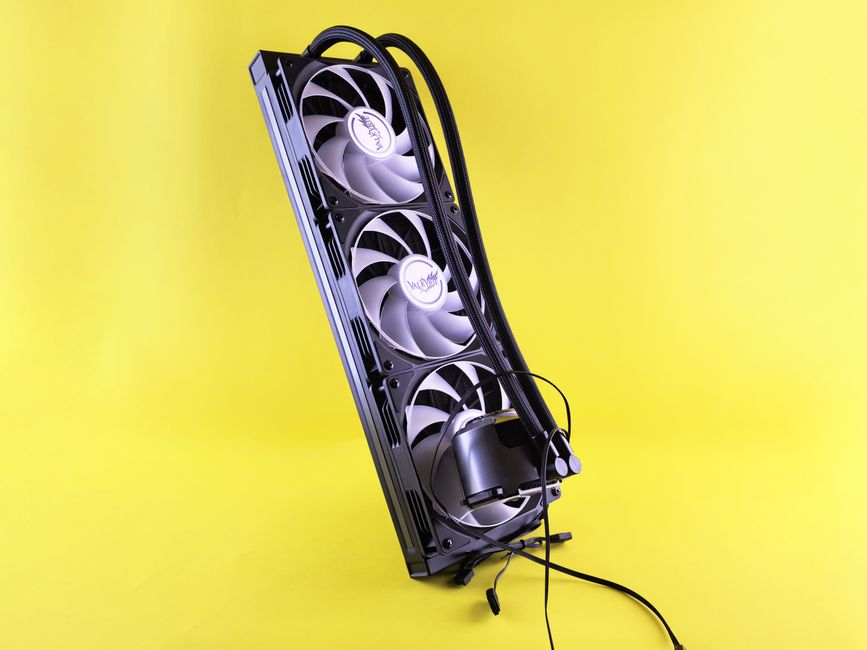
Conclusion: Staying Cool Under Pressure
Advanced air cooling strategies offer effective solutions for maintaining optimal performance in gaming PCs. By focusing on airflow, selecting the right components, and avoiding common pitfalls, gamers can ensure their systems run efficiently even during intense gaming sessions. With these insights, you can confidently upgrade and manage your cooling setup to keep your gaming rig cool under pressure.

Unlock Full Article
Watch a quick video to get instant access.