Creating an efficient gaming desk setup doesn’t have to break the bank. For many gamers, optimizing performance while sticking to a budget is both a practical necessity and a fun challenge. In this guide, we’ll explore how to build an effective gaming desk setup that enhances your gaming experience without overspending.
Choosing the Right Desk
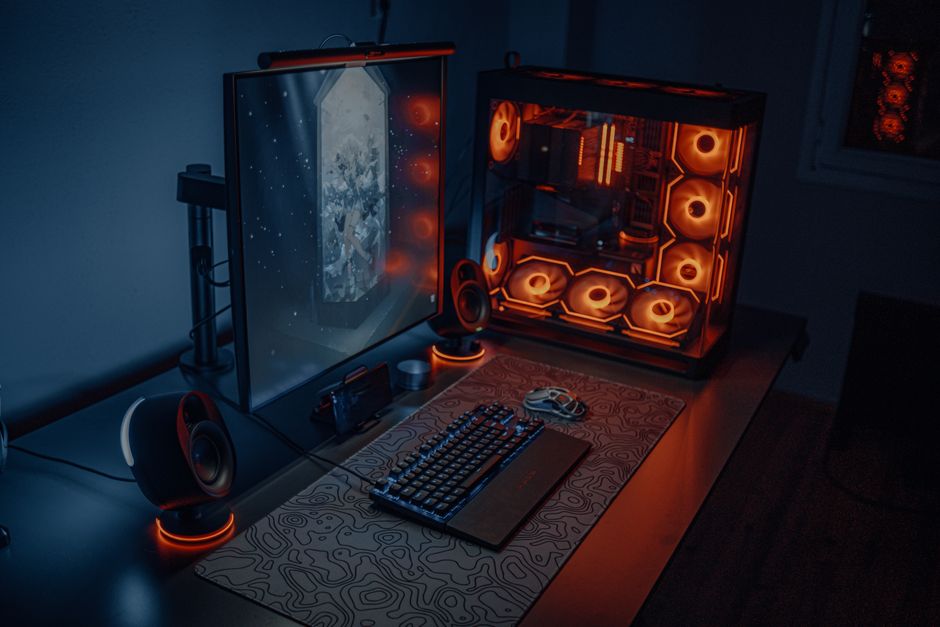
The foundation of any gaming setup is the desk itself. While it might be tempting to go for elaborate, gaming-branded desks, many affordable options can serve the purpose just as well. Here are some key considerations:
Size and Space
Consider the amount of space you have available. Measure your room and ensure the desk dimensions fit comfortably, allowing enough space for your gaming chair and movement. A desk around 48 to 60 inches wide is often suitable for most setups.
Material and Durability
Look for desks made of durable materials like MDF or solid wood, which can offer a good balance between cost and longevity. Metal frames can provide additional stability. Check reviews for insights into a desk’s wear and tear over time.
Features and Flexibility
Seek desks with cable management options, such as grommet holes or trays. These features help keep cords organized and out of the way. Additional shelves or drawers can offer extra storage for accessories and games, helping maintain a clean setup.
Essential Gaming Chair
An ergonomic chair is crucial for long gaming sessions, providing necessary support and comfort. Here are some tips to find a chair on a budget:
Ergonomics and Adjustability
Prioritize chairs that offer adjustable height, armrests, and back support. These features help customize the chair to fit your body, preventing discomfort and strain.
Material Considerations
While leather and high-end fabrics are enticing, mesh chairs are a budget-friendly alternative that provide breathability and comfort. Ensure the chair’s cushioning is firm enough to support long hours of use.
Used or Refurbished Options
Consider purchasing a used or refurbished chair from reputable sellers. This approach can allow you to afford higher-quality models at a lower price. Always check the condition and return policies before purchasing.
Optimizing Monitor Setup
Your monitor is a key component in any gaming setup. Even on a tight budget, you can find good options with these considerations:
Size and Resolution
For most gamers, a 24 to 27-inch monitor offers a good balance of size and immersion. Look for 1080p resolution as a minimum, which provides clear visuals at a lower cost than 4K options.
Refresh Rate and Response Time
Gamers should aim for monitors with a refresh rate of at least 60Hz, though 120Hz or higher can significantly improve the gaming experience. A response time of 5ms or lower is generally optimal for smooth gameplay.
Brand and Warranty
Choose reputable brands known for quality and customer service. Ensure the monitor comes with a warranty to protect your investment against defects.
Budget-Friendly Peripherals
Gaming peripherals like keyboards, mice, and headsets are essential for an immersive experience. Save money with these tips:
Mechanical vs. Membrane Keyboards
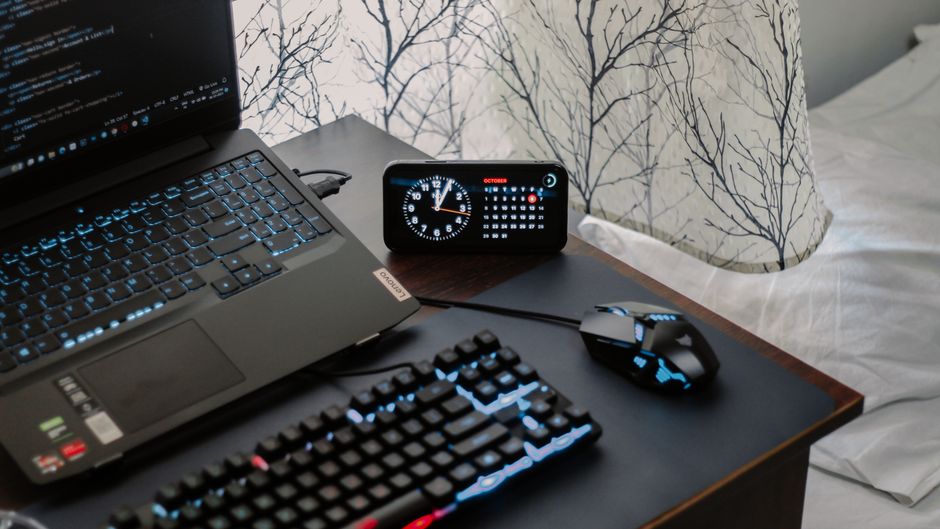
While mechanical keyboards are preferred for their tactile feedback, membrane keyboards are far more affordable and can still offer a satisfying gaming experience. Look for ones with adjustable backlighting and programmable keys.
Choosing a Gaming Mouse
A good gaming mouse doesn’t need to be expensive. Focus on models with adjustable DPI settings, ergonomic design, and customizable buttons. Many budget options offer these features without premium pricing.
Finding the Right Headset
Audio quality is crucial in gaming. Look for headsets with surround sound capabilities and comfortable ear padding. Wired headsets are typically cheaper and offer better sound quality compared to wireless options.
Cable Management and Aesthetics
Keeping your gaming area tidy is not only visually appealing but can also improve performance by reducing distractions. Here’s how to manage your cables effectively:
Using Cable Ties and Clips
Invest in cable ties or Velcro straps to bundle cords together. Cable clips can secure them to the desk’s underside, keeping them out of sight.
Organizing Power Strips
Use a power strip with surge protection to safeguard your equipment. Mount it under the desk or on the wall to save space and reduce clutter.
Personalizing Your Space
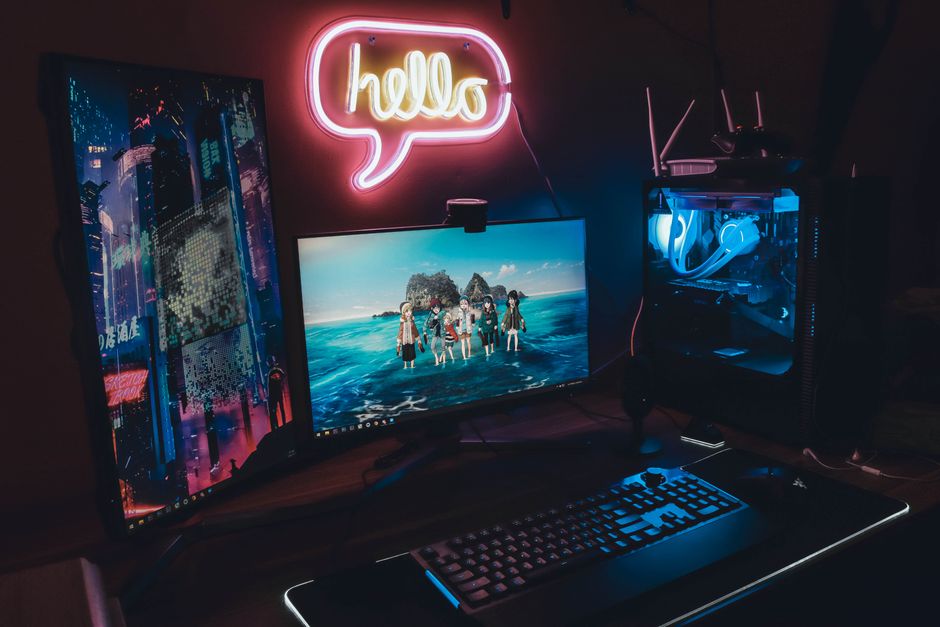
Add personal touches like posters, LED lights, or plants. These elements can enhance the atmosphere, making your gaming station more enjoyable without a significant cost.
Common Mistakes to Avoid
Setting up a gaming desk on a budget can be tricky. Here are some pitfalls to avoid:
- Overlooking Comfort: Always prioritize ergonomics over aesthetics to prevent long-term discomfort.
- Ignoring Future Needs: Plan for future upgrades. Ensure your desk setup can accommodate additional monitors or peripherals as needed.
- Skimping on Quality: Cheap doesn’t always mean good value. Ensure the products you select have solid reviews and warranties.
Maximizing your gaming setup on a budget is about making smart choices that prioritize functionality and comfort. By selecting affordable yet reliable products and organizing your space effectively, you can enhance your gaming experience without overspending.

Unlock Full Article
Watch a quick video to get instant access.