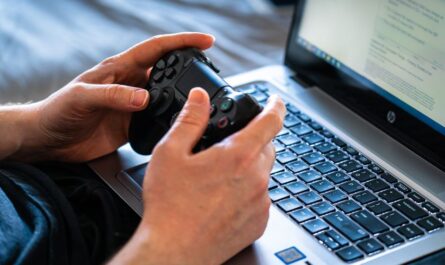
For PC gamers who find themselves deep in the throes of extended gaming sessions, comfort is key. The right controller can make all the difference, not only enhancing your performance but also preserving your physical health. Ergonomic controllers are specifically designed to reduce strain on your hands and wrists, allowing you to game longer without discomfort. This guide explores the best ergonomic PC controllers, their benefits, and what to look for when choosing one.
Why Ergonomics Matters in Gaming
Ergonomics refers to the design of products that optimize human well-being and overall system performance. In gaming, this means designing controllers that allow you to maintain a natural position, minimizing the risk of repetitive strain injuries like carpal tunnel syndrome or tendinitis. An ergonomic controller can help reduce fatigue by supporting a natural grip and proper posture, which is essential for long gaming marathons.
Beyond reducing physical strain, ergonomic controllers can also enhance your gaming performance. A comfortable grip allows for quicker reaction times and more precise controls. With less fatigue, you’re more likely to maintain your concentration and enjoy your gaming experience longer.
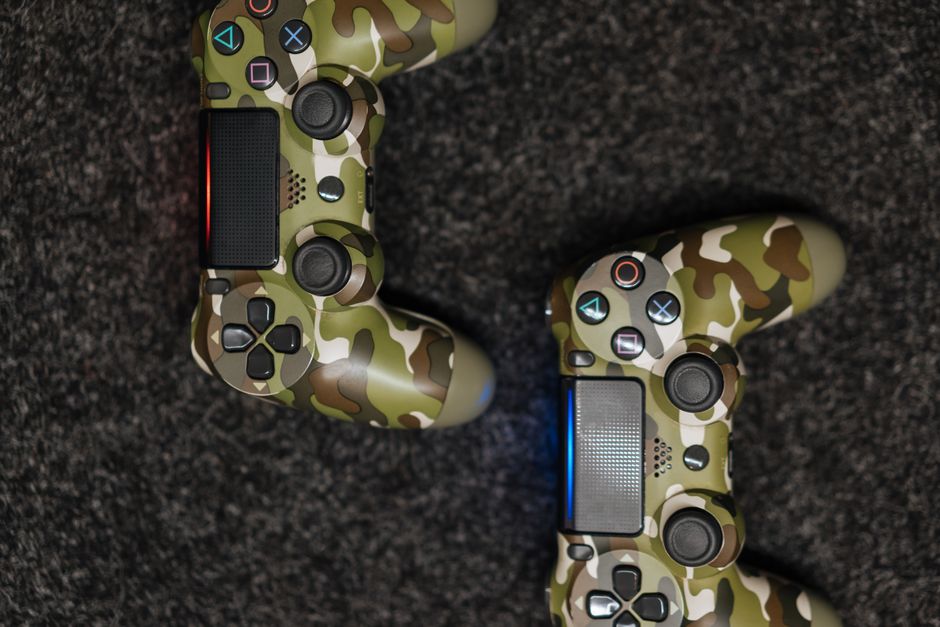
Features to Look for in an Ergonomic Controller
When choosing an ergonomic controller, there are several features to consider that contribute to its comfort and usability:
- Shape and Size: Look for a controller that fits comfortably in your hands. Larger controllers may provide better grip for larger hands, while more compact designs are suitable for smaller hands.
- Button Placement: Ergonomic controllers should have well-placed buttons that are easy to reach without straining. Consider controllers with customizable button mapping to suit your gaming style.
- Grip Material: Non-slip materials can prevent the controller from slipping during intense gaming moments, reducing the effort needed to maintain control.
- Weight: A balanced weight distribution helps prevent wrist strain. Neither too heavy nor too light, the controller should feel sturdy but easy to maneuver.
Top Ergonomic Controllers for PC
While specific models and brands may change, several types of controllers consistently offer ergonomic benefits:
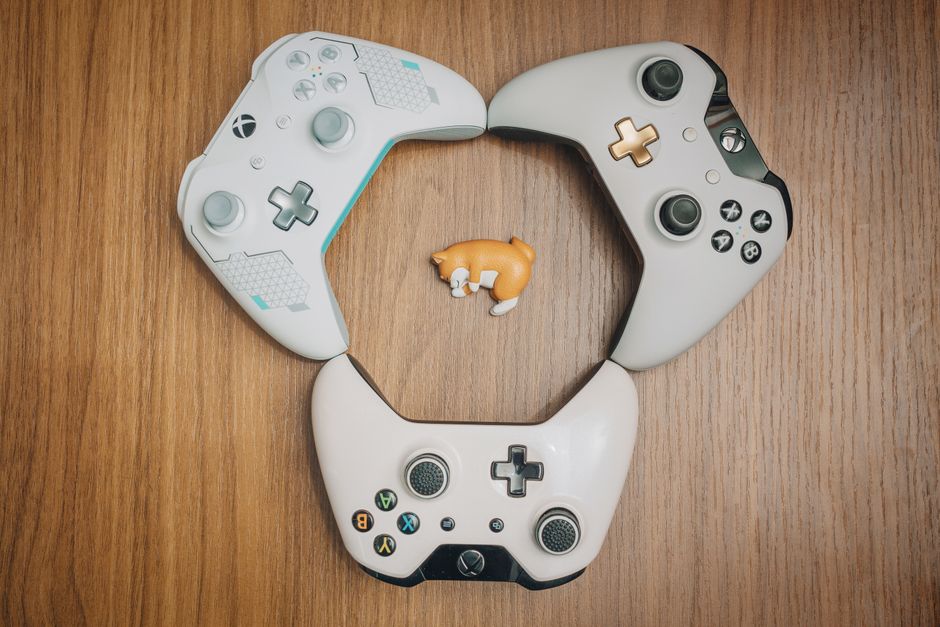
Xbox Controllers: The Xbox controller series is widely praised for its ergonomic design. With their asymmetrical joystick layout and contoured grips, these controllers are suitable for extended gaming sessions. Newer models often come with features like rubberized grips and trigger stops.
PlayStation Controllers: PlayStation controllers, particularly the DualShock and DualSense series, offer comfortable grips and responsive buttons. The DualSense, with its haptic feedback and adaptive triggers, provides an immersive experience while maintaining ergonomic standards.
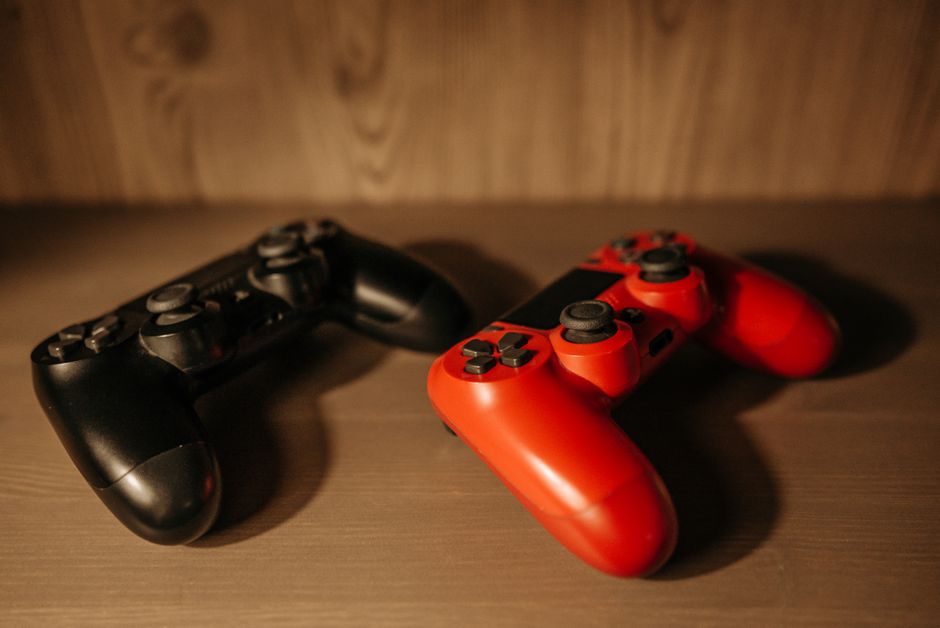
Third-Party Controllers: Brands like Razer and Logitech offer third-party options that focus on ergonomics. These often include customizable buttons and adjustable layouts, catering to personal comfort preferences.
Common Mistakes and How to Avoid Them
When selecting an ergonomic controller, there are some common pitfalls to avoid:
- Ignoring Personal Fit: What works for one person might not work for another. Always consider the size and shape of your hands when choosing a controller.
- Overlooking Build Quality: A poorly made controller can lead to discomfort or break more easily, negating any ergonomic benefits. Invest in quality to ensure durability and comfort.
- Neglecting to Customize: Many controllers offer customization options. Failing to tailor these settings can mean missing out on potential ergonomic improvements.
Maintaining Comfort During Long Sessions
Choosing the right controller is just the beginning. Here are additional tips to maintain comfort during long gaming sessions:
- Take Regular Breaks: Implement a 5-minute break every hour to reduce strain on your hands and eyes.
- Hand Exercises: Simple stretches and exercises can help prevent stiffness and improve circulation.
- Adjust Your Setup: Ensure that your gaming environment promotes good posture by adjusting your chair and monitor height.
Conclusion: Prioritizing Ergonomics for Better Gaming
Investing in an ergonomic PC controller can significantly enhance your gaming experience by reducing physical strain and improving performance. By paying attention to features like shape, button placement, and grip material, and by avoiding common mistakes, you can find the ideal controller that fits your individual needs. Remember, while the controller is important, maintaining an overall ergonomic gaming setup will ensure you enjoy your gaming sessions with comfort and ease.

Unlock Full Article
Watch a quick video to get instant access.