RGB lighting has become a popular way for PC gamers to personalize their gaming setups, creating an immersive environment that reflects their style. For beginners, setting up RGB lighting may seem daunting, but with the right equipment and understanding, you can transform your gaming space with ease. This guide will walk you through the essentials of creating an eye-catching RGB lighting setup.
Understanding RGB Lighting
RGB stands for Red, Green, and Blue, the primary colors of light that can be combined in various ways to produce a broad spectrum of colors. In PC gaming, RGB lighting allows users to customize the color and intensity of lights on their peripherals and components, adding both aesthetic appeal and functional value, such as visual alerts during gameplay.
Before diving into setting up your RGB system, it’s important to understand the basic components involved. These typically include RGB LED strips, RGB fans, LED light bars, and RGB-compatible peripherals like keyboards and mice. Understanding how these components work will help you make informed decisions about your setup.
Choosing the Right Equipment
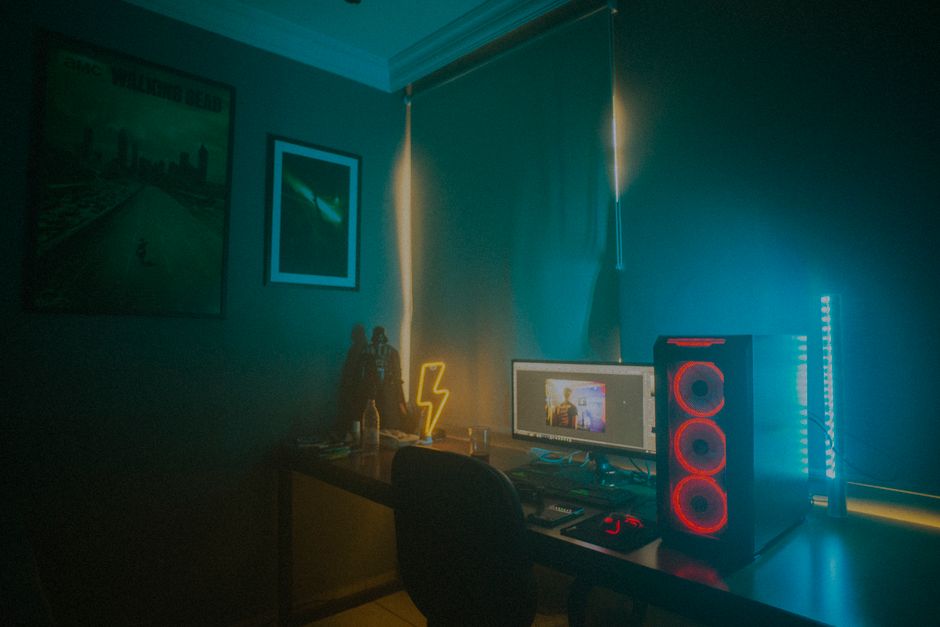
To create your RGB lighting setup, you’ll need to select the right equipment. Start by considering the main components of your gaming setup and how each can incorporate RGB lighting. Here are some key items to consider:
- RGB LED Strips: These are versatile and can be easily placed around your monitor, desk, or PC case for a uniform glow.
- RGB Fans: These not only help with cooling your PC but also add vibrant lighting to your setup.
- RGB Peripherals: Many gaming keyboards, mice, and headsets come with built-in RGB lighting, offering a seamless integration.
- RGB Light Bars: These can be placed behind monitors or along walls to provide ambient lighting that enhances the gaming atmosphere.
When selecting RGB components, ensure they are compatible with each other or can be controlled using a master RGB controller or software for synchronized lighting effects.
Installing Your RGB Lighting
Once you’ve gathered your equipment, it’s time to install your RGB lighting. The installation process will vary depending on the components, but here are some general steps to follow:
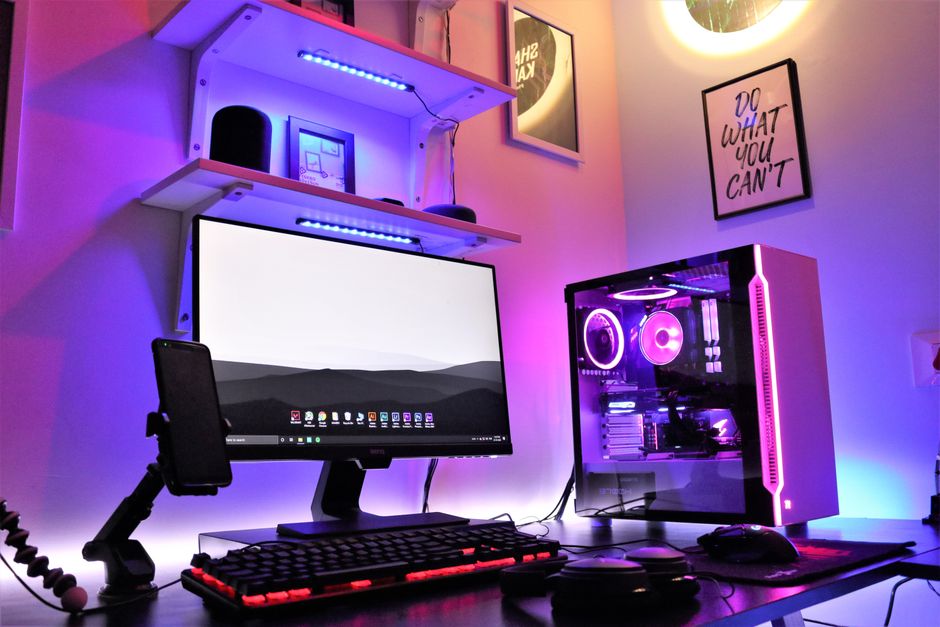
- Plan Your Layout: Before attaching anything, plan where each component will go to achieve the desired effect. Consider light placement for optimal coverage and aesthetics.
- Secure the Components: Use the provided adhesive or mounting options to attach RGB strips and bars. Make sure they are secure but also accessible for adjustments.
- Connect to Power: Most RGB components will connect to your PC’s power supply or a USB port. Follow the manufacturer’s instructions for a safe connection.
- Sync Components: Use RGB controllers or hubs to synchronize lighting effects across different components, ensuring a harmonious setup.
Configuring RGB Software
For full control over your RGB lighting setup, you will likely need to use software. Many manufacturers provide proprietary software that allows you to customize lighting effects, color profiles, and sync patterns with music or in-game actions. Here are a few tips on using RGB software effectively:
- Explore Presets: Start by exploring the software’s preset lighting effects to get a sense of what you like.
- Create Custom Profiles: Customize color profiles to match specific games or times of day for a personalized experience.
- Test Sync Features: If your software allows, test syncing your RGB lighting with music or game events for a dynamic visual experience.
- Regular Updates: Keep your software updated to access new features and ensure compatibility with your components.
Design Concepts for RGB Lighting
A well-designed RGB setup is more than just bright lights; it’s about creating a cohesive look that enhances your gaming experience. Consider these design concepts:
- Color Schemes: Choose a color scheme that matches your room’s decor or one that contrasts nicely with your gaming setup.
- Accent Lighting: Use RGB lighting to highlight specific areas or components, like your GPU or keyboard.
- Dynamic Effects: Experiment with dynamic effects that change colors or patterns based on in-game actions or music.
Common Mistakes to Avoid
When setting up RGB lighting, there are some common pitfalls to be aware of:
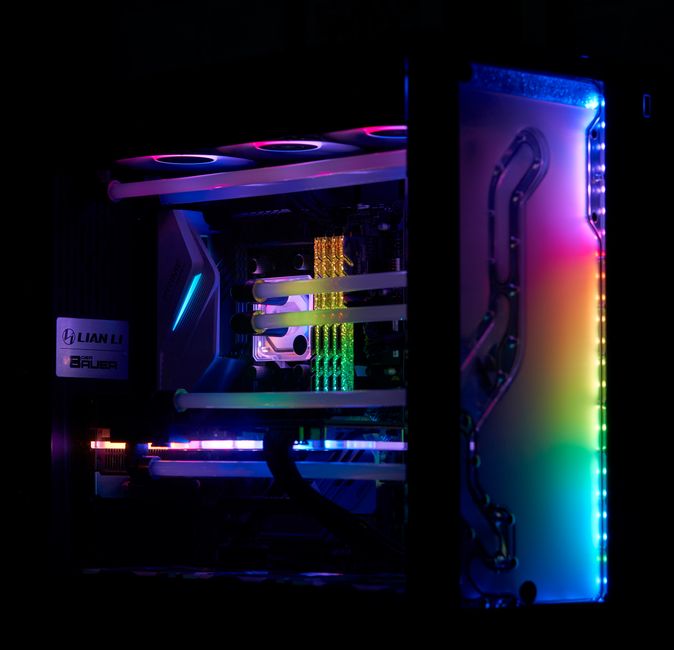
- Overuse of Colors: Too many colors can create a chaotic look. Stick to a few complementary colors for a more polished setup.
- Ignoring Heat Management: Ensure proper airflow by not blocking vents with LED strips or other components.
- Incompatible Parts: Check compatibility between your components and software to prevent issues with synchronization.
- Poor Cable Management: Messy cables can detract from your setup’s aesthetic. Use cable ties to keep things tidy.
By understanding the basics of RGB lighting, choosing the right equipment, and planning your layout, you can create an RGB setup that elevates your gaming experience. Whether you’re looking to add a subtle glow or a vibrant light show, this guide will help you get started on the right foot.

Unlock Full Article
Watch a quick video to get instant access.