In the world of PC gaming, personalization is key to creating a unique and enjoyable experience. Customizable mechanical keyboards have become a major trend, allowing gamers to tailor their setups to their exact preferences. Whether you are a seasoned gamer or just starting out, understanding the components of a mechanical keyboard can help you build the perfect tool for your gaming adventures.
Understanding Mechanical Keyboards
Mechanical keyboards differ from traditional membrane keyboards by using individual mechanical switches for each key. This design provides better tactile feedback, durability, and customization options. The journey to creating your ideal keyboard starts with understanding these fundamental components.
Switches: The Heart of Your Keyboard
Switches are arguably the most important part of a mechanical keyboard, determining the feel and sound of each keystroke. They come in various types, each offering different sensations:
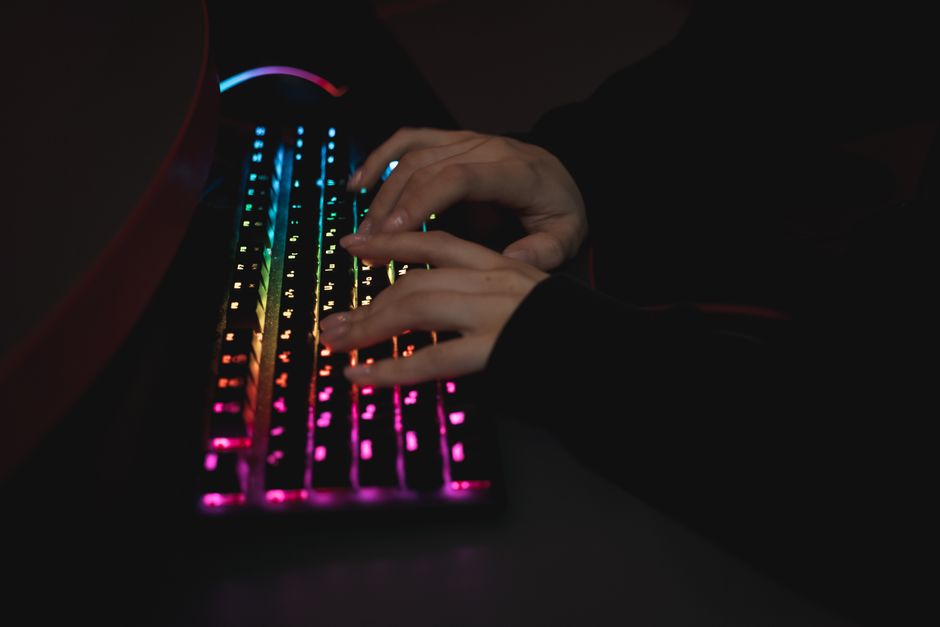
- Linear switches: Known for their smooth, uninterrupted motion. Ideal for rapid key presses, making them a favorite among gamers who prefer speed.
- Tactile switches: Provide a noticeable bump in the middle of the key press, giving feedback that the key has been actuated. This is useful for both gaming and typing.
- Clicky switches: Similar to tactile switches but with the addition of an audible click. These are great for those who appreciate auditory feedback during use.
Choosing the right switch depends on your personal preference and gaming style. Many enthusiasts recommend trying out different switches before making a decision, as the feel of a keyboard is subjective and varies per individual.
Keycaps: Style and Functionality
Keycaps are another customizable element that can significantly impact the aesthetics and functionality of your keyboard. They come in various shapes, sizes, and materials, such as ABS or PBT plastic. PBT is often favored for its durability and resistance to shine over time.
The keycap profile can also affect the typing experience. Profiles like OEM, Cherry, and SA have distinct shapes and heights, influencing comfort and speed. Investing in a set of high-quality keycaps not only enhances the visual appeal of your keyboard but can also improve the typing feel.
Customizing Your Keyboard Layout
Beyond switches and keycaps, customizing the layout of your keyboard can make a big difference in your gaming efficiency. Some common layouts include:
- Tenkeyless (TKL): Excludes the number pad for a more compact design.
- 60%/65%: Removes the function row and/or arrow keys, offering a minimalist approach.
- Full-size: Includes a number pad, function keys, and additional keys for a comprehensive setup.
Consider the games you play and the space available on your desk when choosing a layout. Compact keyboards are ideal for gamers who need more mouse space, while larger keyboards provide more keys for shortcuts and macros.
Cases and Mounting Styles
The case of your keyboard affects both its appearance and acoustics. Materials like aluminum or acrylic offer different levels of durability and sound dampening. Additionally, the mounting style, such as tray or top mount, can impact the typing feel and sound resonance.
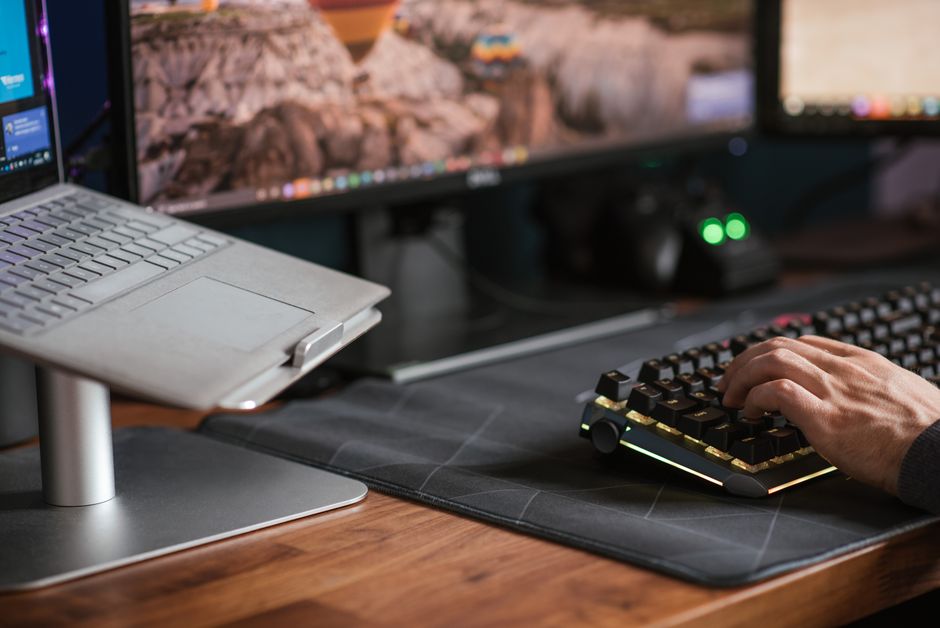
If you’re aiming for a silent setup, consider adding sound dampening materials within the case to minimize noise. Each material and style offers pros and cons, so personal preference should guide your choice.
Assembling Your Custom Keyboard
Once you’ve selected your components, assembling your custom keyboard is the next step. This process may sound daunting, but it’s an enjoyable endeavor for many enthusiasts. Here’s a basic guide to get you started:
- Plan your build: Have all components ready, including switches, keycaps, case, and necessary tools.
- Soldering switches: If your keyboard requires soldering, make sure you have a safe workspace and follow detailed guides or tutorials.
- Attach keycaps: Once the switches are in place, carefully attach the keycaps according to your desired layout.
- Test your keyboard: Before finalizing your setup, test each key to ensure everything works properly.
While building may require some patience, the satisfaction of crafting a keyboard tailored to your needs is worth the effort.
Common Mistakes to Avoid
To ensure a smooth customization process, here are some common pitfalls to avoid:
- Not testing switches: Always try different switches to find the one that suits you best.
- Overlooking layout needs: Consider your gaming habits when choosing a layout to avoid unnecessary complications.
- Skipping sound dampening: If noise is a concern, don’t forget to incorporate dampening materials.
Being aware of these potential issues can save you time and ensure a successful build.
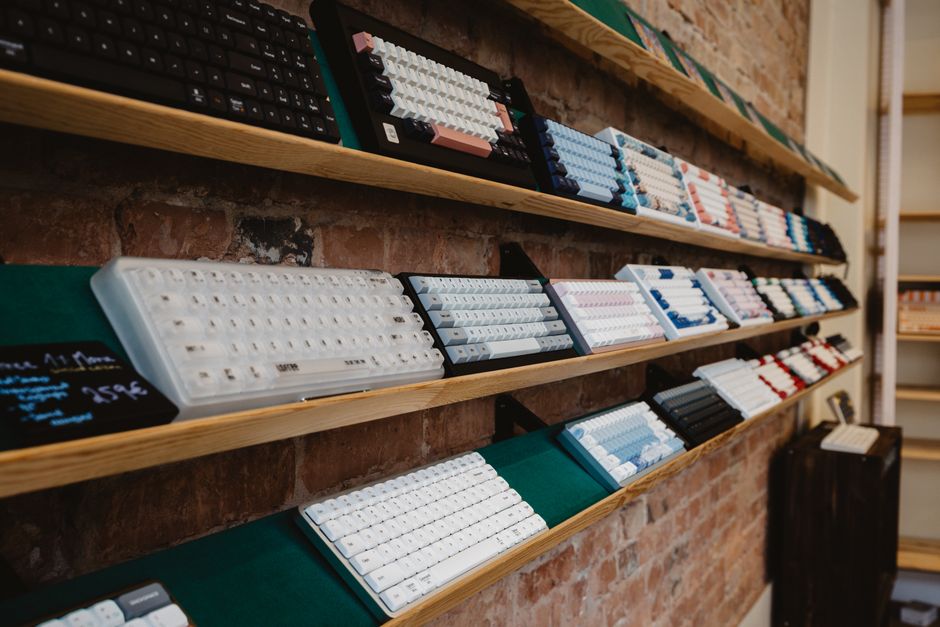
Conclusion: Your Unique Gaming Experience
Customizing a mechanical keyboard is an investment in your gaming experience. By understanding the components and options available, you can create a keyboard that not only looks and feels great but also enhances your performance. Whether you prioritize aesthetics, functionality, or a combination of both, building a custom keyboard allows you to express your personal style and improve your gaming setup.

Unlock Full Article
Watch a quick video to get instant access.