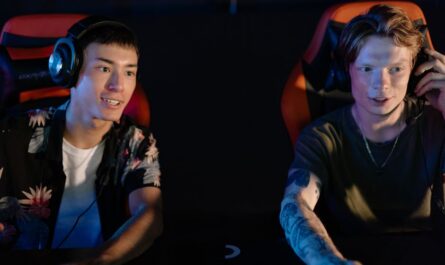
Embarking on your streaming journey can be both exciting and daunting. With the right setup, you can share your gaming exploits with the world while ensuring a smooth and engaging experience for your audience. This guide will walk you through creating a complete streaming setup, covering essential hardware, software, and optimization tips that every aspiring streamer should consider.
Essential Hardware for Streamers
1. The Right PC
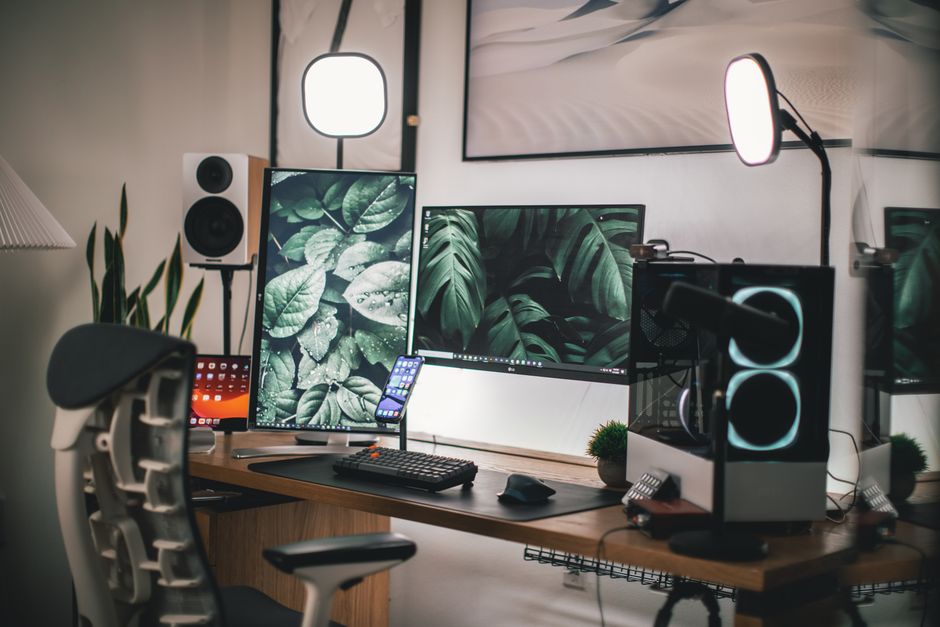
Your computer is the heart of your streaming setup. For seamless performance, a PC with a powerful CPU and a dedicated GPU is essential. A multi-core processor will handle both gaming and streaming tasks efficiently, while a robust graphics card ensures high-quality visuals without lags. Investing in sufficient RAM, generally 16GB or more, also helps maintain smooth multitasking.
2. Quality Microphone
Audio quality can significantly impact your stream’s professionalism. A dedicated microphone, such as a USB condenser mic, offers clarity far superior to a standard headset mic. Consider using a pop filter to minimize unwanted noise and a boom arm for optimal mic positioning.
3. Webcam and Lighting
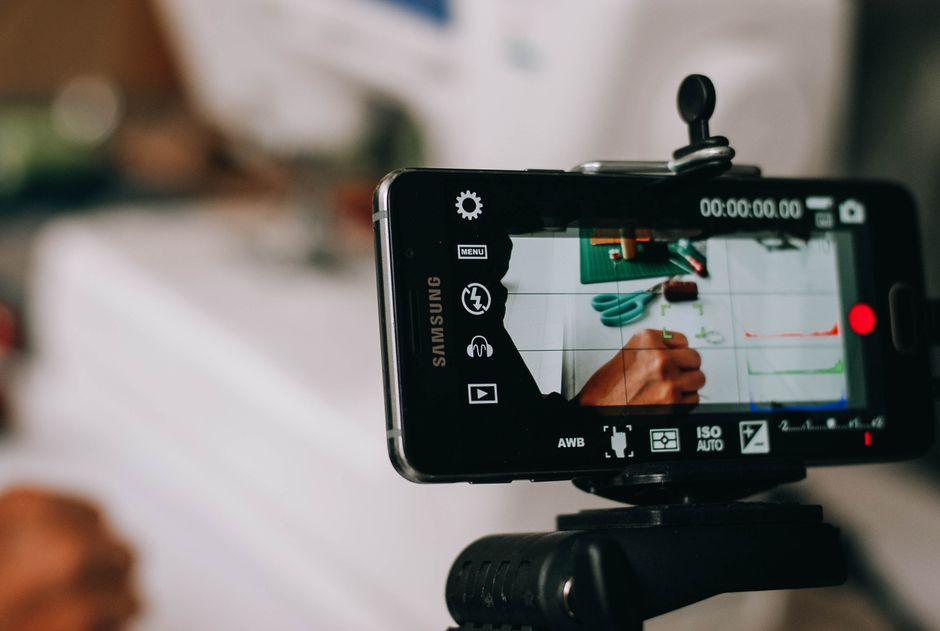
Engage your audience by showing your reactions and expressions through a quality webcam. Look for webcams with at least 1080p resolution for crisp visuals. Proper lighting is also crucial; a ring light or softbox lighting kit can prevent shadows and ensure a well-lit appearance.
- Image Position: after_intro
Choosing the Right Software
1. Broadcasting Software
Software like OBS Studio, Streamlabs OBS, or XSplit is essential for capturing and broadcasting your stream. These tools provide features like scene transitions and overlays, enabling a professional-looking stream. Spend some time learning their functionalities to optimize your stream layout and performance.
2. Audio Management
Good audio management software can help balance game sound, your voice, and any added music or effects. Applications like Voicemeeter allow for complex audio routing, ensuring each sound source is clear and at the right volume.
Optimizing Your Stream
1. Internet Connection
A stable and high-speed internet connection is vital for streaming. Aim for an upload speed that comfortably supports your chosen resolution and frame rate, commonly at least 5-10 Mbps for 720p or 1080p streaming. Wired connections are typically more reliable than wireless.
2. Stream Settings
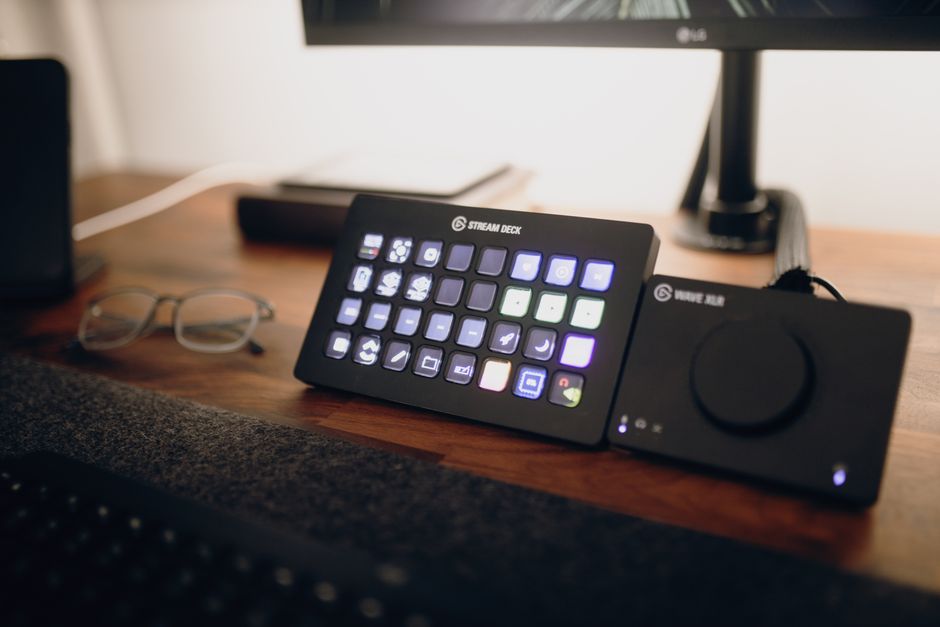
Adjust your stream settings within your broadcasting software to match your internet capabilities. Consider factors like bitrate, resolution, and frame rate; lower settings may be necessary for slower connections to prevent buffering.
- Image Position: middle
Enhancing Viewer Engagement
1. Chat Interaction
Engaging with your audience keeps them coming back. Use chatbots to manage repetitive tasks and keep an eye on chat for opportunities to interact with viewers. Personal interactions can significantly increase viewer loyalty.
2. Overlays and Alerts
Visual alerts for new followers, subscribers, or donations can enhance the viewer experience. Customize your overlays with graphics that reflect your brand, but keep them clean to avoid cluttering the screen.
Common Mistakes to Avoid
- Overloading Your PC: Running too many programs can strain your system. Close unnecessary applications during streaming.
- Ignoring Audio Quality: Poor audio can turn viewers away faster than low video quality.
- Neglecting Practice Runs: Test your setup before going live to iron out any technical issues.
- Image Position: before_conclusion
Conclusion
Building your ultimate streaming setup requires careful consideration of both hardware and software components. By investing in quality equipment, optimizing your streaming software, and engaging with your audience, you’ll be well on your way to delivering professional and entertaining streams. As you gain experience, continue to refine and upgrade your setup to meet the evolving demands of your audience and technology.

Unlock Full Article
Watch a quick video to get instant access.