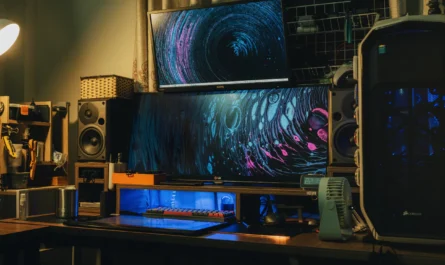
Setting up a streaming system for PC gaming in 2026 offers a plethora of choices and technologies that can enhance your streaming experience, whether you’re just starting or looking to perfect your professional setup. This guide will walk you through the essentials, providing practical advice for all levels.
Understanding Your Streaming Goals
The first step in creating a streaming setup is to clearly define your goals. Are you looking to share your gameplay with friends, grow a community, or monetize your passion? Your goals will influence the equipment and software you choose. Beginners might start with minimal investments, while professionals may require advanced gear for high-quality streaming and audience engagement.
Essential Hardware for Beginners
For beginners, a simple setup can be surprisingly effective. Start with the basics: a reliable PC, a decent microphone, and a webcam. Your PC should meet the game’s requirements but also have enough power to handle streaming software. Many new streamers begin with integrated graphics and gradually upgrade to a dedicated GPU as their channel grows.
Audio and Video Basics
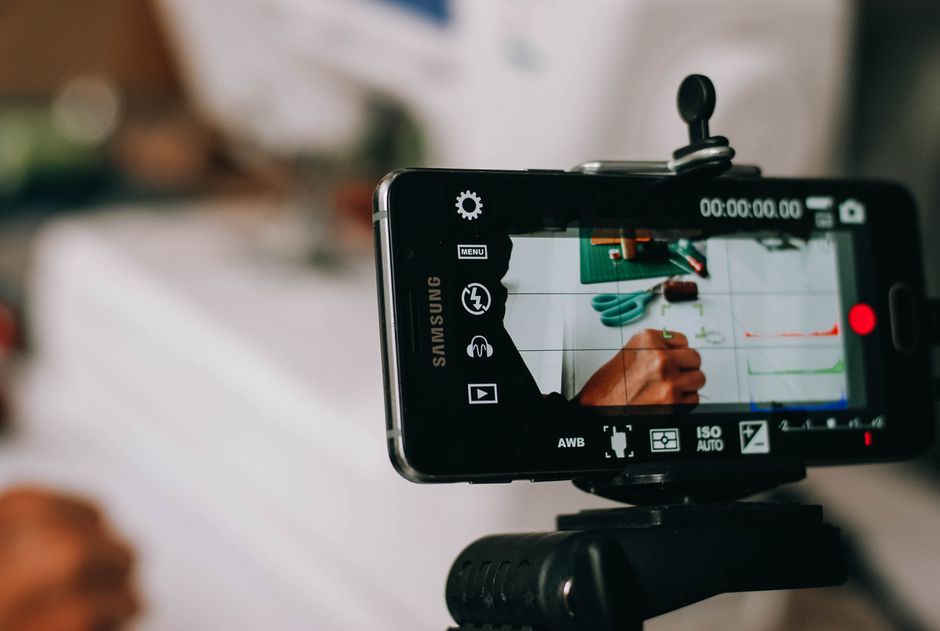
Good audio quality is crucial. Consider a USB microphone that offers better sound than typical headset mics. A basic webcam can suffice, but ensure it’s capable of at least 720p resolution. Logitech and Razer offer popular models that balance cost and quality.
- Microphones: Look for ones with cardioid pickup patterns to reduce background noise.
- Webcams: Ensure a minimum of 30 fps video capture for smoother streaming.
Intermediate Setup Upgrades
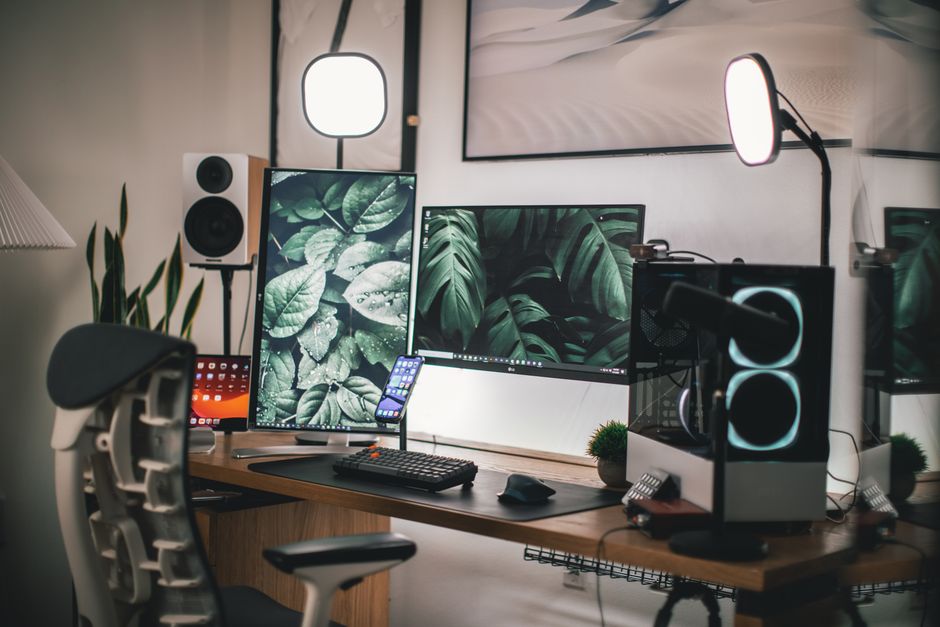
As you gain experience, you might want to enhance your setup with additional hardware and accessories. This could include a more powerful GPU, a dedicated streaming PC, or dual monitors for better multitasking. Dual monitors allow you to play on one screen while managing your stream on another, enhancing interaction and control.
Upgrading Your Audio
Investing in an XLR microphone and an audio interface can significantly improve sound quality. Brands like Audio-Technica and Focusrite are popular for offering quality products at a reasonable price. Additionally, acoustic foam panels can help manage sound in your recording space.
Professional-Level Streaming Setup
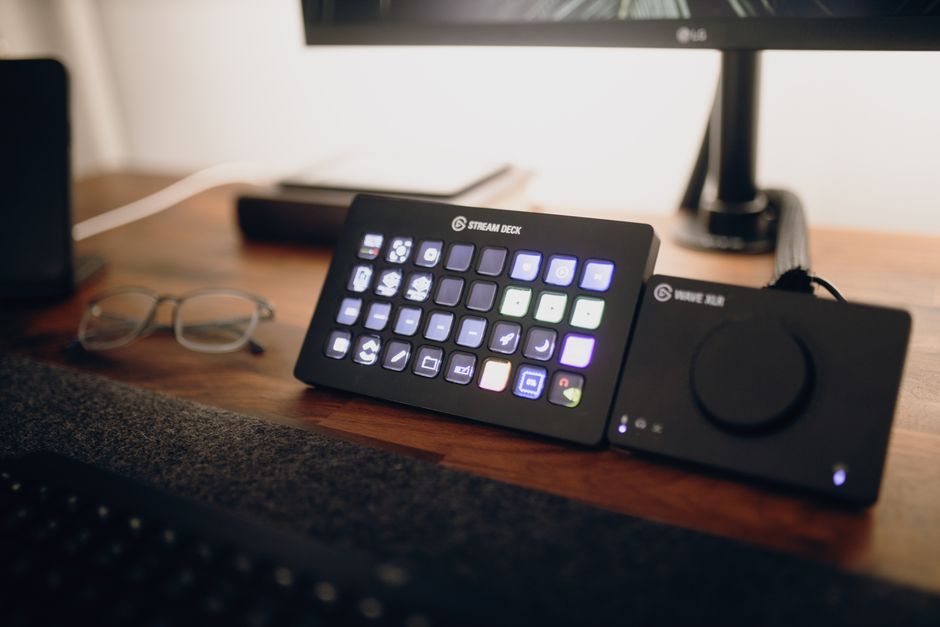
For professional streamers, every detail counts. A high-end setup includes multiple cameras, studio-quality lighting, and professional mixing boards. Consider a high-resolution camera for better visual quality and a professional lighting kit to eliminate shadows and create an appealing on-screen presence.
Advanced Broadcasting Software
When it comes to software, OBS Studio and Streamlabs are popular choices. They offer robust features for scene transitions, overlays, and plugins. Mastering these tools can significantly elevate your stream’s quality.
- Consider using a capture card if streaming from multiple sources.
- Utilize plugins for enhanced viewer engagement, such as real-time alerts.
Common Mistakes to Avoid
One common mistake is overinvestment early on. New streamers often buy expensive equipment without fully understanding their needs. Start simple and scale up as your channel grows. Additionally, neglecting community engagement can stall growth; remember, content and community are key to a successful stream.
Building Your Brand and Community
Finally, consider how you’ll brand your stream. Consistent branding across your channel and social media can help you stand out. Engage with your audience through chats and social platforms to build a loyal community. Software tools like Discord can facilitate community interaction outside of streaming sessions.
As you progress, analyze your performance metrics to understand viewer preferences and refine your content accordingly. This iterative process is essential for long-term success in streaming.

Unlock Full Article
Watch a quick video to get instant access.