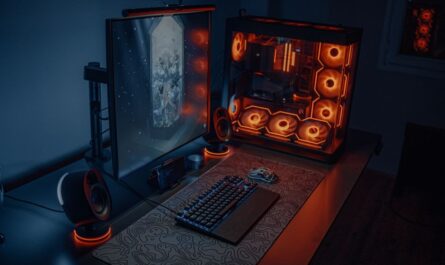
For gamers, the dream of instant game loading is tantalizingly close, thanks to modern solid-state drives (SSDs). Unlike traditional hard drives, SSDs dramatically reduce loading times, transforming your gaming experience into a seamless adventure. This guide delves into the best SSDs for gaming, focusing on those that all but eliminate load screens, enhancing both game performance and your overall enjoyment.
Why SSDs Matter for Gaming
SSDs offer a significant upgrade in speed over older hard disk drives (HDDs), with faster data transfer rates and better overall performance. This means quicker boot times, reduced game loading screens, and a smoother gaming experience. The absence of moving parts in SSDs also contributes to their durability and reliability, making them a vital component for any gaming setup.
Key Features to Look For
1. NVMe vs. SATA
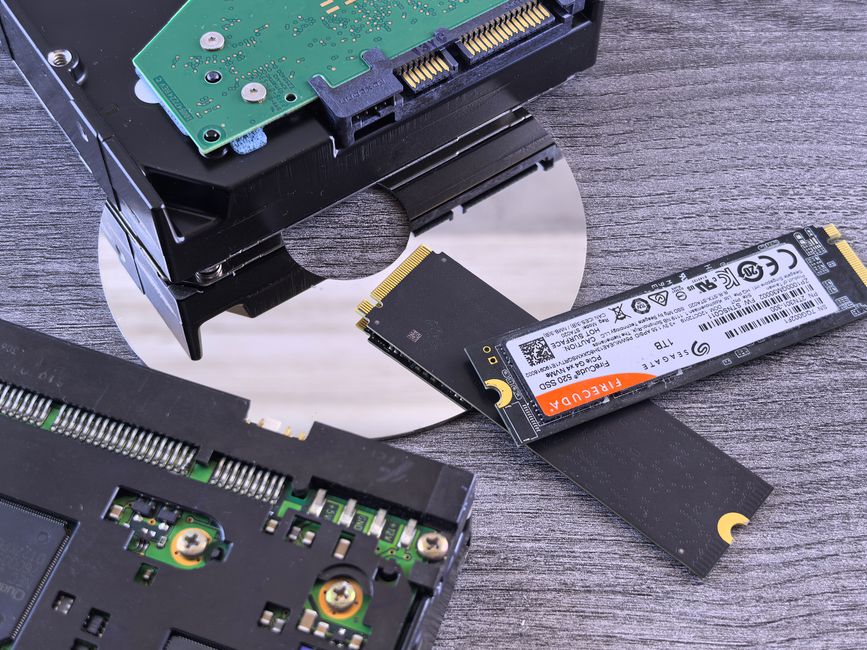
SSDs come in two main types: NVMe and SATA. NVMe SSDs are known for their faster data transfer speeds compared to SATA SSDs. If you’re looking to minimize loading screens, NVMe is the way to go. However, SATA SSDs are typically more affordable and still provide a significant improvement over HDDs.
2. Storage Capacity
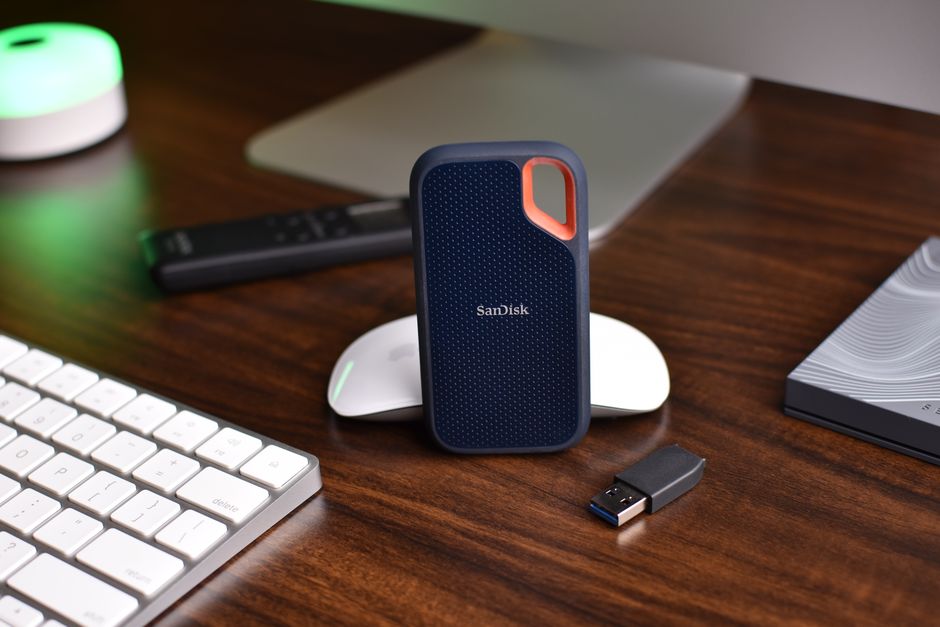
Storage capacity is another crucial factor. While larger capacities allow for more games and media, they come at a higher cost. Consider your gaming library size and future needs when choosing between options like 500GB, 1TB, or even 2TB SSDs.
3. Read/Write Speeds
The read/write speeds of an SSD directly impact how quickly data can be accessed and saved. Higher speeds mean faster load times. Look for SSDs with high sequential read and write speeds to ensure smooth gameplay.
Top SSDs for Minimizing Load Times
While specific models and brands can change over time, certain characteristics make an SSD stand out for gaming. Here are some key traits to consider:
- High Speed: Look for SSDs boasting high sequential read and write speeds, particularly those with NVMe technology.
- Reliable Brands: Established brands often offer more reliable and durable products, backed by solid warranties.
- Performance Features: Features like thermal management and power efficiency can enhance performance and longevity.
Installation Tips for Gamers
1. Check Compatibility
Before purchasing, ensure your motherboard supports the SSD type you choose. NVMe drives require a compatible M.2 slot, while SATA drives need a corresponding SATA port.
2. Backup Your Data
Always back up critical data before installing a new SSD. This prevents data loss and makes the transition smoother.
3. Optimize Your Setup
Once installed, configure your SSD as the primary drive for your operating system and games. This maximizes the speed benefits.
Common Mistakes to Avoid
When upgrading to an SSD, avoid these common pitfalls to ensure the best experience:

- Ignoring Compatibility: Check your system’s compatibility with the SSD type and form factor.
- Neglecting Data Management: Regularly update and manage your storage to avoid running out of space.
- Overlooking Firmware Updates: Keep your SSD’s firmware updated to maintain performance and security.
Conclusion: A Future of Seamless Gaming
Investing in a quality SSD is one of the best ways to enhance your gaming setup, virtually eliminating load screens and providing a smoother, more enjoyable experience. By choosing the right SSD and following best practices for installation and maintenance, you can significantly reduce the time spent waiting for games to load, allowing you to focus on what truly matters — the thrill of the game.

Unlock Full Article
Watch a quick video to get instant access.