Choosing the right controller for your PC gaming setup can enhance your experience without breaking the bank. For gamers on a budget, finding a controller that balances quality and affordability is essential. Below, we explore some of the best budget-friendly PC controllers, typically available under $50, and provide insights on choosing the right one.
Understanding What Makes a Great Budget Controller
When searching for a budget-friendly PC controller, there are several key factors to consider. First, compatibility is crucial; ensure that the controller you choose is compatible with your PC and the games you intend to play. Many controllers are designed for multi-platform use and offer plug-and-play functionality.
Another important aspect is comfort and ergonomics. A good controller should feel comfortable in your hands, even during extended gaming sessions. Look for controllers with a design that suits your grip, and consider options with rubber grips or textured surfaces for added stability.
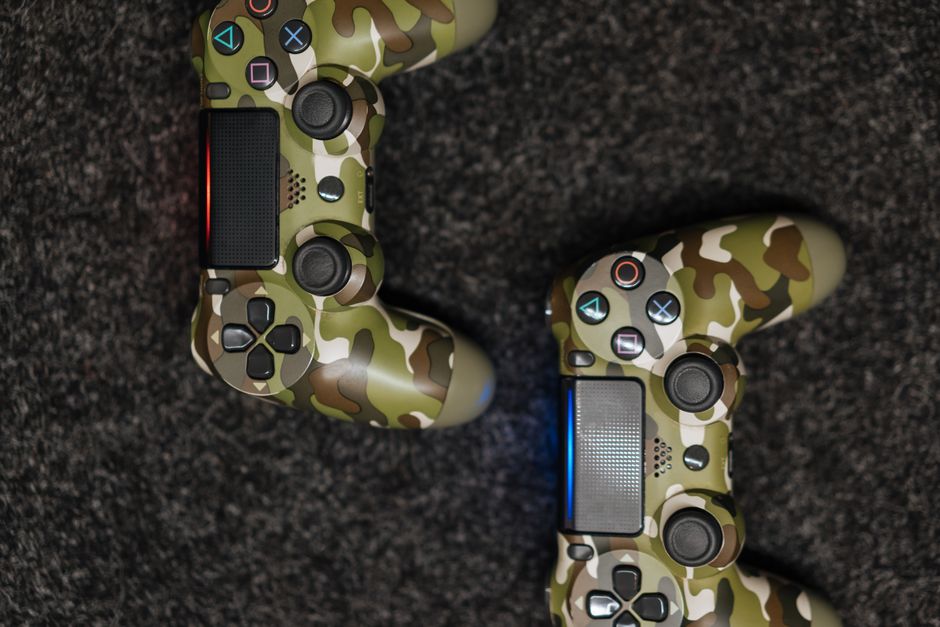
Finally, responsiveness and durability are vital. While budget controllers might not have the premium feel of high-end models, many still offer precise controls and durability for everyday gaming.
Top Budget-Friendly PC Controllers
1. Xbox One Controller (Used or Refurbished)
For those seeking a reliable and well-known option, a used or refurbished Xbox One controller is a great choice. Widely praised for its ergonomic design and robust build, it offers excellent compatibility with PC games through its seamless integration with Windows operating systems.
While buying used or refurbished can be a gamble, purchasing from reputable retailers or platforms that certify their products can mitigate risks, ensuring you still receive a quality controller.
2. Logitech F310
Another popular choice for budget-conscious gamers is the Logitech F310. This controller offers a familiar button layout similar to popular console controllers and features programmable controls, allowing you to customize your gaming experience. Its lightweight design makes it ideal for long sessions.
The F310 connects via USB, ensuring a stable connection and easy setup without the need for additional drivers or software on most systems.
3. 8Bitdo SN30 Pro
For retro gaming enthusiasts, the 8Bitdo SN30 Pro provides both nostalgia and modern functionality. Its classic SNES design is complemented by modern features such as dual analog sticks, rumble vibration, and wireless connectivity through Bluetooth.
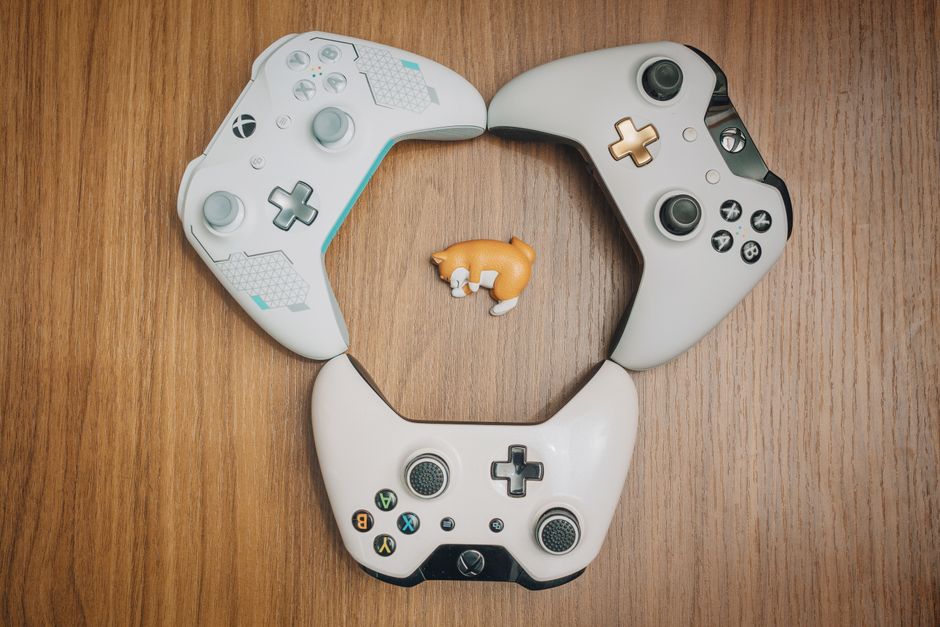
This controller is perfect for gamers who enjoy classic games but still want the flexibility to play modern titles. Its cross-platform support also makes it a versatile addition to any gaming setup.
Key Features to Look For
When choosing a budget-friendly controller, look for these key features to ensure a satisfying gaming experience:
- Button Layout: A familiar button layout helps reduce the learning curve, especially for players used to console controllers.
- Connectivity Options: Wired connections can offer more reliability, but wireless options provide greater flexibility.
- Customization: Controllers with customizable buttons or profiles can enhance gameplay and adapt to your preferences.
Controllers that balance these features typically offer greater value, providing a good mix of functionality and comfort.
Common Mistakes to Avoid
One common mistake is prioritizing price over quality. While it can be tempting to choose the cheapest option available, this can result in a subpar experience that might require you to replace the controller sooner. Instead, focus on finding a controller that offers a balance of cost and key features.
Another mistake is overlooking compatibility. Not all controllers work seamlessly with every game or platform, so it’s vital to ensure the controller you choose is suitable for your gaming needs.
Conclusion
Finding the perfect budget-friendly controller for your PC boils down to understanding your gaming needs and balancing features with cost. Options like refurbished Xbox One controllers, the Logitech F310, and the 8Bitdo SN30 Pro offer excellent value under $50, providing comfort and compatibility for a wide range of games.

By focusing on key features and avoiding common purchasing mistakes, you can enhance your gaming experience without exceeding your budget. Whether you prioritize ergonomics, compatibility, or retro design, there’s a budget-friendly controller out there to meet your needs.

Unlock Full Article
Watch a quick video to get instant access.