Creating a professional streaming environment is about more than just having a powerful PC and a good internet connection. A thoughtfully planned gaming desk setup can significantly impact your content creation, making it easier to engage with your audience and deliver high-quality streams. Here, we’ll explore the essentials for setting up a gaming desk that enhances your streaming capabilities.
Choosing the Right Desk
The foundation of any great streaming setup is your desk. When choosing a desk, consider both functionality and aesthetics. A desk with ample surface area is crucial, as it needs to accommodate multiple monitors, a keyboard, mouse, camera, microphone, and potentially a control panel or stream deck.
Opt for a desk that offers enough space to keep your equipment organized and within easy reach. Desks with cable management features can help maintain a tidy setup, reducing clutter and potential distractions. Additionally, the desk’s material and design should complement your personal style and the overall theme of your streaming environment.
Optimizing Monitor Arrangement
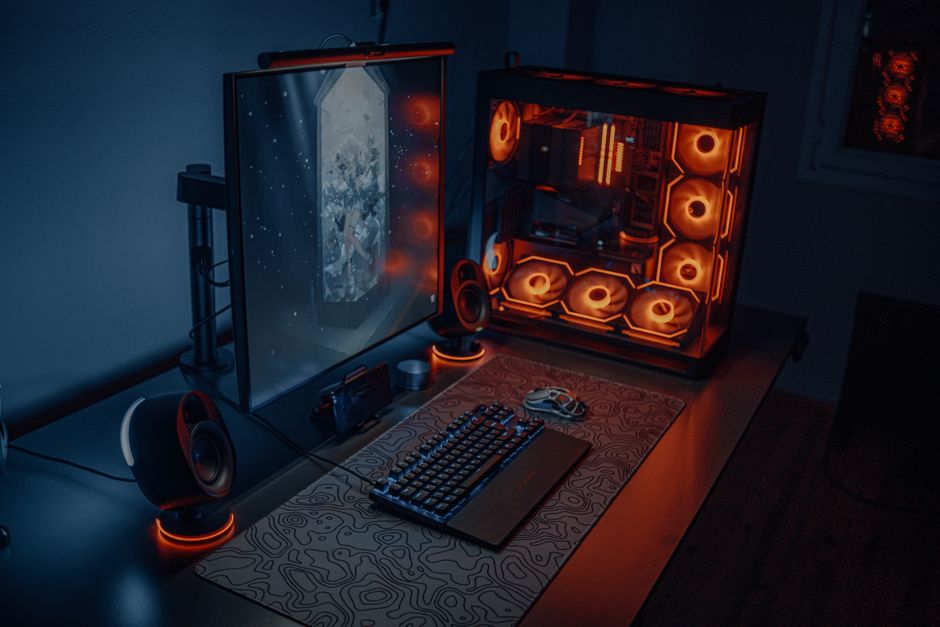
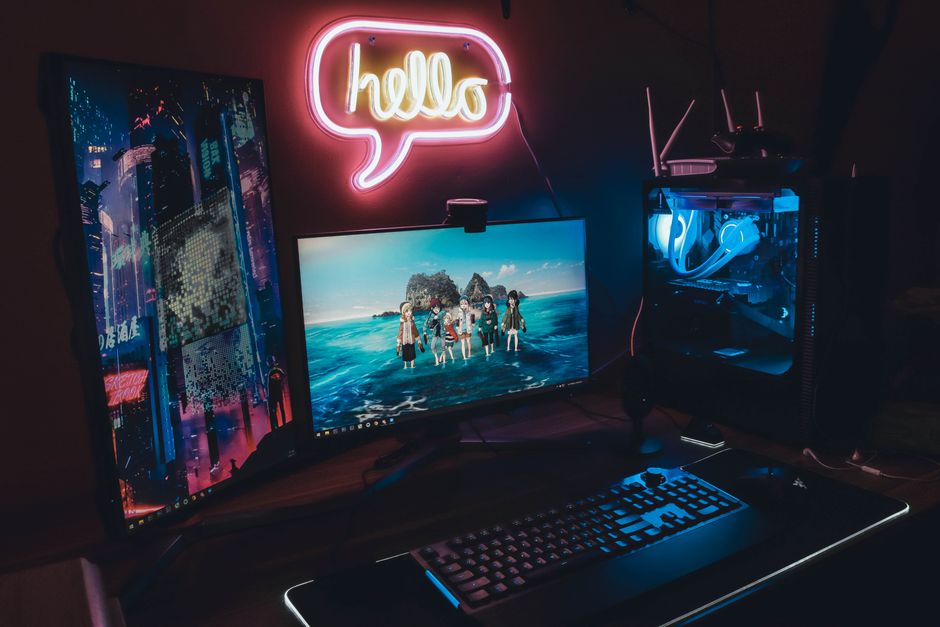
Monitor placement is vital for a smooth streaming experience. Most streamers use at least two monitors: one for gameplay and another for monitoring the stream, chat, and other applications. Position your primary monitor directly in front of you to reduce neck strain, while the secondary monitor can be angled slightly to the side.
Consider monitor mounts or stands, which can free up desk space and allow for adjustable configurations. This setup not only improves ergonomics but also enhances your ability to keep an eye on everything happening during streams without missing a beat.
Lighting for Professional Quality Visuals
Lighting is a crucial element often overlooked by new streamers. Proper lighting can significantly improve the visual quality of your stream. Soft, diffused lighting is ideal, as it provides consistent illumination without harsh shadows.
Ring lights or softbox lights are popular choices among streamers. Position these lights in a way that ensures even light distribution across your face, reducing shadows and creating a natural look. Adjustable lighting can help you adapt to different times of day and maintain the desired ambiance.
Audio Setup for Clear Communication
Clear audio is just as important as good video quality in maintaining viewer engagement. Investing in a quality microphone can make a significant difference. Condenser microphones are popular for their ability to capture clear and detailed sound.
Consider using a microphone arm to position the mic at an optimal distance from your mouth. This setup helps reduce desk noise and keeps the microphone out of the camera’s view. Additionally, using a pop filter or windscreen can minimize plosive sounds and improve audio clarity.
Incorporating Efficient Cable Management
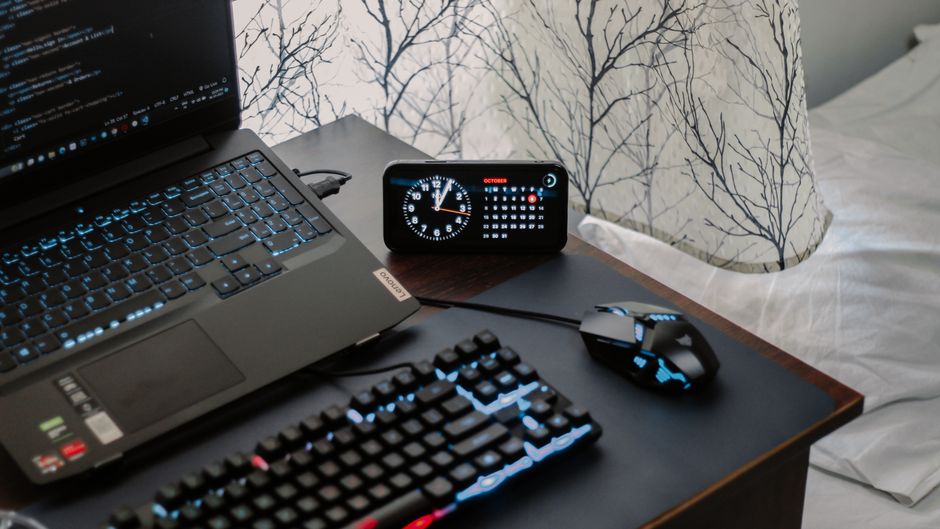
Cable management is an often underestimated aspect of setting up a gaming desk. A cluttered workspace can be distracting and may even lead to technical issues. Use cable trays, clips, and ties to keep cords organized and out of sight.
Efficient cable management not only improves the aesthetic of your streaming setup but also makes it easier to troubleshoot and make quick adjustments during your streaming sessions. By keeping everything tidy, you can focus more on content creation and less on technical hiccups.
Ergonomics and Comfort
Comfort is key to long streaming sessions. Investing in an ergonomic chair with adequate lumbar support can prevent back pain and improve posture, allowing you to focus on your stream without discomfort.
Position your keyboard and mouse at a comfortable height to minimize strain on your wrists. Consider using a wrist rest to enhance comfort further. Taking regular breaks to stretch and move around is also essential for maintaining physical health during extended streaming periods.
Common Mistakes to Avoid
Many new streamers make the mistake of investing heavily in the wrong areas. Prioritize essentials like a comfortable chair, clear audio, and proper lighting over unnecessary gadgets. Additionally, avoid overcrowding your desk with excessive decorations or equipment that can detract from the stream’s focus.
Another common error is neglecting to test your setup before going live. Ensure all equipment is functioning correctly and practice navigating your setup to ensure a smooth streaming experience for your audience.

Unlock Full Article
Watch a quick video to get instant access.