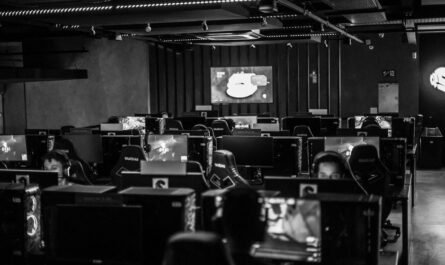
Long gaming sessions can be exhilarating, especially when you’re deeply immersed in a gripping storyline or engaged in competitive multiplayer battles. However, without the right setup, these marathon sessions can take a toll on your body. An ergonomic gaming desk setup isn’t just about comfort; it’s also about enhancing your gaming performance by preventing strain and fatigue. Let’s explore how to create the perfect environment for extended gaming sessions.
Choosing the Right Desk
The foundation of a great gaming setup is a suitable desk. A desk that accommodates all your gear and promotes good posture is crucial. Look for options that offer ample surface area for multiple monitors, a keyboard, and other accessories. Adjustable height desks are a plus, as they allow you to switch between sitting and standing, reducing strain on your back and legs.
Material and Build Quality
Ensure the desk is made from sturdy materials that can support the weight of your equipment. Metal frames with wooden or composite tops are common and reliable choices. Check for stability—wobbly desks can be disruptive during intense gaming moments.
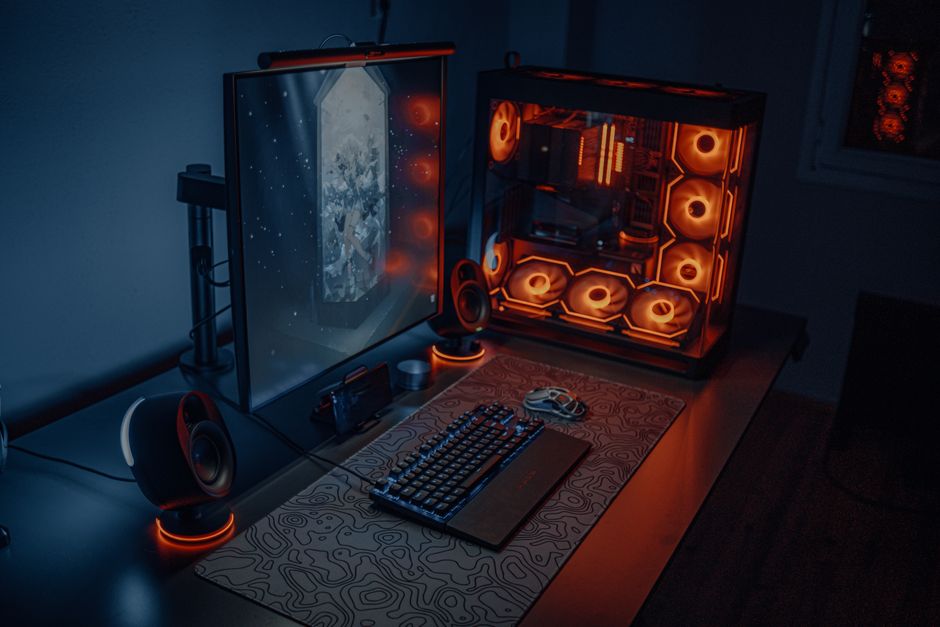
- Ample surface space for monitors and peripherals.
- Consider adjustable height options for flexibility.
- Prioritize stability and strong build quality.
Ergonomic Seating
A supportive chair is indispensable for long hours at your desk. Ergonomic chairs are designed to support the natural curve of your spine, encouraging good posture and reducing the risk of back pain. Features to look for include adjustable lumbar support, height, and armrests.
Chair Adjustability
Each gamer has different needs, so choose a chair with multiple adjustment options. The ability to modify seat depth, backrest angle, and tilt tension can significantly enhance comfort. Try out different chairs if possible to find one that suits your body type.
- Look for chairs with lumbar support.
- Ensure the chair offers height and armrest adjustability.
- Test different models for the best personal fit.
Monitor Positioning
Proper monitor placement can reduce eye strain and neck pain. Ideally, the top of your monitor should be at or slightly below eye level, and the screen should be about an arm’s length away. This setup helps maintain a neutral neck position and comfortable viewing distance.
Multiple Monitor Setup
If you’re using multiple monitors, align them horizontally to minimize excessive head movement. Monitor arms or stands can help you position your screens perfectly and free up desk space for other equipment.
- Position monitors to avoid neck strain.
- Consider using monitor arms for flexibility.
- Align multiple monitors to reduce head movement.
Keyboard and Mouse Placement
Your keyboard and mouse should be positioned to allow your arms to remain at or below a 90-degree angle. This reduces the risk of repetitive strain injuries. Ergonomic keyboards and mice can further improve comfort by promoting a more natural hand and wrist posture.
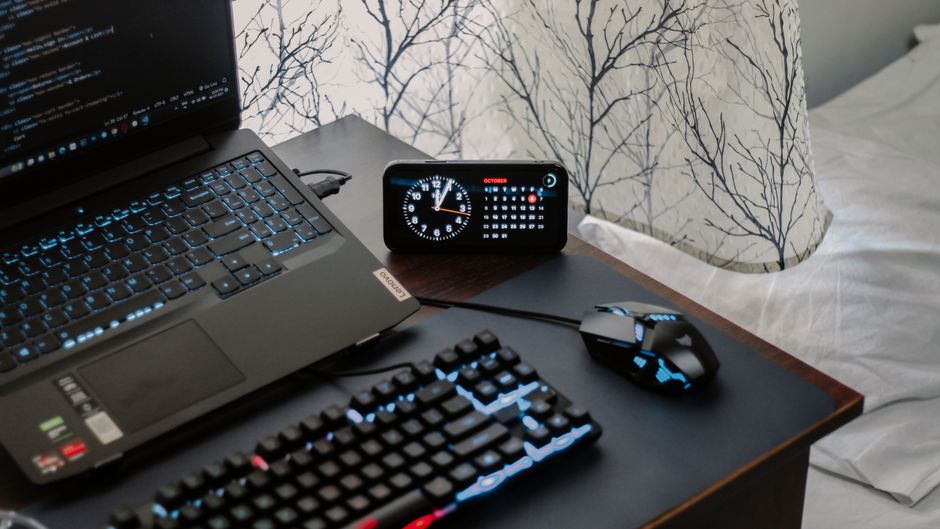
- Keep keyboard and mouse within easy reach.
- Use wrist supports or ergonomic peripherals if needed.
- Maintain a relaxed arm position to prevent fatigue.
Cable Management
A cluttered desk can be distracting and even hazardous. Effective cable management keeps your workspace tidy and minimizes the risk of tangling. Use cable ties, clips, or sleeves to organize your wires efficiently.
Benefits of an Organized Setup
A clean gaming area not only looks better but also allows you to focus more on gaming and less on the chaos around you. It can also extend the lifespan of your cables by preventing wear and tear.
- Utilize cable management solutions for a tidy desk.
- Organized cables enhance safety and aesthetics.
- Reduces potential for cable damage and chaos.
Lighting and Environment
Proper lighting is crucial to avoid eye strain. Ensure your gaming area is well-lit but avoid glare on your screens. Ambient lighting can reduce contrast between your bright screen and the dark room, promoting a comfortable viewing experience.
Lighting Tips
Consider adding bias lighting behind your monitors to soften the contrast and reduce eye strain. Adjustable LED lamps can also provide focused lighting when needed.
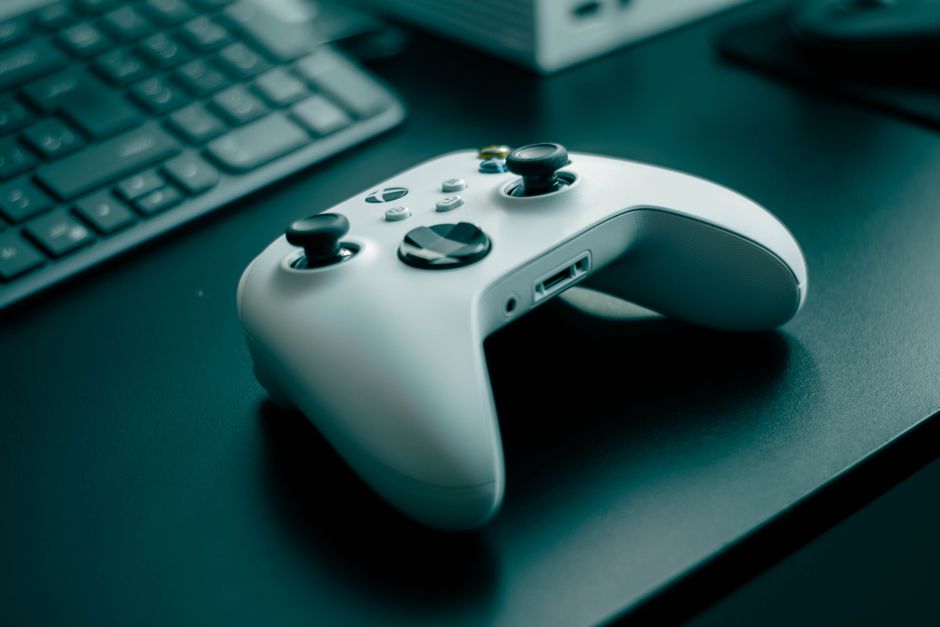
- Use ambient lighting to reduce screen contrast.
- Bias lighting can help alleviate eye strain.
- Adjustable lamps offer flexible lighting options.
By investing time and thought into your gaming desk setup, you not only enhance your comfort but also boost your gaming performance. An ergonomic setup minimizes distractions and physical discomfort, allowing you to focus entirely on your game. Remember, every gamer is different, so tailor your setup to your personal preferences and needs.

Unlock Full Article
Watch a quick video to get instant access.