For streamers aiming to deliver high-quality content, selecting the right capture card is crucial. Whether you’re a beginner or a seasoned pro, understanding the nuances of different capture cards can help you make informed decisions and avoid common pitfalls. This guide provides a comprehensive look at choosing the right capture card based on your specific streaming setup and needs.
Understanding Capture Cards and Their Importance
Capture cards play a pivotal role in streaming by converting video signals from gaming consoles or PCs into a digital format that can be easily processed by your computer for streaming. They bridge the gap between your gaming hardware and streaming software, ensuring smooth and high-quality video output.
Without a good capture card, streamers may experience issues such as lag, low resolution, or even dropped frames, which can negatively impact the viewer experience. Choosing the right capture card requires an understanding of your setup, whether you’re streaming from a console or a PC, and the quality of stream you aim to produce.
Key Considerations When Choosing a Capture Card
Compatibility with Your System
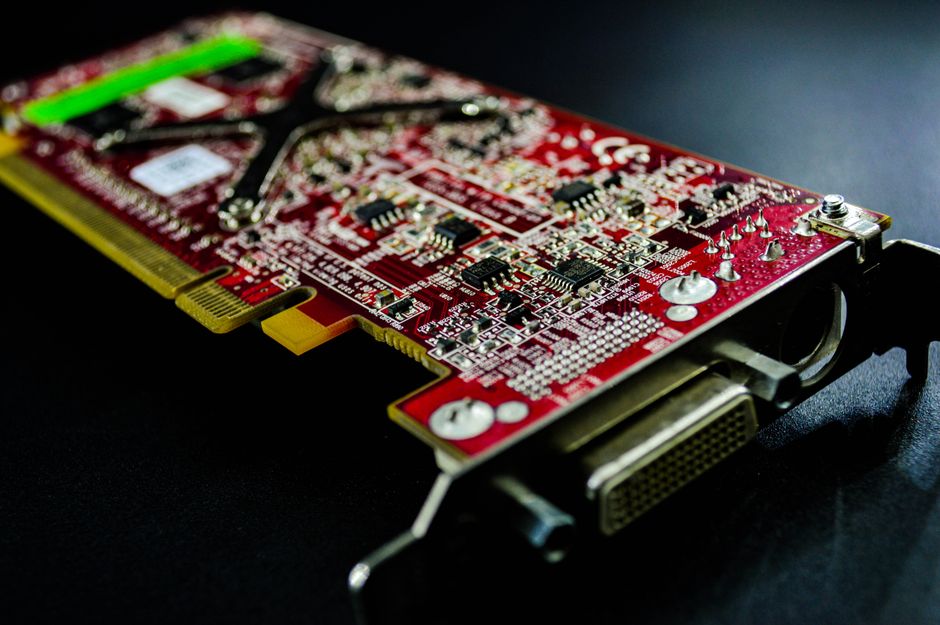
Before purchasing a capture card, ensure that it is compatible with your streaming setup. For PC users, internal capture cards that fit into PCIe slots may offer higher performance but require installation inside your computer. External capture cards connect via USB and are typically easier to set up, making them suitable for laptop users or those who prefer portability.
Resolution and Frame Rate Support
The quality of your video output depends significantly on the capture card’s ability to support high resolutions and frame rates. If you aim to stream in Full HD or even 4K, make sure the capture card supports these resolutions. Additionally, consider the frame rate; a card that supports 60fps will provide smoother visuals, especially important for fast-paced games.
Latency and Performance
Latency is a critical factor in live streaming. Lower latency means that the time delay between your actions and the stream is minimized, providing a more seamless experience for viewers. Look for capture cards known for low latency to ensure that your live stream is as close to real-time as possible.
Matching Capture Cards to Your Streaming Setup
Streaming from Consoles
If you are streaming from a gaming console, an external capture card is often the best choice. Most consoles, like the PlayStation or Xbox, output video via HDMI, so ensure the capture card you choose has an HDMI input. Also, consider cards that offer pass-through capabilities, allowing you to play on your TV while streaming.
PC Gaming and Advanced Setups
For PC gaming, your choice may vary based on your system’s capabilities. Internal capture cards are often preferred for their direct connection to the motherboard, which can enhance performance and reduce latency. However, this option requires a desktop PC with available PCIe slots.
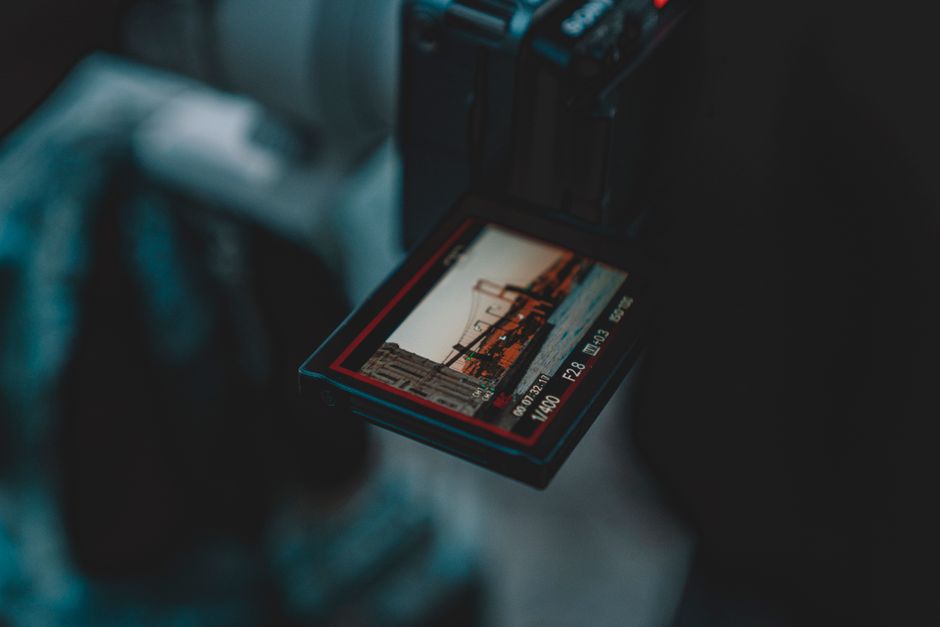
Advanced streamers might also consider capture cards with additional features like audio mixing support or multi-input capabilities, which can be particularly useful if you’re planning to switch between different sources during your stream.
Popular Capture Card Brands and Models
Several brands are well-known for producing reliable capture cards. Elgato, AVerMedia, and Razer offer a variety of models catering to different needs and budgets. While Elgato is popular for its user-friendly software and wide compatibility, AVerMedia is known for cards that support high resolutions and low latency.
Razer’s products often appeal to those seeking a sleek design and additional gaming features. When choosing between brands, consider the software support and community feedback, as these can offer insights into real-world performance and reliability.
Common Mistakes to Avoid
When selecting a capture card, one common mistake is overlooking system requirements. Ensure that your computer meets the specifications needed to operate the capture card effectively. Another pitfall is not considering future-proofing. If you plan to upgrade your streaming quality or change your setup, invest in a capture card that will accommodate these changes.
Additionally, avoid choosing a card solely based on price. While budget options can be tempting, they may lack essential features or durability, leading to additional costs in the long run.
Conclusion: Making the Right Choice
Choosing the right capture card involves understanding your streaming goals and technical setup. Whether streaming from a console or a high-end PC, the right capture card can significantly enhance your content quality. Take the time to assess your needs, do your research, and select a capture card that will support your streaming ambitions both now and in the future.

Unlock Full Article
Watch a quick video to get instant access.