Building your own PC can be a rewarding experience, giving you a custom machine tailored to your needs. However, it’s easy to make mistakes that can lead to frustration, equipment damage, or even a failed build. Understanding and avoiding common pitfalls can help ensure your PC building journey is smooth and successful. Here are the top ten mistakes to watch out for and how to avoid them.
Mistake 1: Choosing Incompatible Components
One of the most frequent errors new builders make is selecting components that don’t work well together. This can include CPUs that don’t match the motherboard socket or RAM that doesn’t fit the motherboard’s requirements. To avoid this, thoroughly research each component and use online compatibility tools or resources provided by manufacturers.
How to Check Compatibility
Start by choosing a CPU and then select a compatible motherboard. Check the motherboard’s specifications for RAM type and maximum capacity. For the GPU, ensure there is enough space in the case and that the power supply unit (PSU) can handle its power requirements.
Mistake 2: Ignoring the Power Supply Unit (PSU)
Underestimating the importance of the PSU can lead to insufficient power, system instability, or even component damage. It’s crucial to choose a PSU with enough wattage for your build and from a reputable brand to ensure reliability.
The Right Wattage
Calculate your system’s total power consumption using an online PSU calculator. Opt for a PSU that offers slightly more wattage than your estimate to ensure future upgrades are possible. Look for PSUs with 80 PLUS certification for better efficiency.
Mistake 3: Poor Cable Management
Neglecting cable management can obstruct airflow and make future upgrades difficult. It may also lead to overheating, reducing the lifespan of your components.
Tips for Effective Cable Management
Use zip ties or velcro straps to keep cables organized and out of the way. Route cables through the back of the case where possible, and make use of any cable management features your case offers. This not only improves airflow but also enhances the aesthetics of your build.
Mistake 4: Skimping on Cooling
Cooling is crucial for maintaining optimal performance and longevity of your PC components. Inadequate cooling can lead to overheating, causing the system to throttle performance or even shut down.
Choosing the Right Cooling Solutions
Consider both air and liquid cooling options. Make sure your case supports the cooling solution you choose, and ensure adequate airflow by placing case fans strategically. Maintain a balance between intake and exhaust fans to optimize cooling efficiency.
Mistake 5: Installing Components Incorrectly
Improper installation can damage components or lead to poor performance. Common issues include incorrectly mounted CPUs, GPUs not fully seated, or RAM sticks installed in the wrong slots.
Installation Best Practices
Carefully follow the installation instructions provided by manufacturers. Ensure the CPU is properly aligned with the socket, use the correct DIMM slots for dual-channel memory setups, and double-check that all components are securely seated.
Mistake 6: Neglecting BIOS and Driver Updates
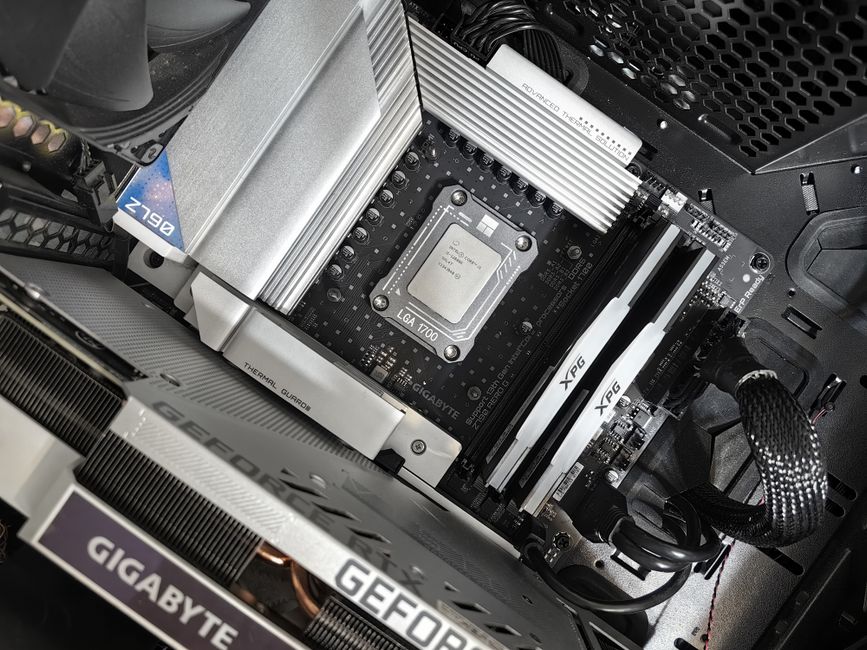
Skipping BIOS updates and driver installations can lead to system instability and reduced performance. Manufacturers frequently release updates that improve compatibility and performance.
Keeping Your System Updated
Check the motherboard manufacturer’s website for BIOS updates and follow the instructions for updating. Regularly update your drivers, especially for graphics cards, to ensure optimal performance and compatibility with new games and software.
Mistake 7: Overlooking Storage Needs
Not planning for adequate storage capacity and speed can create bottlenecks. With games and applications becoming larger, sufficient and speedy storage is essential for a smooth experience.
Choosing the Right Storage
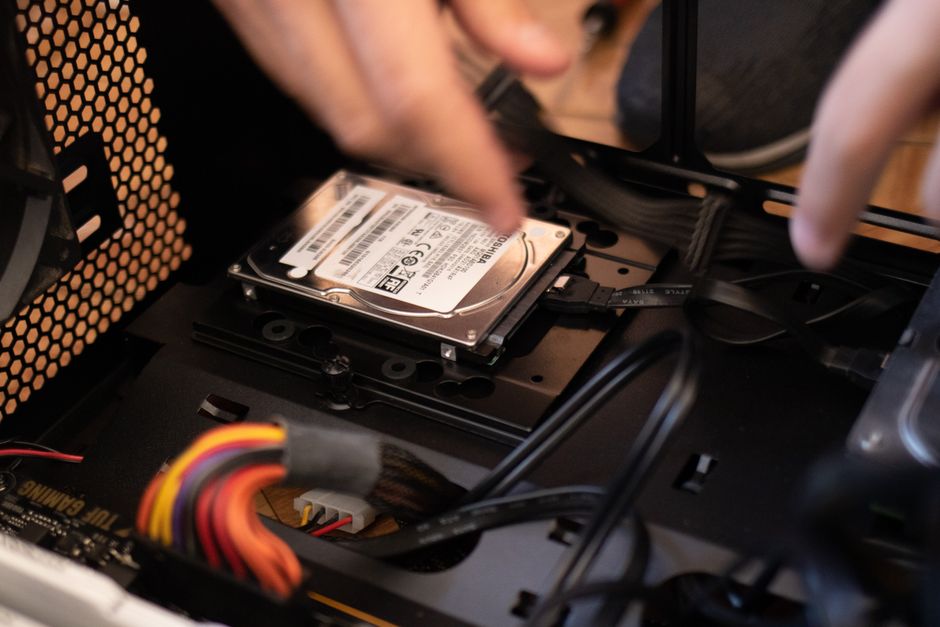
Consider using a combination of SSDs and HDDs. Use an SSD for your operating system and frequently used applications for fast load times, and a larger HDD for bulk storage. Ensure that your motherboard has the necessary ports for your chosen storage devices.
Mistake 8: Not Testing the System Before Final Assembly
Assembling all components without testing can make troubleshooting difficult if something doesn’t work. Pre-assembling and testing outside the case can save time and effort.
Building a Test Bench
Set up a basic test environment outside of the case. Connect the CPU, GPU, RAM, and PSU to the motherboard, and power on to check for POST (Power-On Self-Test) beeps or errors. This simple step can help identify issues early on.
Mistake 9: Ignoring Aesthetic Considerations
While aesthetics might seem trivial, a cohesive look can enhance your enjoyment of the build, especially if you have a case with a transparent side panel.
Enhancing Build Aesthetics
Choose components with matching color schemes or RGB lighting if desired. Spend time on neat cable management and consider using LED strips or fans with lighting to create a visually appealing setup.
Mistake 10: Rushing the Build Process
Impatience can lead to overlooked errors, such as missed connections or inadequate thermal paste application. Rushing often results in needing to reassemble parts, which increases the risk of damage.
Taking Your Time
Approach the build methodically, double-checking each step. Allocate plenty of time for assembly and testing, and consult guides or forums if unsure about a specific step. Patience and diligence are key to a successful build.
By being aware of these common mistakes and knowing how to avoid them, you can create a reliable and high-performing PC that meets your gaming needs. Take your time, do your research, and enjoy the process of building your custom gaming rig.

Unlock Full Article
Watch a quick video to get instant access.