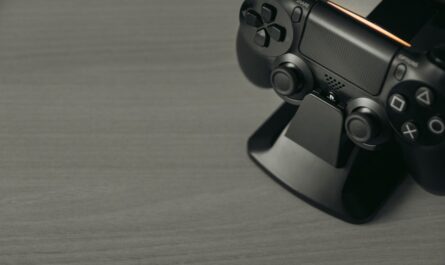
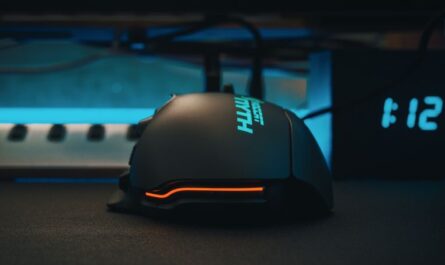
For PC gamers looking to expand their gaming repertoire, the Nintendo Switch offers a unique blend of portability and versatility. However, enhancing your Switch experience doesn’t have to break the bank. Here’s a curated list of budget-friendly accessories that will elevate your gaming sessions without overspending.
Protective Cases and Screen Protectors
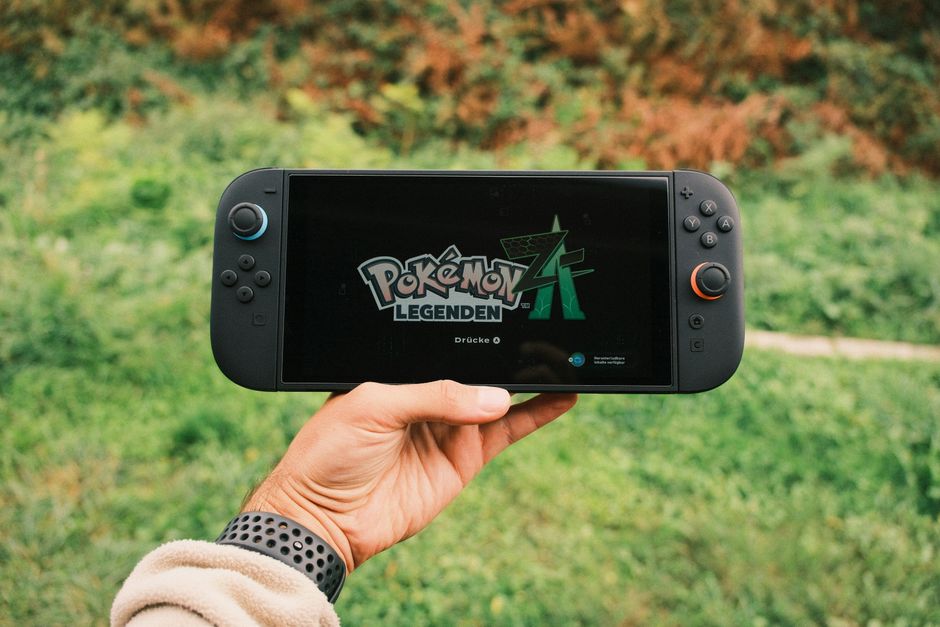
When you’re accustomed to a stationary gaming setup, the portable nature of the Nintendo Switch can be a new experience. It’s crucial to protect this investment, especially if you plan to take it on the go. A well-made case can safeguard your device from drops and scratches, while a screen protector ensures the display remains pristine.
Look for cases that offer a snug fit with shock-absorbent features and compartments for game cartridges. Screen protectors are typically available in tempered glass or film; the former is more durable, while the latter is more flexible and easier to apply. These protective accessories typically range from $10 to $30, making them a cost-effective investment for peace of mind.
Enhanced Gaming Controllers
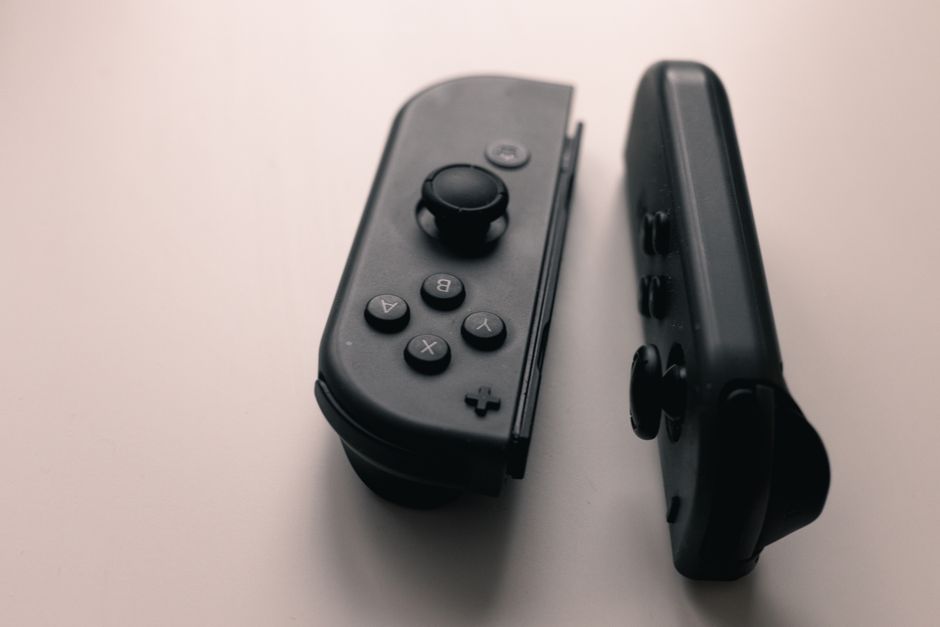
While the Joy-Con controllers are innovative, PC gamers often prefer the feel of a traditional gamepad. Several affordable Switch-compatible controllers mimic the design and ergonomics of conventional gaming controllers, which can be more comfortable during extended play sessions.
Brands like PowerA and 8BitDo offer high-quality controllers at a fraction of the price of the official Nintendo Pro Controller. These controllers often include additional features like turbo buttons or customizable layouts, and they typically range from $20 to $50. When selecting a controller, check for comfort, button layout, and battery life.
Wireless or Wired: What’s Best?
Consider whether you prefer a wired connection for zero latency or the freedom of wireless play. Both options are available in budget ranges, so choose according to your gaming style.
Portable Charging Solutions
For those who travel with their Switch, keeping it charged is essential. Portable power banks and car chargers ensure you never run out of battery during a crucial gaming moment. They come in various capacities, usually ranging from a few dollars to more expensive models with higher capacities.
When choosing a power bank, consider its capacity (measured in mAh) and charging speed. A higher capacity means more charges before needing to recharge the power bank itself. Look for one with USB-C compatibility for faster charging.
Docking Alternatives
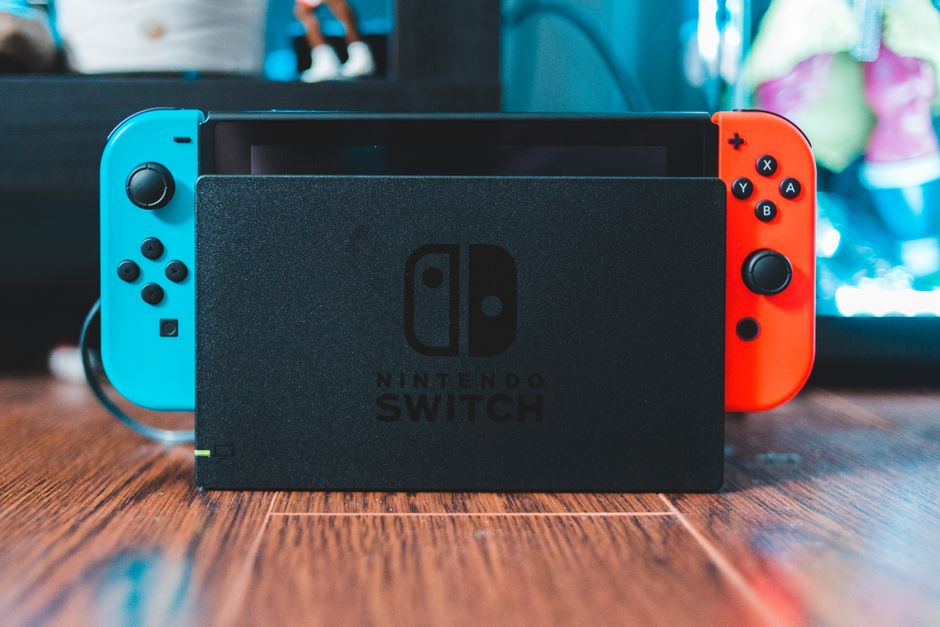
While the official Nintendo Switch dock works well for home use, many PC gamers prefer compact alternatives for portability. Compact docks are often more affordable and easier to take on trips.
These third-party docks come with HDMI outputs for connection to TVs or monitors and additional ports for accessories. Prices can vary, but you can find reliable options without exceeding your budget. Ensure the dock is compatible with Nintendo Switch firmware to avoid performance issues.
Headphones and Audio Solutions
Quality audio can greatly enhance your gaming experience, especially in immersive games. If you’re used to high-quality sound from a PC setup, consider investing in a good pair of headphones or earbuds compatible with the Switch.
Many affordable options offer features such as noise cancellation or built-in microphones. Wireless headphones that use Bluetooth adapters or wired options plugged into the Switch can both fit within a modest budget.
- Ensure compatibility with the Switch’s audio output.
- Consider comfort and battery life if opting for wireless.
- Check for a built-in mic if you plan to use voice chat features.
FAQ: Common Questions About Switch Accessories
Are third-party accessories safe for my Switch?
Generally, third-party accessories from reputable brands are safe. Always check reviews and compatibility notes before purchasing.
How can I ensure my accessories are compatible?
Read product descriptions carefully and look for any notes on compatibility with the latest Switch firmware. User reviews can also provide insights.
What is the most essential accessory for a new Switch owner?
For most, a protective case and screen protector are essential to prevent damage from everyday use.

Unlock Full Article
Watch a quick video to get instant access.