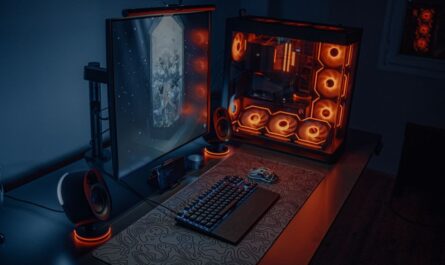
Building your own gaming PC can be an exciting and rewarding venture. However, it’s easy to get carried away and purchase components that exceed your needs, leading to unnecessary expenses. This guide will help you select the right components for your gaming PC, ensuring you get the performance you need without overspending on high-end parts that offer little benefit for your specific requirements.
Assessing Your Gaming Needs
The first step to avoiding overkill is to clearly assess your gaming requirements. Consider the types of games you play most often. Are they graphically intensive AAA titles, or do you enjoy indie games that demand less GPU power? Understanding this will help you determine the necessary specifications for your build.
Also consider your display setup. If you’re gaming on a 1080p monitor, you may not need the most powerful graphics card available. On the other hand, if you’re planning to game at 4K or on a high refresh rate monitor, higher-end graphics and CPU options might be justified.
Choosing the Right CPU
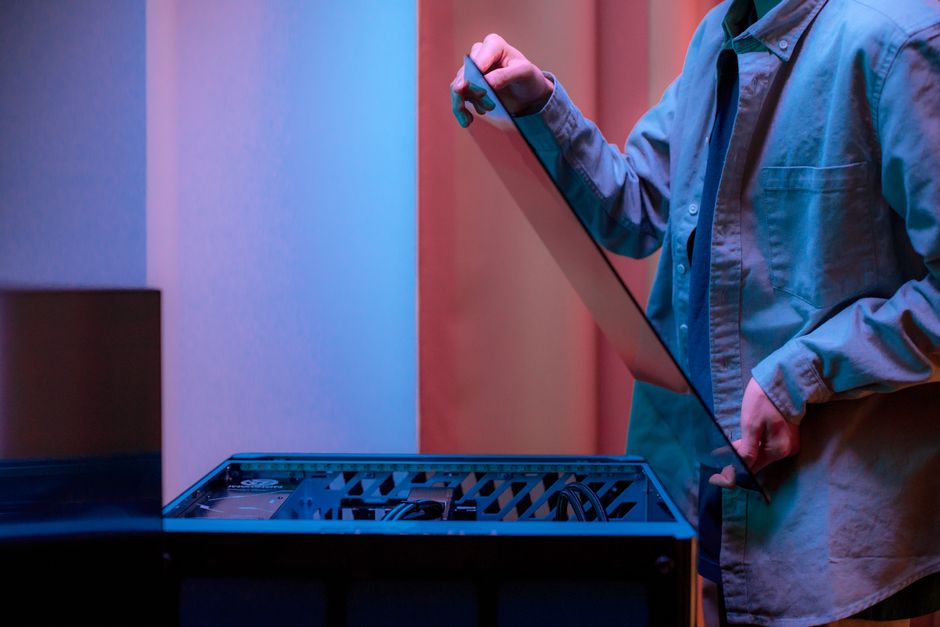
Your CPU is critical for gaming performance, but many gamers tend to overspend on this component. A mid-range processor is often sufficient for most gaming needs. High-end CPUs can offer better performance, but the cost-to-benefit ratio diminishes significantly if your primary use case is gaming.
Focus on CPUs with a balance of cores and high clock speeds, especially if you plan on multitasking while gaming. For those who stream or perform video editing, a slightly higher investment in a CPU with more cores can be beneficial.
Graphics Card Considerations
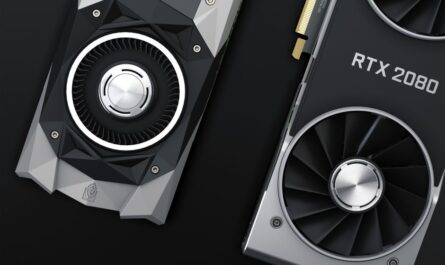
The graphics card is one of the most important components for a gaming PC, but it’s also easy to overspend here. Consider the resolution and refresh rate you’ll be gaming at. For 1080p gaming, a mid-range GPU is often more than adequate, while 1440p or 4K gaming requires more power.
Ensure the graphics card you choose does not bottleneck the rest of your system. Pairing a top-of-the-line GPU with an entry-level CPU can limit your performance. Additionally, consider future-proofing if it aligns with your budget, but avoid choosing a card solely because it’s the most powerful available.
RAM Requirements
RAM is another area where it’s easy to overspend. For most gaming builds, 16GB of RAM is sufficient. While more RAM can be beneficial for certain applications, it rarely translates to better gaming performance unless you have specific needs like running multiple virtual machines or software development environments.
Consider the speed and latency of the RAM you choose. Faster RAM can offer slight performance improvements, but these often come at an increased cost that may not justify the minor gains.
Storage Solutions
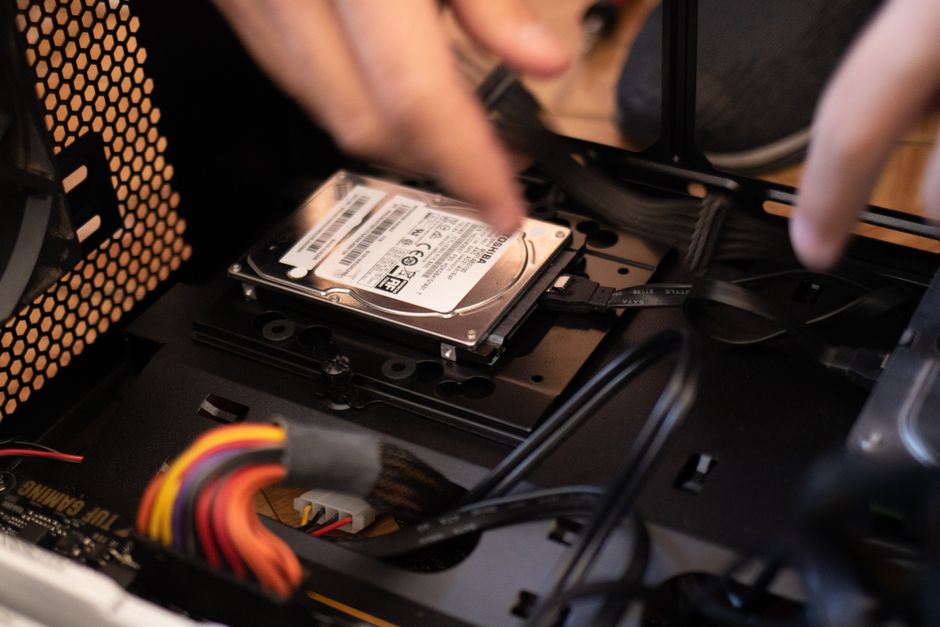
Storage is essential, but you don’t need to spend excessively on this component. An SSD will significantly improve load times and overall system responsiveness compared to traditional hard drives. However, once you have the necessary space for your operating system and a few key applications on an SSD, additional storage can often be more cost-effectively expanded with larger HDDs for less critical files.
Consider combining an SSD for your operating system and games, with a larger HDD for media and other files. This hybrid setup offers speed and storage capacity without breaking the bank.
Power Supply and Cooling
Your power supply unit (PSU) is crucial for maintaining system stability. While it’s important to choose a reliable PSU, more power isn’t always better. Calculate your system’s power needs and choose a PSU with a bit of headroom, usually around 20% more than your estimated consumption.
Similarly, when it comes to cooling, more isn’t necessarily better. Most mid-range builds can thrive with air cooling solutions. High-end water cooling setups can be overkill unless you’re heavily overclocking your CPU or GPU.
Common Mistakes to Avoid
Many builders make the mistake of not balancing their components, leading to bottlenecks. Avoid pairing a high-end GPU with a weak CPU, as this can limit your system’s performance. Another common mistake is focusing too much on aesthetic components like RGB lighting, which can add considerable cost without improving performance.
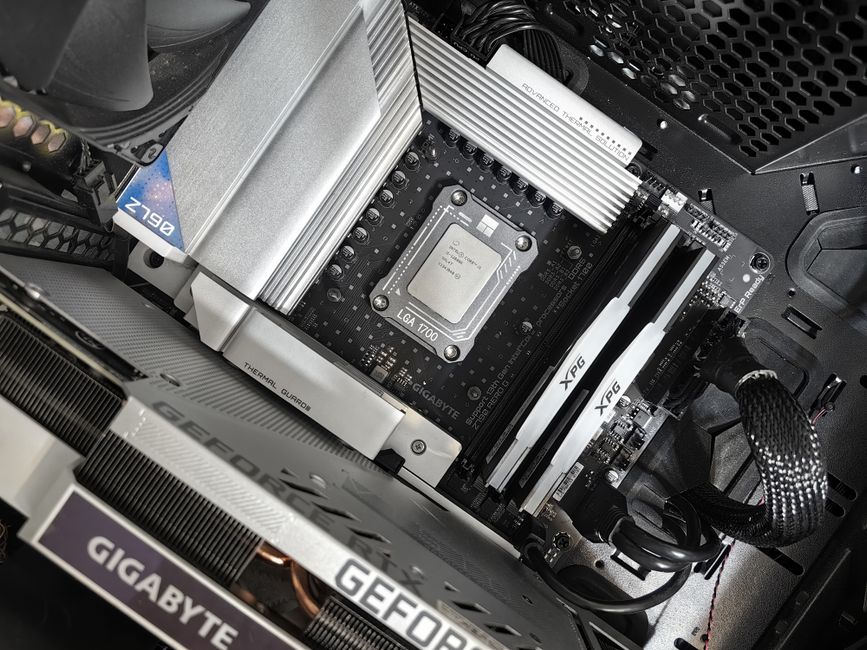
Finally, always check compatibility between components, such as ensuring your motherboard can support your CPU and has the necessary slots and connections for other components. Upgrading your cooling and case size as an afterthought can also be costly mistakes if not planned from the outset.
Conclusion
By carefully assessing your needs and understanding the role each component plays, you can build a gaming PC that offers excellent performance without unnecessary expenditure. Remember to prioritize balance and compatibility, and avoid the temptation of purchasing the latest and greatest simply because it’s new. With a thoughtful approach, you can maximize your gaming investment and enjoy a system that meets your needs now and in the future.

Unlock Full Article
Watch a quick video to get instant access.