Building a gaming PC is an exciting venture, promising enhanced performance and a customized experience. However, without careful planning, costs can spiral out of control, leaving you with an empty wallet and buyer’s remorse. This guide explores common financial missteps in PC building and provides strategies to help you build a gaming powerhouse without overspending.
Defining Your Needs and Budget
Before diving into the world of PC components, it’s crucial to establish both your gaming needs and your budget. Not all gamers require the latest and greatest hardware. Consider the types of games you play and their system requirements. Games with less demanding graphics can run smoothly on mid-range components, allowing you to allocate your budget more efficiently.
Start by setting a realistic budget. This involves not just a fixed amount but a flexible range that can accommodate unforeseen expenses. Prioritize your spending based on essential components like the CPU and GPU. Allocate a larger portion of your budget to these critical parts while saving on peripherals and aesthetics.
Research Components Thoroughly
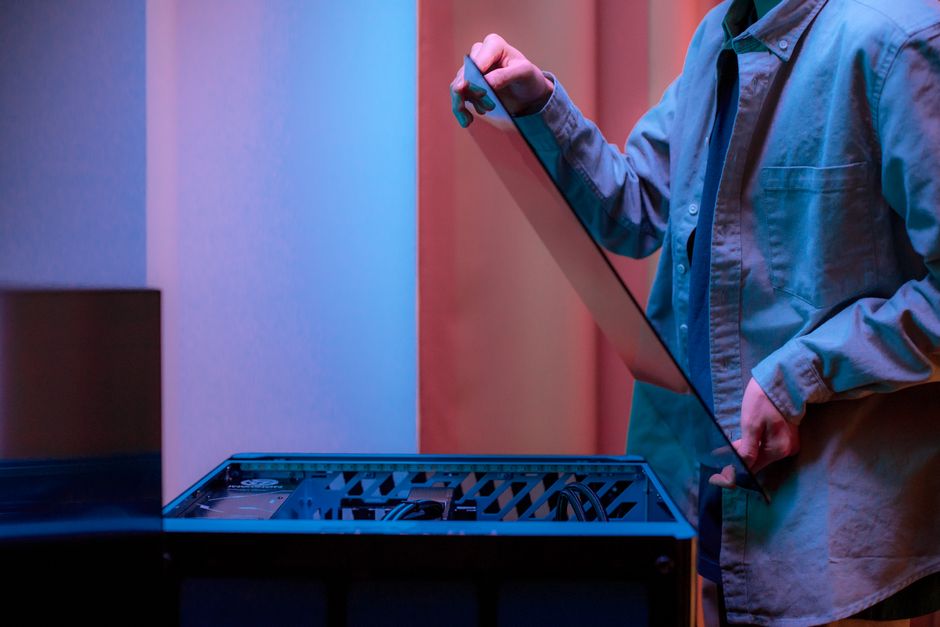
A common mistake is purchasing components without thorough research, often leading to compatibility issues or unnecessary spending. Always check the compatibility of the motherboard with your chosen CPU and RAM to avoid the expensive mistake of buying incompatible parts.
Additionally, avoid the trap of buying brand-new, top-tier components if your budget doesn’t allow it. Previous generation hardware often offers excellent performance at a lower cost. Use online forums and reviews to compare component performance and value, ensuring you get the best deal.
Avoiding Overpriced Features
Many components come with features that sound impressive but add little to gaming performance. For example, motherboards with high-end overclocking features are unnecessary unless you’re an enthusiast planning on pushing your hardware to its limits. Similarly, RAM with RGB lighting adds aesthetic flair but doesn’t enhance gaming experience.
Focus on function over form. A solid-state drive (SSD) is essential for fast boot times and game loading, but you don’t need a top-tier model unless you have specific requirements. Allocate your budget to performance-enhancing features instead.
Understanding Long-Term Costs
Building a PC isn’t just about the initial purchase. Consider long-term costs like power consumption and potential upgrades. High-wattage power supplies and overclocked components may increase your electricity bill. Opt for energy-efficient components to reduce ongoing costs.
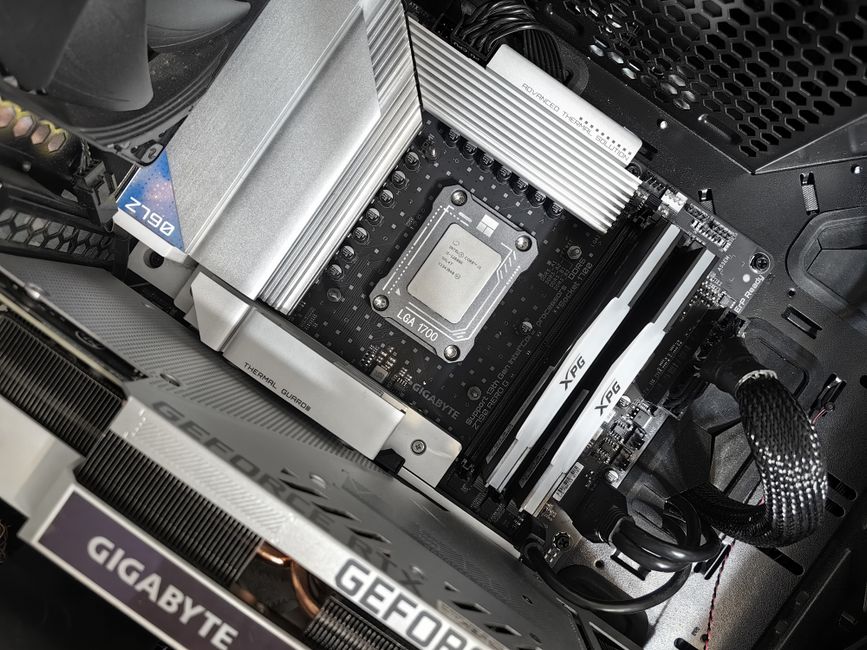
When selecting a power supply unit (PSU), choose a unit with just enough wattage to support your system with a little headroom for future upgrades. Overbuying on wattage can increase initial costs without providing any real benefit.
Balancing Upgrades and New Builds
Sometimes, choosing between upgrading an existing PC and building a new one from scratch can be tricky. Upgrading can be cost-effective if your current system is relatively modern and only needs a few enhancements to meet your gaming needs.
Analyze the cost of upgrades versus a new build. Often, upgrading the GPU and adding more RAM can yield substantial performance improvements without the need for a complete overhaul. This approach can save you money and extend the life of your existing setup.
Common Mistakes to Avoid
Overlooking Hidden Costs
- Shipping and Taxes: These can add up quickly when buying multiple components.
- Software Licenses: Operating systems and game licenses are often overlooked expenses.
- Tools and Accessories: Cable management tools and additional fans may be necessary for optimal performance.
Skipping Quality Assurance
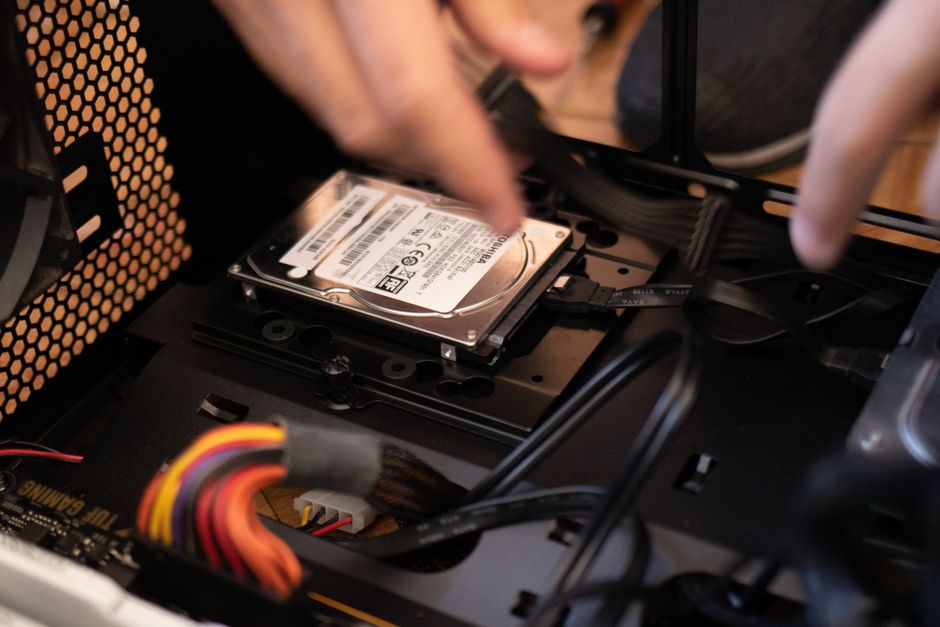
Always test your components before assuming they’re in perfect working order. A faulty part can lead to additional expenses and delays. Run stress tests and monitor temperatures to ensure stability and longevity.
Conclusion
Building a cost-effective gaming PC requires a balance between performance and budget management. By understanding your needs, thoroughly researching components, and planning for both immediate and long-term costs, you can avoid common financial pitfalls. Take your time to make informed decisions, and you’ll end up with a system that offers great gaming experiences without breaking the bank.

Unlock Full Article
Watch a quick video to get instant access.