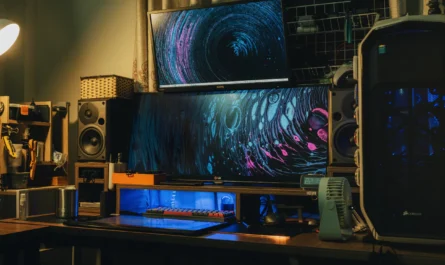
Embarking on a streaming journey requires more than just a gaming setup and a good internet connection. The choice of webcam plays a pivotal role in defining the quality of your stream, influencing how you connect with your audience. Whether you are just starting or are a seasoned pro, selecting the right webcam can elevate your content. This guide will help you choose the best webcam for each stage of your streaming career, ensuring you have the right tools as you progress from amateur to professional streamer.
Getting Started: Webcams for Beginners
For those new to streaming, the primary focus should be on functionality and affordability. As a beginner, you don’t need the most advanced features, but rather a reliable webcam that offers decent video quality without breaking the bank. Look for webcams that provide HD resolution, as this is generally more than enough to present a clear picture of yourself to your audience.
Key Features to Consider
When choosing a beginner webcam, consider ease of use and compatibility with your operating system. Plug-and-play models are particularly attractive because they do not require extensive setup or installation of additional drivers. Some webcams come with built-in microphones, which can be handy if you do not yet have a dedicated microphone.
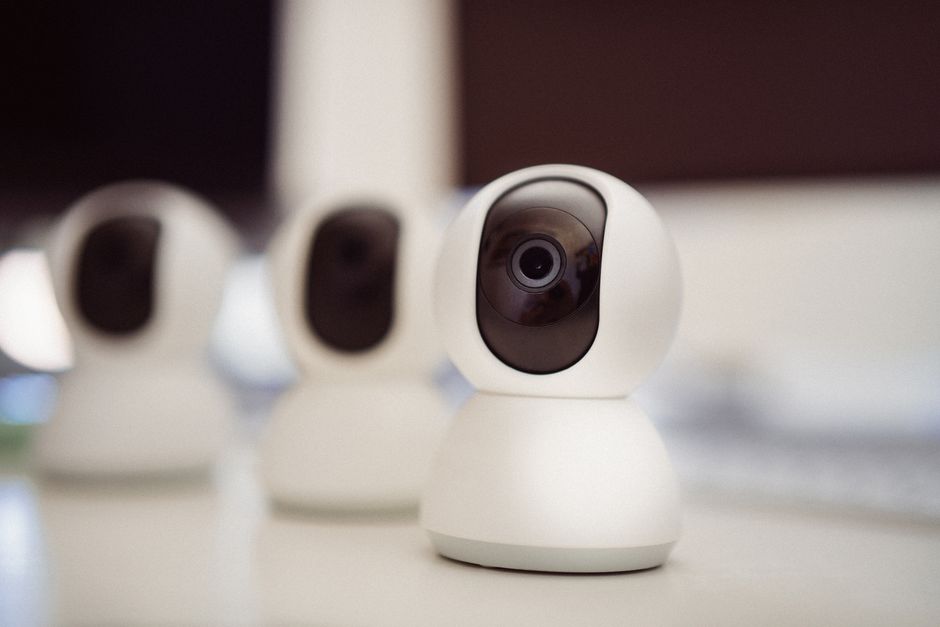
- Resolution: Aim for at least 720p HD resolution. This is sufficient for streaming platforms and offers a clear image.
- Price: Webcams in the lower price range tend to offer basic functionalities. Find one that balances cost and quality.
- Brand Reputation: Opt for well-known brands that are known for reliable webcams, as they often offer better customer support and warranty.
For the Intermediate Streamer: Stepping Up Your Game
If you’ve moved past the beginner stage, you might be looking to enhance your streaming quality. Intermediate streamers should consider webcams that offer better image clarity and additional features like adjustable settings for different lighting conditions. This helps in creating a more professional look for your streams, which can attract a larger audience.
Upgrading Your Setup
Intermediate webcams often feature Full HD resolution (1080p), better lenses, and improved autofocus capabilities. These features will help you maintain a sharp image even during movement. Additionally, look for webcams that offer customizable software settings to tweak brightness, contrast, and color balance.
- Resolution: Full HD (1080p) is recommended for intermediate streamers. This provides a noticeable improvement over 720p, especially when viewed on larger screens.
- Light Sensitivity: A webcam with a good low-light performance will ensure your image remains clear without needing professional lighting.
- Mounting Options: Consider webcams that offer flexible mounting solutions, such as tripod compatibility, for better camera positioning.
Upgrading at this stage is not just about better image quality but also about enhancing the viewer’s experience. Offering a clearer, more professional stream can significantly impact viewer retention and interaction.
Professional Choices: Webcams for Pro Streamers
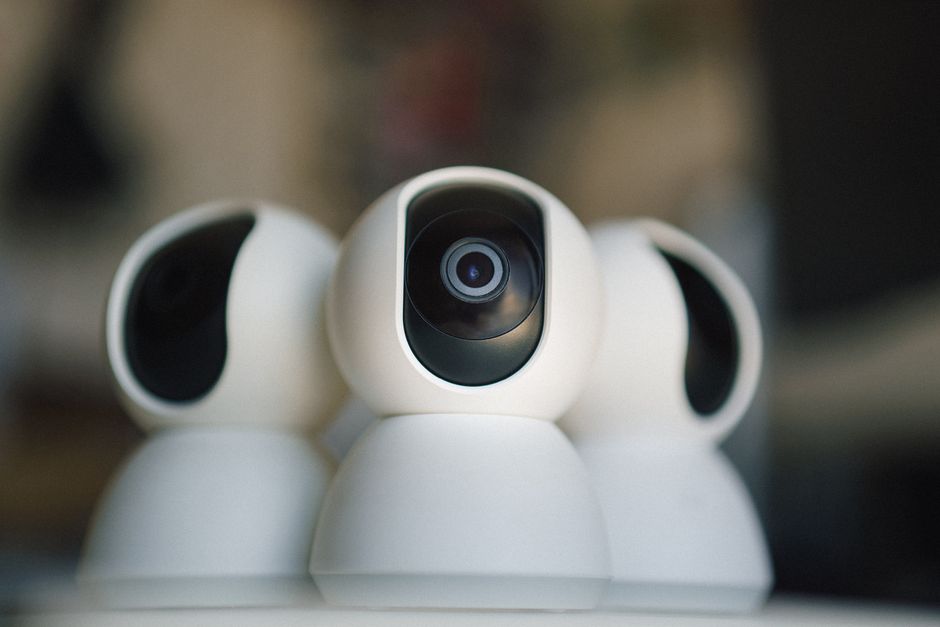
For professional streamers, image quality is paramount. At this level, choosing a webcam that delivers superior performance is crucial to maintaining your brand’s professionalism. Consider webcams that support 4K resolution, as these offer the highest image quality currently available for consumer webcams.
Features That Define Professional Quality
Professional webcams often come with advanced features such as HDR (High Dynamic Range) support, which enhances image quality in varying lighting situations. Another important feature for professionals is the webcam’s field of view. A wider angle allows for a more inclusive shot, which can be useful if you want to show more than just your face on stream.
- Resolution: 4K is ideal for professional streamers, providing the clearest and most detailed image possible.
- Software Integration: Many high-end webcams offer integration with streaming software, allowing for real-time adjustments and enhancements.
- Connectivity: Consider webcams with USB-C connectivity for faster data transfer and improved performance.
Investing in a high-quality webcam at this stage is a commitment to your streaming career. It can set you apart from the competition and offer viewers a premium experience.
Common Mistakes to Avoid
Regardless of your streaming level, there are some common pitfalls to avoid. One is focusing solely on resolution while ignoring other important features like autofocus, frame rate, and software support. Another mistake is neglecting lighting conditions; even the best webcam will struggle in poor lighting. It is equally important to consider your streaming setup’s audio-visual balance, as poor audio can detract from excellent video quality.
Conclusion: Choose the Right Webcam for Your Needs
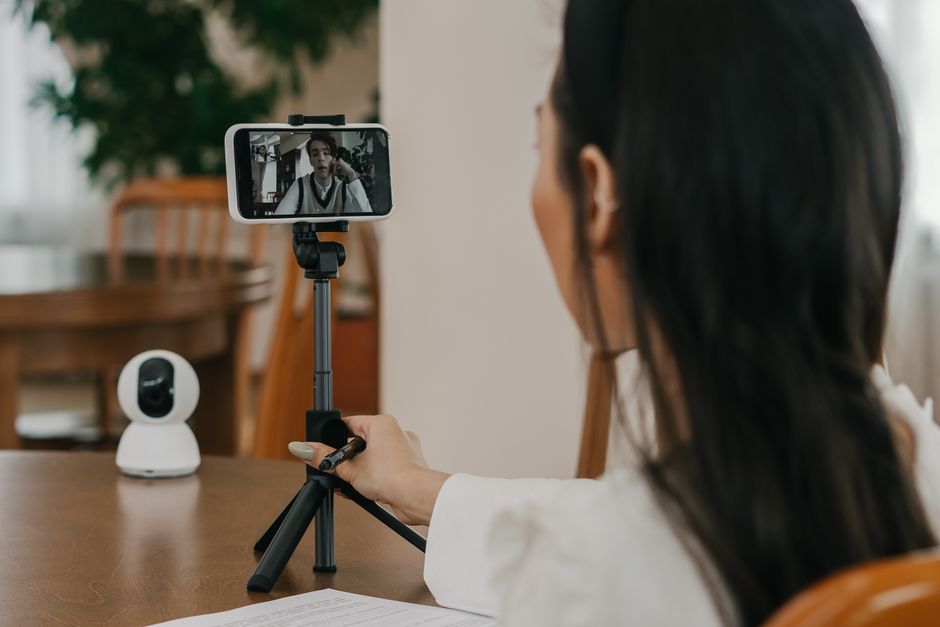
Whether you’re just beginning your streaming career or you’re a seasoned pro, choosing the right webcam is critical. Start with a solid foundation as a beginner, upgrade for higher quality during your intermediate phase, and aim for the best when you’re a professional. Remember, the right webcam can significantly enhance your streaming quality, helping you build and maintain a strong connection with your audience.

Unlock Full Article
Watch a quick video to get instant access.