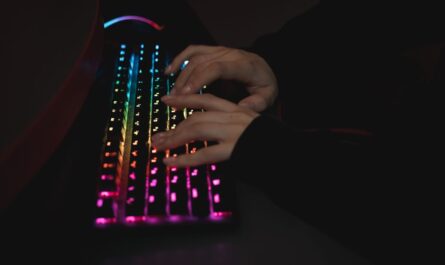
Nintendo Switch, while a beloved console for its versatile gaming experiences, sometimes leaves PC gamers wanting more precision and control. If you’re accustomed to the accuracy of a keyboard and mouse setup, transitioning to the Switch’s Joy-Con or Pro Controller can feel limiting. Fortunately, keyboard and mouse adapters for the Nintendo Switch offer a solution, bridging the gap between console and PC gaming. This guide explores how these accessories can enhance your gameplay and what to consider when choosing one.
Why Use a Keyboard and Mouse with the Nintendo Switch?
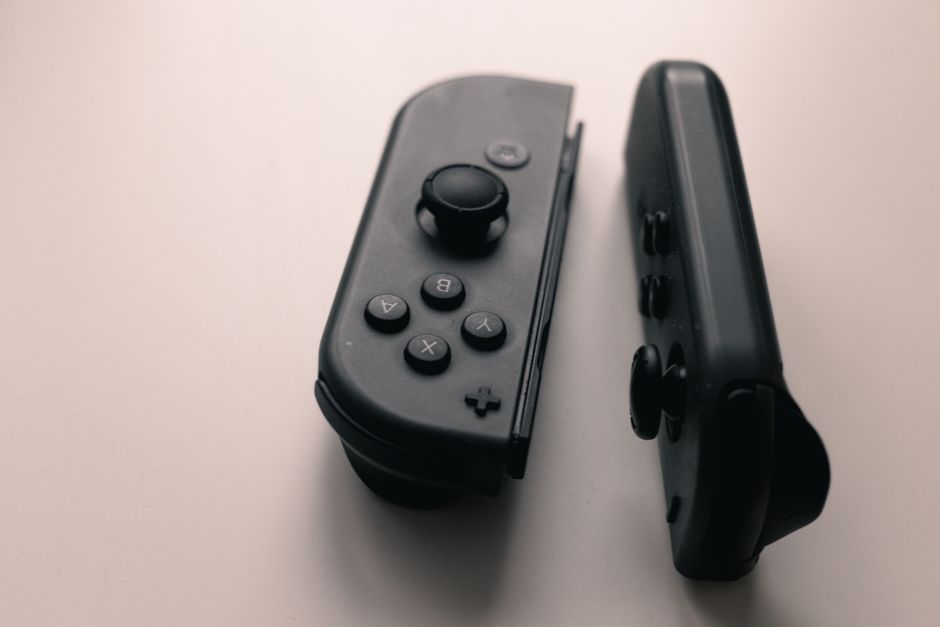
The appeal of using a keyboard and mouse on the Nintendo Switch primarily lies in the enhanced control and precision they offer, particularly for first-person shooters and strategy games. Unlike the Joy-Con or Pro Controller, a keyboard and mouse can provide faster response times and more accurate inputs, giving players a competitive edge in games that require quick reflexes and complex commands.
Moreover, for PC gamers, using a keyboard and mouse offers a familiar setup, making the transition to console gaming smoother. This can be particularly beneficial in cross-platform games where competing against players using similar setups can level the playing field.
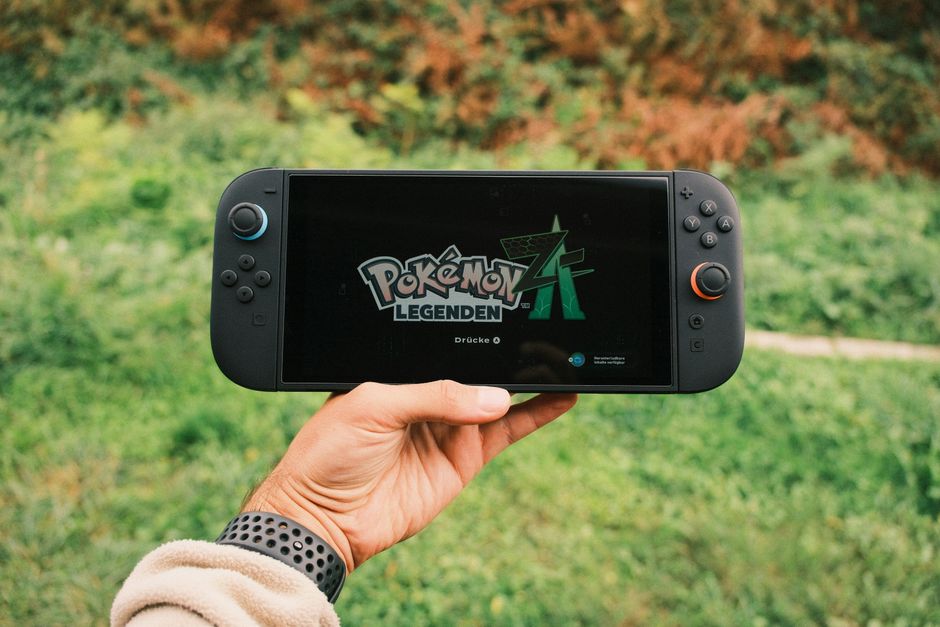
How Keyboard and Mouse Adapters Work
Keyboard and mouse adapters, often referred to as converters or dongles, allow you to connect your peripherals to the Nintendo Switch. These adapters work by emulating the signals from a Joy-Con or Pro Controller, enabling the Switch to recognize and accept inputs from a keyboard and mouse.
Most adapters are plug-and-play, meaning you simply connect them to the Switch’s dock via USB, attach your keyboard and mouse, and start playing. Some may require additional software or firmware updates, so it’s important to check compatibility before purchasing. Despite their convenience, it’s crucial to note that not all games will fully support keyboard and mouse inputs, which is something to consider based on your gaming preferences.
Popular Adapter Options
- Wireless Adapters: These provide a tidy setup without the hassle of wires. However, they might introduce slight latency compared to their wired counterparts.
- Wired Adapters: Generally offer a more stable connection with minimal input lag, preferred by competitive gamers.
- Customizable Key Mapping: Some adapters allow for key remapping, providing flexibility to tailor controls to your liking.
Factors to Consider When Choosing an Adapter
Choosing the right adapter depends on several factors, including compatibility, ease of use, and additional features. Here are some considerations:
Compatibility
Ensure that the adapter is compatible with your specific model of Nintendo Switch, whether it’s the original, OLED, or Lite version. Additionally, confirm that your preferred games support keyboard and mouse input, as this compatibility can vary widely.
Ease of Setup
Look for adapters that offer straightforward installation with minimal configuration. Plug-and-play models are generally the easiest, but sometimes a few additional steps are necessary to get everything running smoothly.
Additional Features
Consider adapters that offer features like customizable key mapping, macro support, and low-latency connections. These can enhance your gaming experience by providing more personalized and responsive controls.
Games That Benefit Most from Keyboard and Mouse
While not every Switch game supports keyboard and mouse inputs, several genres can greatly benefit from this setup:
- First-Person Shooters: Games like “Doom” or “Fortnite” can be more enjoyable with the precision of a mouse.
- Strategy Games: Titles such as “Civilization VI” benefit from the detailed control a keyboard and mouse offer.
- Role-Playing Games: Complex RPGs with extensive menus may be easier to navigate with a keyboard.
Common Mistakes to Avoid
When transitioning to a keyboard and mouse setup on the Nintendo Switch, there are common pitfalls to watch out for. Firstly, ensure your adapter is compatible with your specific peripherals. Not all adapters support every keyboard and mouse, particularly those with unique features or software dependencies.
Another common mistake is overlooking firmware updates. Regularly check for updates to your adapter’s firmware, as these can improve compatibility and functionality. Finally, be aware of game compatibility; not all Switch games are designed to function with a keyboard and mouse, so research your favorite titles before investing in an adapter.
Conclusion
Using a keyboard and mouse with your Nintendo Switch can significantly enhance your gaming experience, especially for those accustomed to PC gaming. By carefully selecting the right adapter and understanding its limitations and capabilities, you can bridge the gap between console and PC gaming, enjoying the best of both worlds. Whether for competitive gaming or simply adding comfort to your gaming routine, these accessories can offer a substantial improvement in control and precision.

Unlock Full Article
Watch a quick video to get instant access.