Building a gaming PC is not just about maximizing current performance; it’s also about future-proofing your investment. A well-planned PC build can simplify future upgrades, allowing you to enjoy cutting-edge games for years to come without starting from scratch. This guide will help you select components that offer the best balance between current performance and ease of upgrade.
Choosing the Right CPU
The central processing unit (CPU) is the heart of your gaming PC. When considering future upgrades, opt for a CPU that not only meets today’s gaming needs but is also compatible with upcoming technology. Look for a CPU from a reputable brand that offers backward and forward compatibility with motherboards. This ensures that when the time comes to upgrade, you won’t need to replace the entire system.
Multi-Core Performance
Games are increasingly optimized for multi-core processors. Aim for a CPU with multiple cores and threads. This will provide the necessary power to handle future games that demand more processing capability.
Socket Compatibility
Ensure the CPU socket type is recent and widely supported. This choice will make it easier to upgrade the CPU in the future without needing a new motherboard.
Motherboard Considerations
A good motherboard is crucial for future-proofing your gaming PC. It acts as the central hub for all components, so choosing one with the right features can greatly extend your PC’s lifespan.
Expansion Slots
Choose a motherboard with multiple PCIe slots. This allows for additional graphics cards or other peripherals, providing flexibility as your gaming needs grow.
Memory and Storage Support
A motherboard with ample RAM slots and support for the latest high-speed storage technologies like NVMe SSDs is essential. This ensures you can easily increase your memory and storage capacity later on.
Graphics Card: Balancing Today and Tomorrow
The graphics card is typically the most expensive part of a gaming build, and it directly impacts gaming performance. To future-proof this component, look for models that support the latest graphics technologies, such as ray tracing and virtual reality.
VR and 4K Ready
Even if you don’t currently game in 4K or use VR, choosing a card that supports these features will ensure your system is ready for future advancements in gaming technology.
Power Supply Compatibility
Ensure your power supply unit (PSU) is capable of supporting a more powerful GPU, should you choose to upgrade. A PSU with a higher wattage and efficiency rating can handle future graphics cards without needing a replacement.
Memory: RAM and Storage
Memory is one of the simplest components to upgrade, but choosing the right specifications now can save you hassle later.
RAM Capacity and Speed
Games are increasingly demanding on RAM. Opt for more RAM with higher speeds from the start. This will help keep your system responsive as games evolve.
Storage Solutions
Consider a combination of SSDs for speed and HDDs for capacity. As storage prices decrease, adding additional SSDs for game storage can significantly improve load times and system performance.
Cooling Solutions
Proper cooling extends the life of your components by preventing overheating. Choose cooling solutions that not only meet today’s needs but can handle additional future components.
Air vs. Liquid Cooling
While air cooling is sufficient for many builds, liquid cooling can provide superior thermal performance, especially if you plan on upgrading to more powerful components in the future.
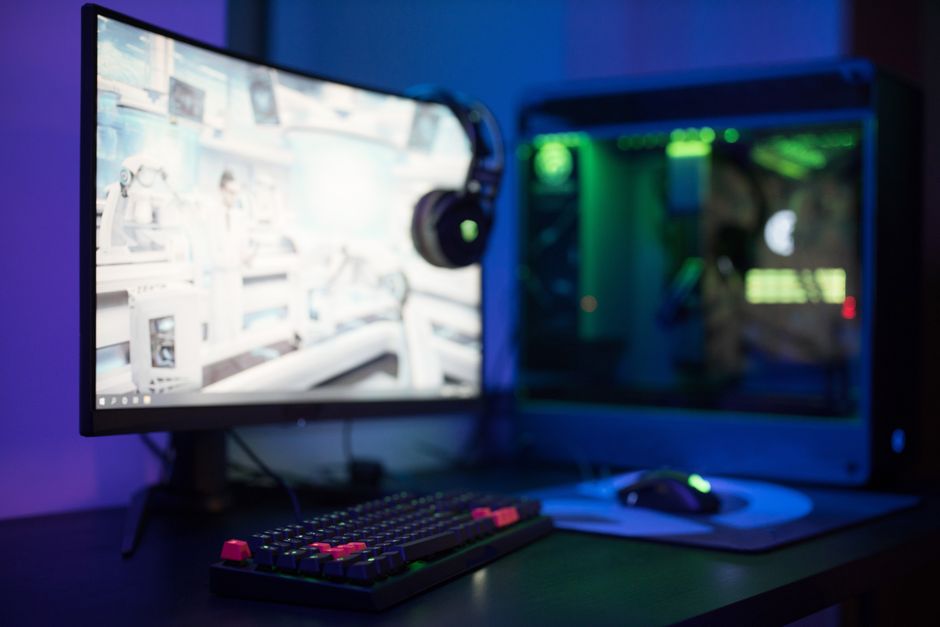
Case Compatibility
Ensure your PC case has sufficient airflow and space for additional cooling systems. A case with extra fan mounts or support for larger radiators can accommodate future upgrades.
FAQs: Common Questions and Mistakes
- What is the most common mistake in building a future-proof PC? Underestimating the importance of the motherboard’s compatibility and expansion features.
- How can I ensure my build supports future technologies? Regularly update the BIOS and drivers, and keep an eye on emerging technologies to understand compatibility requirements.
- Is it worth investing in a high-end graphics card now? If you game at high resolutions or plan to adopt VR, investing in a high-end card can save money in the long run by delaying the need to upgrade.

Unlock Full Article
Watch a quick video to get instant access.