For gamers on a budget, selecting the right gaming mouse without overspending can be a daunting task. While high-end gaming mice offer advanced features, you don’t need to break the bank to get great performance. This guide explores some of the best gaming mice available under $50, ensuring you get both value and functionality.
Key Factors to Consider When Choosing a Budget Gaming Mouse
DPI and Sensitivity
DPI (dots per inch) is a crucial specification that determines the sensitivity of your mouse. A higher DPI allows for faster cursor movement across the screen. For most gaming needs, a DPI range of 800 to 3000 is more than sufficient, even for fast-paced games. Adjustable DPI settings can be particularly beneficial, allowing you to switch between different sensitivity levels depending on the game you’re playing.
Ergonomics and Comfort
Gaming sessions can last for hours, so comfort is key. Consider the shape and size of the mouse, and whether it suits your grip style—whether you prefer palm, claw, or fingertip grip. Ergonomic design is important to reduce strain and enhance performance during prolonged use.
Build Quality and Durability
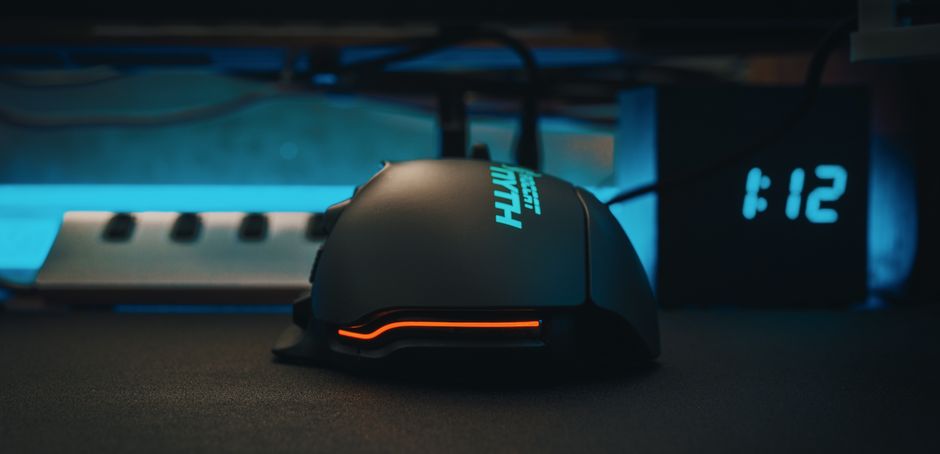
A gaming mouse should stand the test of time, especially during intense gaming sessions. Look for mice with solid build quality, durable materials, and responsive buttons that can handle extensive clicking. While you might not get premium materials at this price point, many budget options still offer impressive durability.
Top Gaming Mice Under $50
Logitech G203
The Logitech G203 is a popular choice among budget-conscious gamers, offering excellent performance at an affordable price. It features customizable RGB lighting, a high-performance sensor, and a classic design that fits comfortably into most hands. The G203 is known for its reliability and accurate tracking, making it suitable for various gaming genres.
Razer DeathAdder Essential
Razer’s DeathAdder Essential is another strong contender in the budget category. Renowned for its ergonomic design and precise sensor, this mouse delivers both comfort and accuracy. It maintains the classic DeathAdder shape, which is favored by many gamers for its comfort and ease of use.
SteelSeries Rival 3
The SteelSeries Rival 3 packs a punch with its high-quality sensor and durable construction. It features RGB lighting and a lightweight design, making it easy to maneuver. The mouse is built from high-grade polymer, promising longevity and resilience.
Understanding Features: What Matters Most?
Programmable Buttons
Programmable buttons are a valuable feature for gamers, allowing you to customize your in-game actions and macros for a more personalized experience. Many budget mice offer a reasonable number of buttons that can be reprogrammed to suit your gaming style.

Wired vs. Wireless
While wireless gaming mice offer freedom from cables, they can be more expensive and may introduce latency. For gamers prioritizing performance on a budget, a wired mouse typically offers better value due to its lower cost and reliable connection. However, some budget wireless options do exist if cable management is a significant concern for you.
How to Maintain Your Gaming Mouse
To extend the lifespan of your gaming mouse, regular maintenance is essential. Clean the surface and sensor area regularly to prevent dust buildup. For wired mice, ensure the cable is not twisted or kinked, which can cause internal damage. Occasionally check for firmware updates, which can improve performance and fix bugs.
FAQs: Common Questions About Budget Gaming Mice
Are budget gaming mice good for competitive gaming?
Yes, many budget gaming mice provide excellent performance suitable for competitive gaming. While they may lack some of the advanced features of high-end models, their precision and responsiveness are often more than adequate.
What is the average lifespan of a budget gaming mouse?
The lifespan can vary, but with proper care, a budget gaming mouse can last several years. Opting for brands known for durability can also increase longevity.

Conclusion: Finding the Right Balance
Choosing a budget gaming mouse doesn’t mean compromising on quality. By understanding the key features and considering your personal preferences, you can find a mouse that fits your needs and enhances your gaming experience. Whether you opt for the Logitech G203, Razer DeathAdder Essential, or another model, you can enjoy great performance at an affordable price.

Unlock Full Article
Watch a quick video to get instant access.