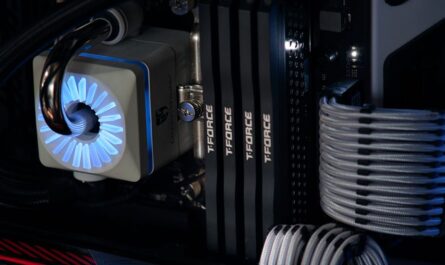
For many gamers, building a PC is as much about performance as it is about cost-efficiency. While high-end cooling systems can be appealing, they are not always necessary for maintaining a stable gaming environment. This guide explores budget-friendly strategies to keep your gaming PC cool, ensuring both performance and longevity.
Understanding the Importance of Cooling
Efficient cooling is crucial for a gaming PC as it prevents components from overheating, which can lead to reduced performance or even hardware failure. Overheated systems can throttle down performance to cool off, leading to frustratingly low frame rates during critical gaming moments. By maintaining optimal temperatures, you ensure that your PC performs consistently, extending its lifespan and safeguarding your investment.
Evaluating Your Current Cooling Setup
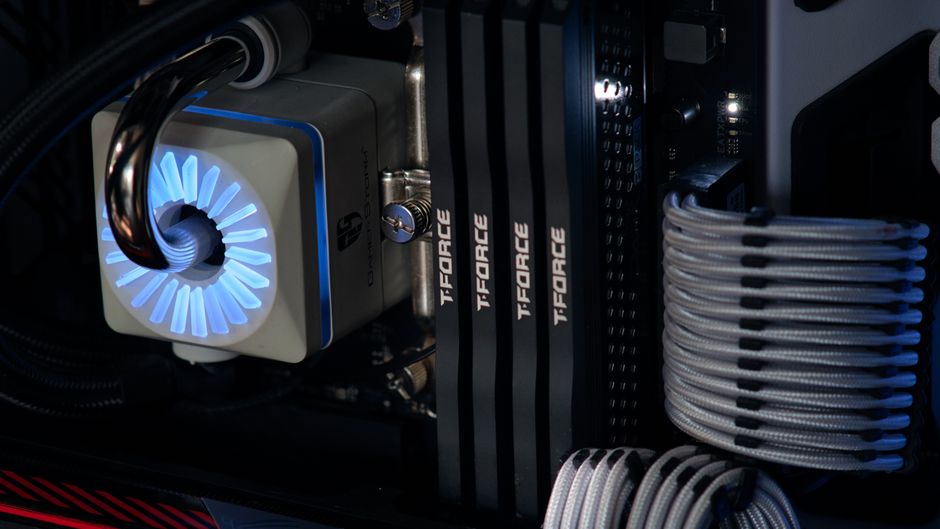
Before investing in new cooling solutions, it’s important to assess what you already have. Many PCs come with basic fans that might suffice for general use but could be inadequate for gaming. Start by checking your case’s airflow. Ensure that air can move freely from the front to the back and out of the case. Simple adjustments, such as reorganizing cables, can improve airflow significantly.
Checking Fan Placement
Proper fan placement can make a significant difference. Typically, fans should draw cool air in from the front and bottom of the case and expel hot air through the top and rear. Ensure your fans are not fighting against each other by pushing air in opposite directions.
Cleaning and Maintenance
Dust can be a major enemy of cooling efficiency. Regularly clean your fans and vents to prevent dust buildup, which can block airflow and create hotspots.
Budget-Friendly Cooling Solutions
If you determine that your current setup isn’t sufficient, consider these cost-effective solutions:
Adding More Fans
One of the simplest ways to improve cooling is by adding additional case fans. Fans are relatively inexpensive and can be easily installed. Look for reputable brands that offer fans with good airflow ratings and low noise levels.
- Choose fans based on your case size – common sizes are 120mm and 140mm.
- Consider using PWM (Pulse Width Modulation) fans for better speed control and quieter operation.
Aftermarket CPU Coolers
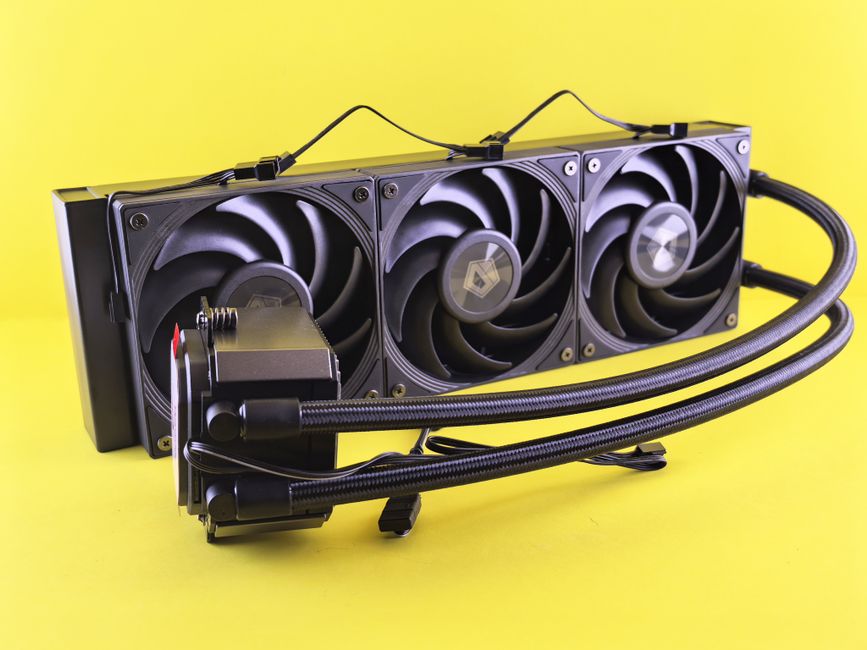
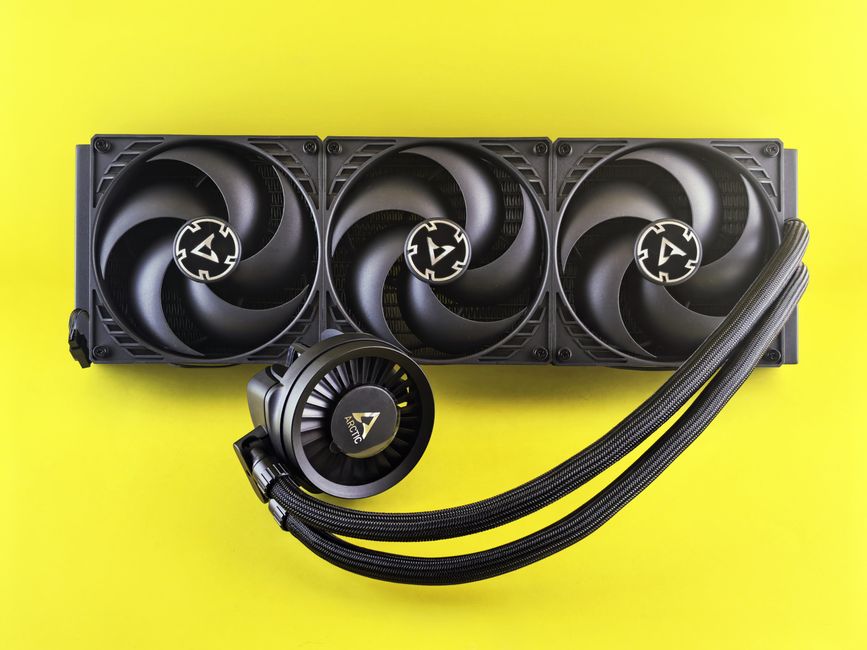
Stock CPU coolers are often not designed for heavy gaming loads. Aftermarket coolers, whether air or liquid, provide better thermal performance. While liquid coolers might be more efficient, they can be more costly and complex to install. On the other hand, air coolers are budget-friendly and simpler to set up.
Thermal Paste Replacement
Replacing the thermal paste between your CPU and its cooler can improve heat transfer. Over time, thermal paste can dry out or become less effective. A fresh application could lower temperatures by a few degrees, enhancing performance.
Optimizing Your PC Environment
Apart from hardware changes, consider optimizing your PC’s environment. Position your PC in a well-ventilated area, away from walls or enclosed spaces that can trap heat. Additionally, keep the room’s temperature in check with adequate ventilation or air conditioning during gaming sessions.
Monitoring Your PC’s Temperature
Use software tools to keep an eye on your system’s temperatures. Programs like HWMonitor or Core Temp can provide real-time data on how hot your CPU and GPU are running. If temperatures consistently reach high levels, it might be time to reassess your cooling solutions.
Common Mistakes to Avoid
When implementing cooling solutions, avoid these common pitfalls:
- Ignoring Case Size Restrictions: Ensure any new fans or coolers fit within your case.
- Overloading with Fans: More isn’t always better. Too many fans can disrupt airflow and create inefficiencies.
- Neglecting Power Supply: Ensure your power supply can handle any additional fans or cooling systems you install.
Conclusion
Cooling your gaming PC on a budget is entirely possible with a bit of research and effort. By assessing your current setup, investing in targeted upgrades, and maintaining your system regularly, you can keep your PC running smoothly without breaking the bank. Remember, the goal is to balance performance with cost-effectiveness, ensuring a gaming experience that’s both enjoyable and sustainable.

Unlock Full Article
Watch a quick video to get instant access.