
Investing in a gaming monitor is a significant decision, especially if you want a model that will stand the test of time with evolving technology. As we look toward 2025 and beyond, understanding the key specifications that will keep your monitor relevant is crucial. In this guide, we’ll explore the essential features you should consider when future-proofing your gaming setup.
High Refresh Rates for Smooth Gameplay
A high refresh rate is paramount for gamers looking to stay competitive. While 60Hz was once the standard, more demanding games and advanced graphics cards make higher rates desirable. As of 2026, a refresh rate of at least 144Hz is recommended, with many enthusiasts opting for 240Hz or even higher. This ensures smoother motion and a more immersive experience, especially in fast-paced games like first-person shooters.
Evaluating Your Needs
Consider the types of games you play. If you’re into fast-action genres, the investment in a higher refresh rate is worthwhile. For more casual or strategy games, a 144Hz monitor may suffice.
Compatibility with Graphics Cards
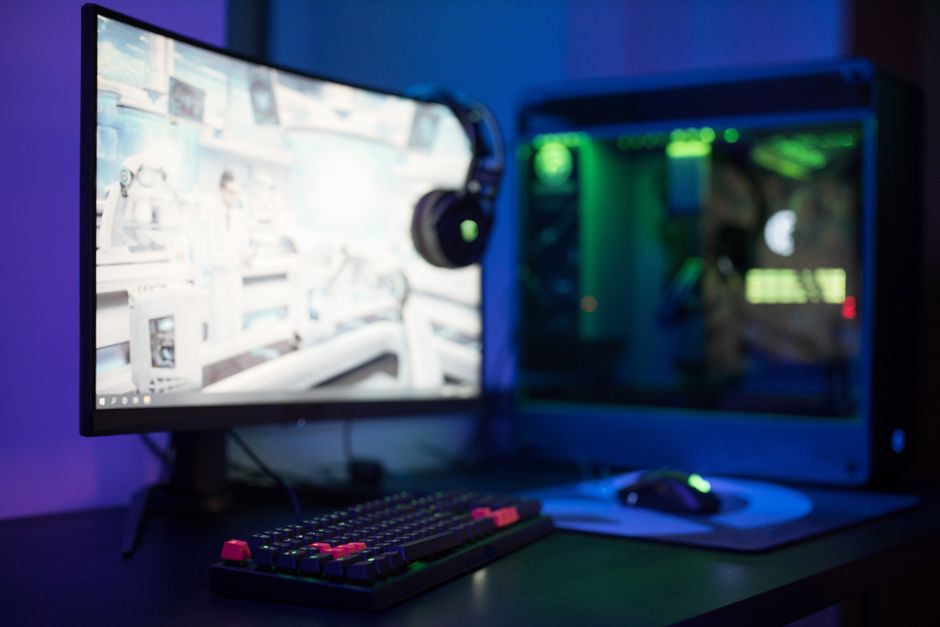
Ensure your graphics card can support the monitor’s refresh rate. A mismatch can lead to screen tearing or underwhelming performance.
Resolution: More Than Just Pixels
Resolution impacts both visual clarity and the overall power needed from your PC. While 1080p is still prevalent, 1440p (Quad HD) and 4K (Ultra HD) are becoming more popular among gamers. As graphic technologies advance, choosing a monitor with at least 1440p resolution offers a good balance between quality and performance.
4K and Beyond
For gamers looking to future-proof, a 4K monitor is an investment in detail and clarity. Just ensure your setup can handle the increased demand.
- Consider the size of the monitor; larger screens benefit more from higher resolutions.
- Evaluate whether your gaming setup can maintain high frame rates at these resolutions.
Adaptive Sync Technologies
Screen tearing can ruin an immersive gaming experience, which is where adaptive sync technologies like G-Sync and FreeSync come in. These help synchronize the monitor’s refresh rate with the GPU’s frame rate, reducing tearing and stuttering.
Choosing the Right Technology
Your choice between G-Sync and FreeSync largely depends on your graphics card—NVIDIA cards work with G-Sync, while AMD cards are compatible with FreeSync. Some monitors support both, offering more flexibility if you upgrade your GPU.
Response Time and Input Lag
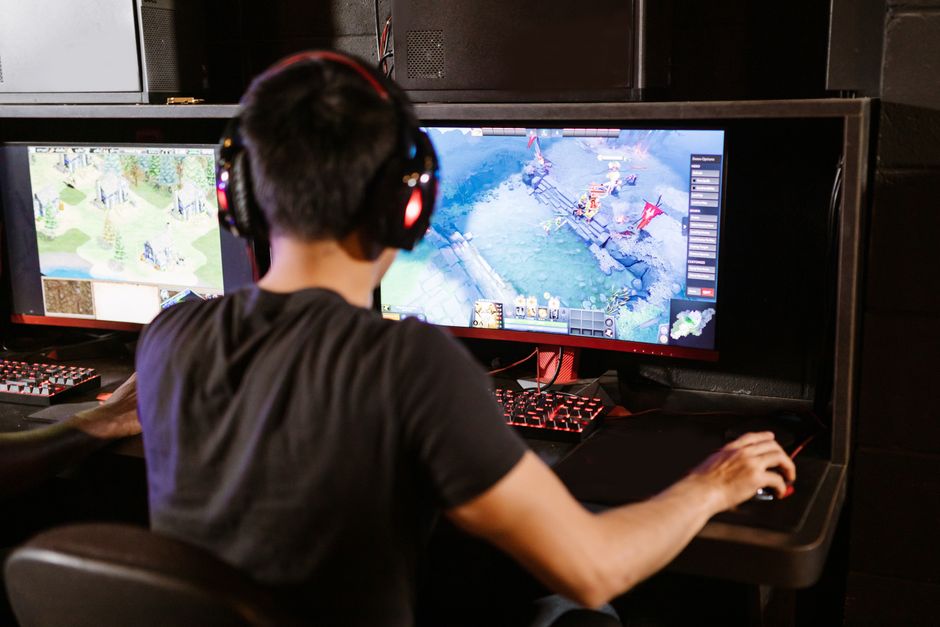
For competitive gaming, response time and input lag are critical. A low response time (1ms to 5ms) ensures quick reactions and minimal ghosting. Input lag should also be minimal to avoid noticeable delays between your input and on-screen action.
Testing and Reviews
Before purchasing, look for reviews that test these aspects under gaming conditions. What manufacturers claim on specifications might not reflect real-world performance.
Consideration for HDR and Color Accuracy
High Dynamic Range (HDR) offers more vibrant colors and better contrast, enhancing the visual experience. For gamers who also consume media or use their monitor for creative work, having good color accuracy and HDR support is beneficial.
Evaluating HDR Capabilities
Not all HDR is created equal. Look for monitors that meet a recognized HDR standard for more consistent performance.
Connections and Ergonomics Matter
A future-proof monitor should have a variety of connectivity options like HDMI, DisplayPort, and USB-C. This ensures compatibility with future devices. Additionally, ergonomic features such as adjustable stands and VESA mounting options can enhance your comfort and setup flexibility.
- Check for the latest HDMI and DisplayPort standards to ensure support for high resolutions and refresh rates.
- Consider your setup space and how the monitor’s ergonomic features can accommodate it.
Common Mistakes to Avoid
Many gamers overlook certain aspects when buying a monitor. One common mistake is ignoring the compatibility with their current or future graphics cards, leading to underutilized technology. Another is prioritizing specs like refresh rate without considering if their system can support it at their chosen resolution. Lastly, don’t neglect the importance of reviews; they provide real-world insights into the monitor’s performance.
By keeping these key specifications and considerations in mind, you can choose a gaming monitor that not only meets today’s needs but will also remain relevant as gaming technology evolves. A wise investment now can ensure a seamless and enjoyable gaming experience for years to come.

Unlock Full Article
Watch a quick video to get instant access.