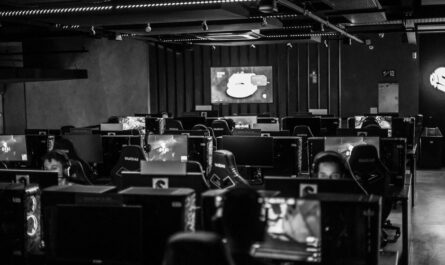
In the quest for superior gaming performance, optimizing your PC’s cooling system is crucial. Proper airflow not only extends the lifespan of your components but also ensures that your system runs efficiently, avoiding thermal throttling during intense gaming sessions. This guide will delve into the essentials of optimizing airflow through effective fan placement and understanding case dynamics.
Understanding the Basics of Airflow
Airflow in a PC case is the systematic movement of air to dissipate heat generated by components like the CPU, GPU, and power supply. Proper airflow management involves balancing intake and exhaust to create a steady flow of cool air entering the case and warm air exiting it. This helps maintain optimal temperatures across all components.
Generally, the aim is to have slightly more intake than exhaust, creating positive pressure. Positive pressure prevents dust accumulation inside the case, as excess air escapes through any gaps, carrying dust particles with it.
Direction and Type of Fans
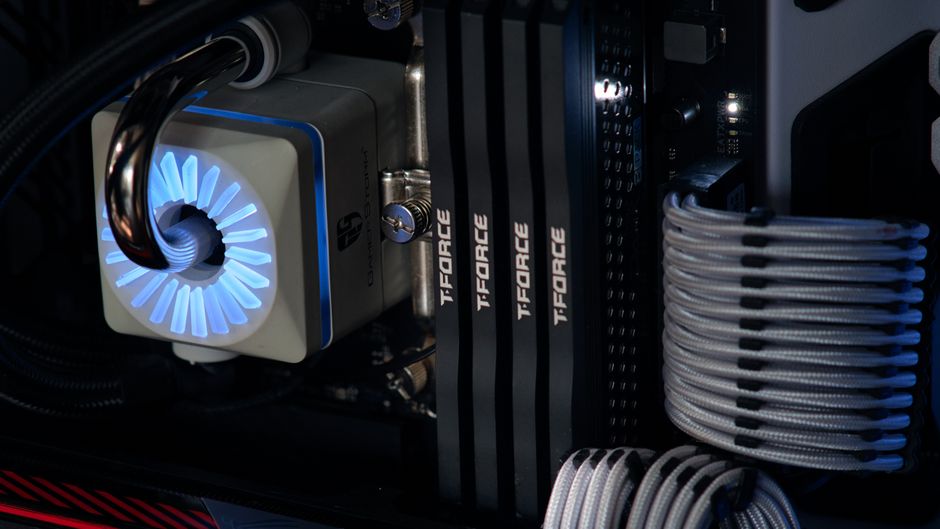
Fans typically come in two types: intake and exhaust. Intake fans bring cool air into the case, while exhaust fans expel warm air. The direction of airflow is usually indicated by arrows on the fan casing. Ensuring that you have the correct balance and placement of these fans is crucial for effective cooling.
Strategic Fan Placement
Effective fan placement is key to optimizing airflow. Generally, intake fans are positioned at the front and bottom of the case, while exhaust fans are placed at the rear and top. This setup supports the natural rise of warm air and the intake of cooler air from the lower parts of your environment.
For most mid-tower cases, a common configuration includes two to three intake fans at the front and one to two exhaust fans at the rear and top. This configuration promotes a natural front-to-back airflow pattern.
Case Dynamics and Design
Modern PC cases come with varied designs affecting airflow. Mesh front panels offer better airflow compared to solid or tempered glass panels. Additionally, cases with more space behind the motherboard tray for cable management allow for more unobstructed airflow, reducing turbulence within the case.
Optimizing Cable Management
Proper cable management is often overlooked in airflow optimization. Loose cables can obstruct airflow, creating turbulence and hotspots. Utilize the space behind the motherboard tray to route cables effectively. Use zip ties or velcro straps to bundle cables neatly out of the way of airflow paths.
Tools for Better Management
Cable extensions and right-angle connectors can help with more organized routing, especially in compact cases where space is at a premium. Investing a little time in managing cables properly can lead to a significant improvement in system temperatures.
Dust Management and Maintenance
Dust buildup can severely impede airflow, causing temperatures to rise. Regular cleaning is essential to maintain optimal airflow. Cases often come with dust filters on intake areas; ensure these are cleaned regularly to prevent clogging.
Use compressed air to blow out dust from fans, heatsinks, and other components. Maintaining a dust-free environment around your PC can also help keep your system cleaner for longer.
Advanced Cooling Solutions
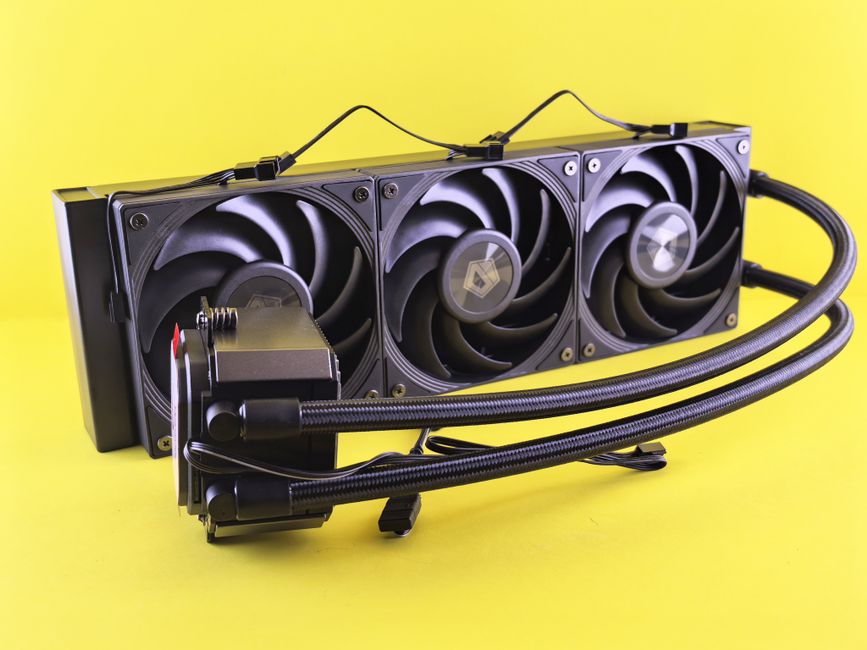
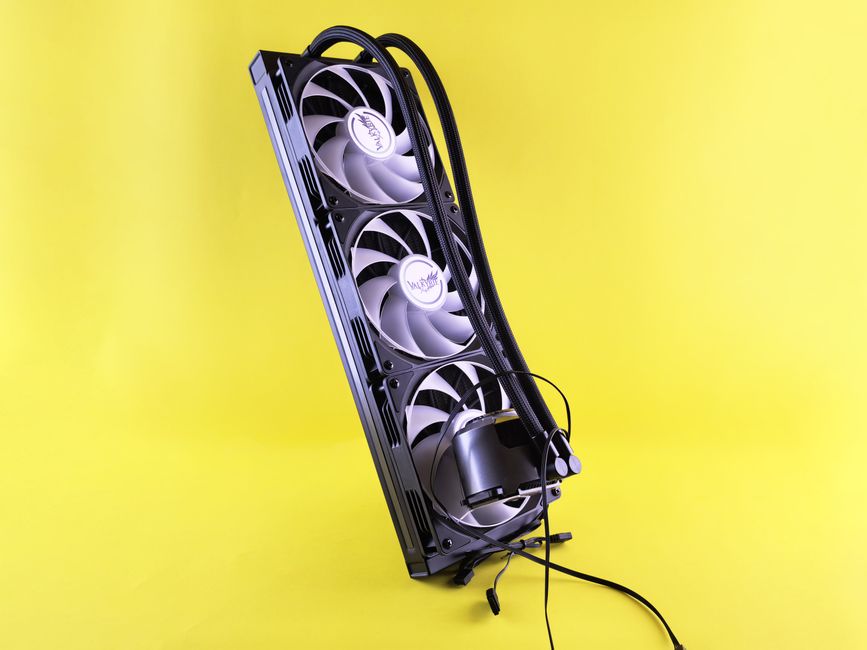
For those seeking to push their systems further, consider advanced cooling solutions like liquid cooling or high-performance air coolers. Liquid cooling can offer more consistent cooling but typically requires more maintenance.
High-end air coolers can also provide excellent cooling performance, often at a lower cost and with fewer maintenance requirements than liquid cooling setups. The choice between these options depends on your performance needs, budget, and willingness to perform maintenance.
Evaluating Your Needs
Consider factors like overclocking and ambient room temperature when deciding on advanced cooling solutions. Not every system needs high-end cooling, but for those pushing their hardware to the limits, it can be a worthwhile investment.
Common Mistakes to Avoid
One common mistake is installing fans in the wrong direction, leading to counterproductive airflow patterns. Always check the airflow direction arrows on fans before installation. Another frequent issue is overstuffing the case with too many fans, which can create air turbulence rather than a smooth flow, undermining cooling efficiency.
Avoid neglecting regular cleaning and overlooking cable management, as both are critical for maintaining effective airflow.
By mastering airflow dynamics and maintaining your system, you can ensure your gaming PC runs cool and efficiently, extending the lifespan of your components and enhancing your overall gaming experience.

Unlock Full Article
Watch a quick video to get instant access.