With the release of new, resource-intensive games on the horizon, many gamers are looking to future-proof their PC builds. Building a gaming PC that can handle upcoming titles requires a strategic approach, focusing on components that will maximize performance and longevity. This guide will help you identify key components and considerations for your next-gen gaming PC build.
Understanding Game Requirements
Before diving into the specifics of PC components, it’s crucial to understand the requirements of the games you plan to play. Upcoming AAA titles often demand high-resolution graphics, fast processing speeds, and substantial memory. Researching game specifications can provide insights into the minimum and recommended hardware requirements, helping you determine where to prioritize your spending.
Many developers will release system requirements ahead of launch, signaling what kind of hardware you might need. Keep an eye on specifications for trends in GPU demands and CPU performance benchmarks. This information will guide your choices, ensuring your PC is ready to handle the graphical and processing demands of next-gen games.
The Role of Resolution and Frame Rates
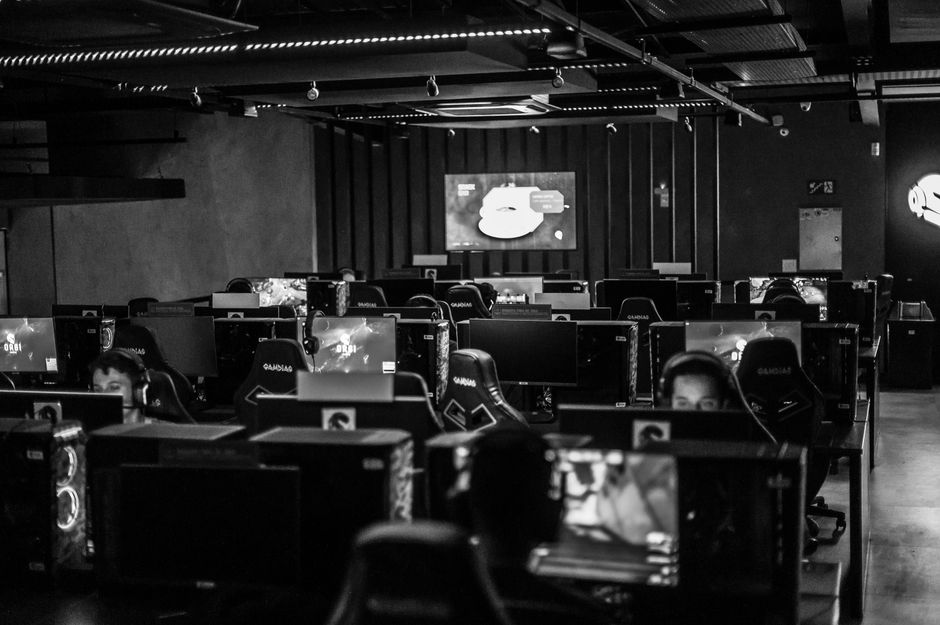
Resolution and frame rates are critical considerations in gaming. High-resolution gaming, such as 4K, requires significantly more graphical power than 1080p. Similarly, achieving smooth gameplay at 60 FPS or higher can be especially demanding. Decide whether your priority is maximum visual fidelity or the smoothest possible gameplay, as this will influence your component choices.
Key Components for a Next-Gen Gaming PC
Graphics Card (GPU)
The graphics card is the heart of any gaming PC. Upcoming games are likely to leverage advanced rendering techniques, such as ray tracing, for more realistic visuals. Investing in a modern GPU that supports these technologies will be crucial. Look for cards that not only meet the demands of current AAA titles but also offer a buffer for future releases. Consider reputable brands known for reliability and performance.
Processor (CPU)
While the GPU handles the heavy lifting for graphics, the CPU is responsible for game logic and general tasks. A multi-core processor with a strong base clock speed is essential for smooth performance. Consider CPUs with at least six cores, as they provide a good balance between performance and cost. Ensure that your CPU is compatible with your chosen motherboard and supports necessary technologies like overclocking, if you plan to tweak performance settings.
Memory (RAM)
For gaming, having adequate RAM is vital to avoid bottlenecks. Most modern games require at least 16 GB of RAM, but 32 GB offers more headroom for multitasking and future-proofing. Higher frequency RAM can provide marginal gains in performance, but it’s more crucial to focus on capacity and quality. Pair your RAM with a compatible motherboard to ensure optimal speed and efficiency.
Storage Solutions
Game sizes are increasing, with many titles exceeding 100 GB. Fast storage solutions can significantly improve load times, enhancing the overall gaming experience. An SSD (Solid State Drive) is recommended for installing your operating system and favorite games, while a larger HDD (Hard Disk Drive) can be used for mass storage. Consider an NVMe SSD for even faster data transfer speeds, which is beneficial for open-world games with frequent data streaming.
Using a hybrid approach with both SSD and HDD can balance speed and storage capacity effectively, ensuring your PC remains responsive without running out of space.
Cooling and Power Supply
As you build a system to handle intense gaming, managing heat is crucial. Consider aftermarket cooling solutions, such as liquid cooling systems or high-performance air coolers, to maintain optimal temperatures and prevent thermal throttling. Proper airflow within your case can also extend the lifespan of your components.
Your power supply unit (PSU) needs to be reliable and efficient, providing clean power to all components. Choose a PSU with a bit more wattage than your system’s total requirement to leave room for upgrades. A modular PSU can help with cable management, making the build process cleaner and more straightforward.
Common Mistakes to Avoid
When building a gaming PC, it’s easy to make mistakes that can affect performance or longevity. Here are a few common pitfalls to avoid:
- Ignoring Compatibility: Always check component compatibility. Mismatched parts can lead to reduced performance or even prevent the system from booting.
- Underestimating Power Needs: Ensure your PSU can handle future upgrades. Underpowered systems can experience instability.
- Neglecting Cooling: Proper cooling is essential for long-term performance. Don’t overlook this aspect, especially if you’re considering overclocking.
Conclusion
Building a next-gen gaming PC is an exciting endeavor that requires careful planning and consideration. By focusing on the right components and understanding the demands of future games, you can assemble a system that meets your gaming needs both today and in the years to come. Investing wisely in key areas like the GPU, CPU, and RAM will ensure that your PC remains a powerful tool in your gaming arsenal.

Unlock Full Article
Watch a quick video to get instant access.